M O D E L 2 1 7 W D R
O P E R A T O R ’ S M A N U A L
31
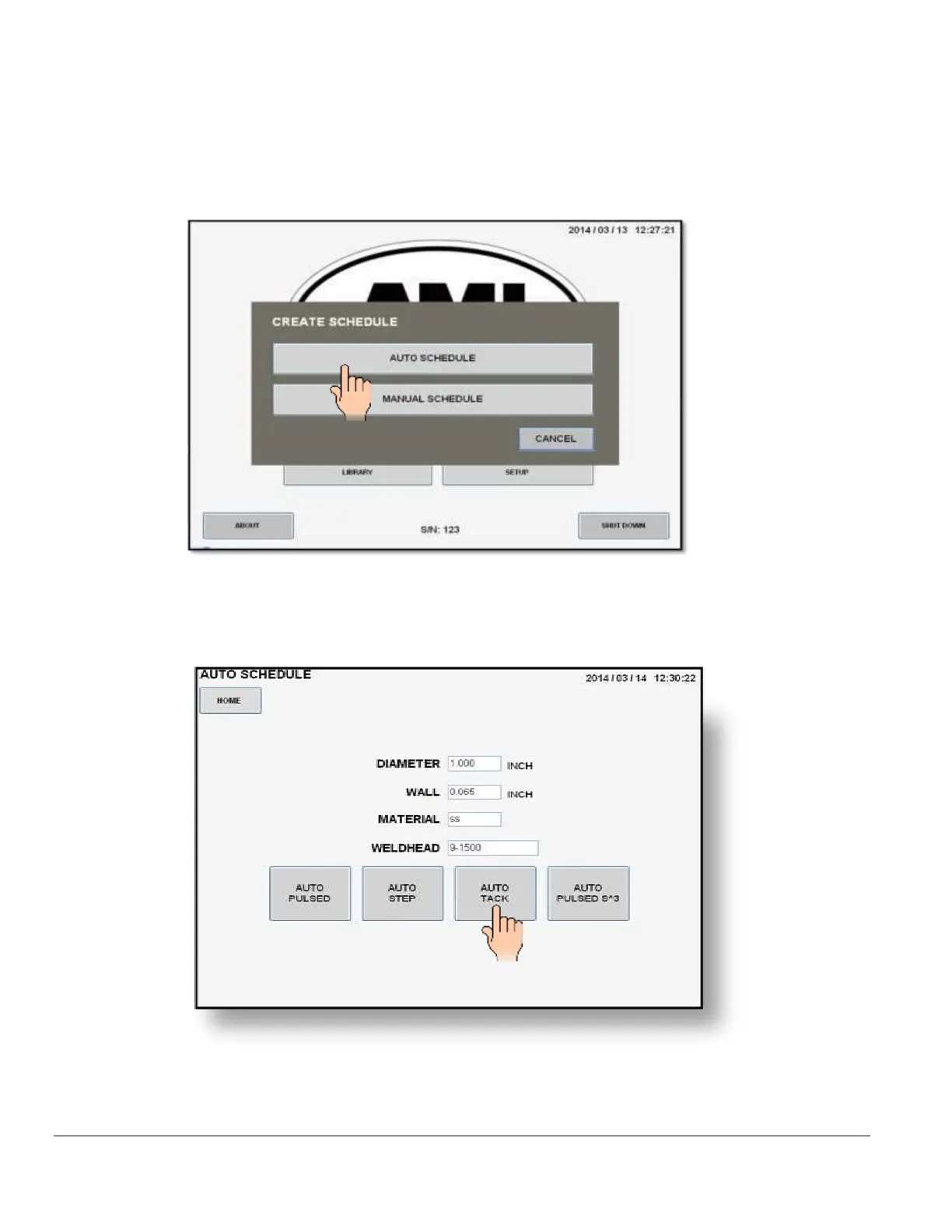
5.4 CREATING AN AUTO TACK WELD SCHEDULE
1. From the MAIN SCREEN touch the CREATE SCHEDULE pad and the create schedule
menu will be displayed. Select AUTO SCHEDULE.
2. The AUTO SCHEDULE screen will be displayed. Select and enter all required O.D., WALL,
MATERIAL and WELD HEAD parameters using the numerical key pad.
3. Press the AUTO TACK pad.



 To Next Page