M O D E L 2 1 7 W D R
O P E R A T O R ’ S M A N U A L
15
4.1 LOADING A WELD SCHEDULE FROM THE
MODEL 217 WDR LIBRARY
1. Flip the main power switch (CB-1) of the Model 217 WDR to the ON position.
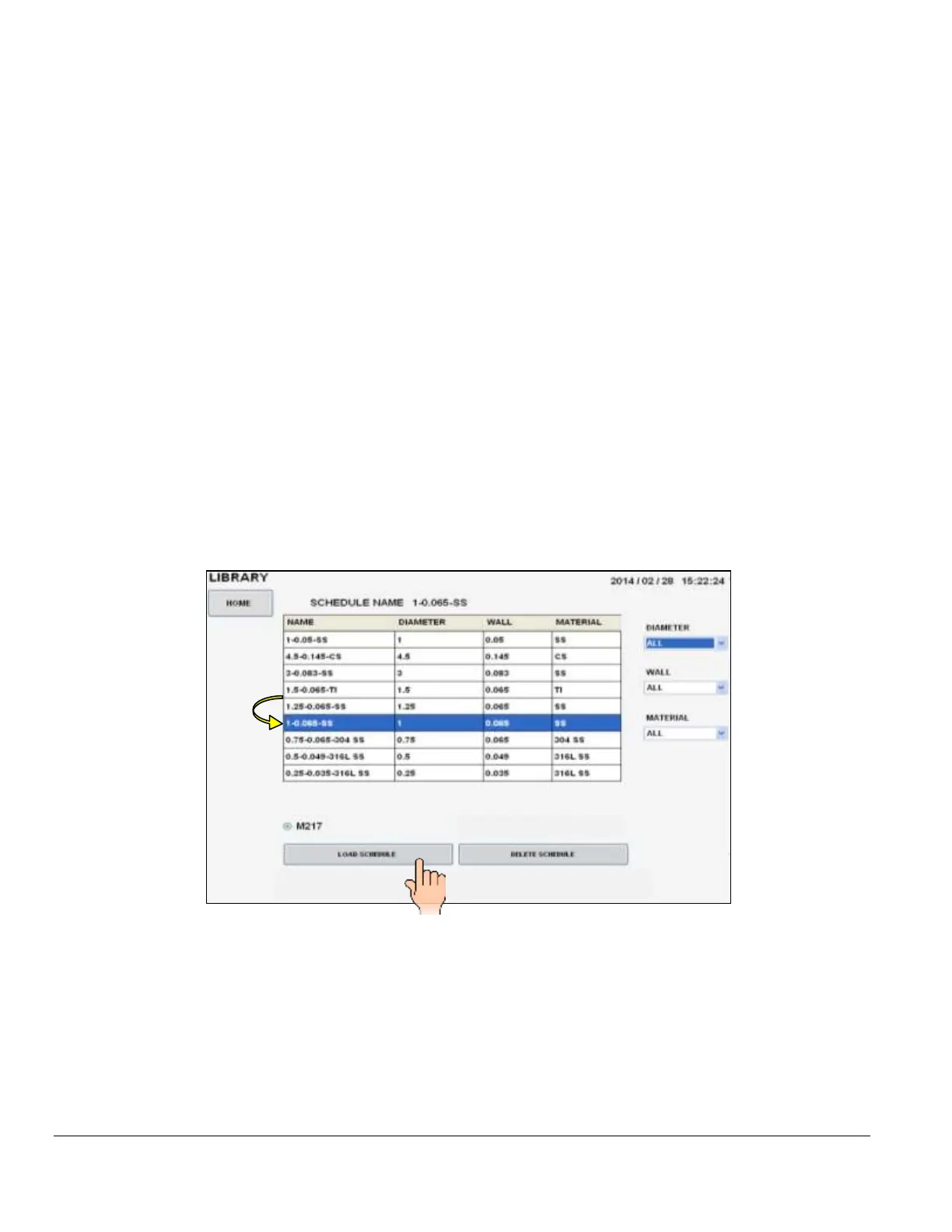
2. Once the computer boots up touch LIBRARY on the MAIN SCREEN.
3. Peruse the LIBRARY, touch the desired weld schedule on the screen, it will become
highlighted.
4. Touch LOAD SCHEDULE.
5. The selected weld schedule will be loaded and the Weld Screen will appear. (Next page).



 To Next Page