M O D E L 2 1 7 W D R
O P E R A T O R ’ S M A N U A L
14
4.0 LIBRARY AND MEMORY
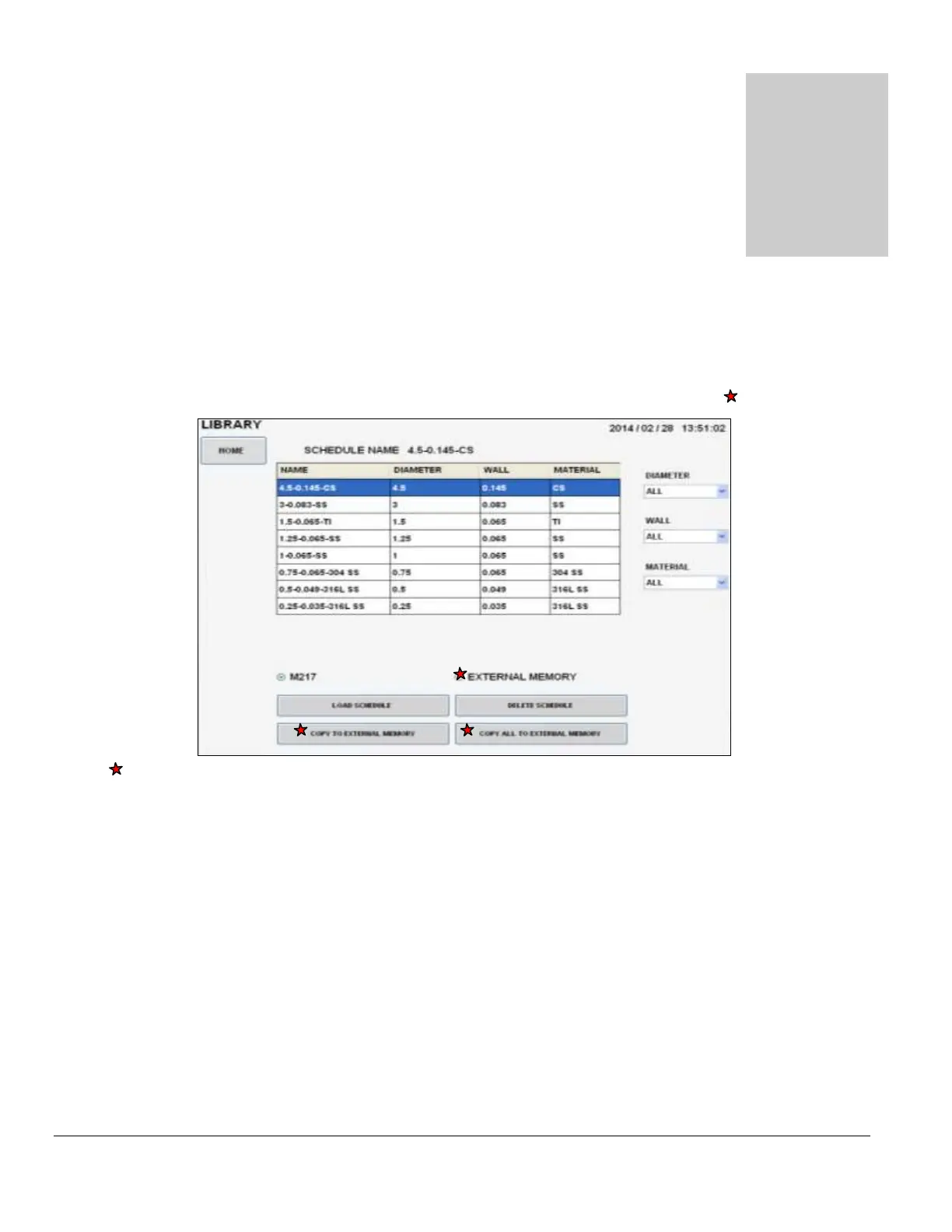
Touch the LIBRARY pad on the MAIN SCREEN and the Library will appear. The
operator can select and LOAD a weld schedule (selected to weld), DELETE weld
schedules, and COPY weld schedules to/from an external memory device.
LIBRARY
These modes are enabled and displayed only when a memory storage device is connected to the Model 217 WDR’s USB port(s).
The Model 217 WDR’s Library shows the weld schedules available and displays them by:
Programmed Name.
Programmed Actual Outside Diameter of Tube or Pipe.
Programmed Actual Wall Thickness.
Programmed material.
The Operator can select viewing the contents of the Library by specific:
Outside DIAMETER.
WALL Thickness.
MATERIAL.
Or ALL three variables.



 To Next Page