©Copyright AMKUS Rescue Systems 2016-2020 12 LAI-001 November 5, 2020 Rev06
6.1 CHARGE THE BATTERY
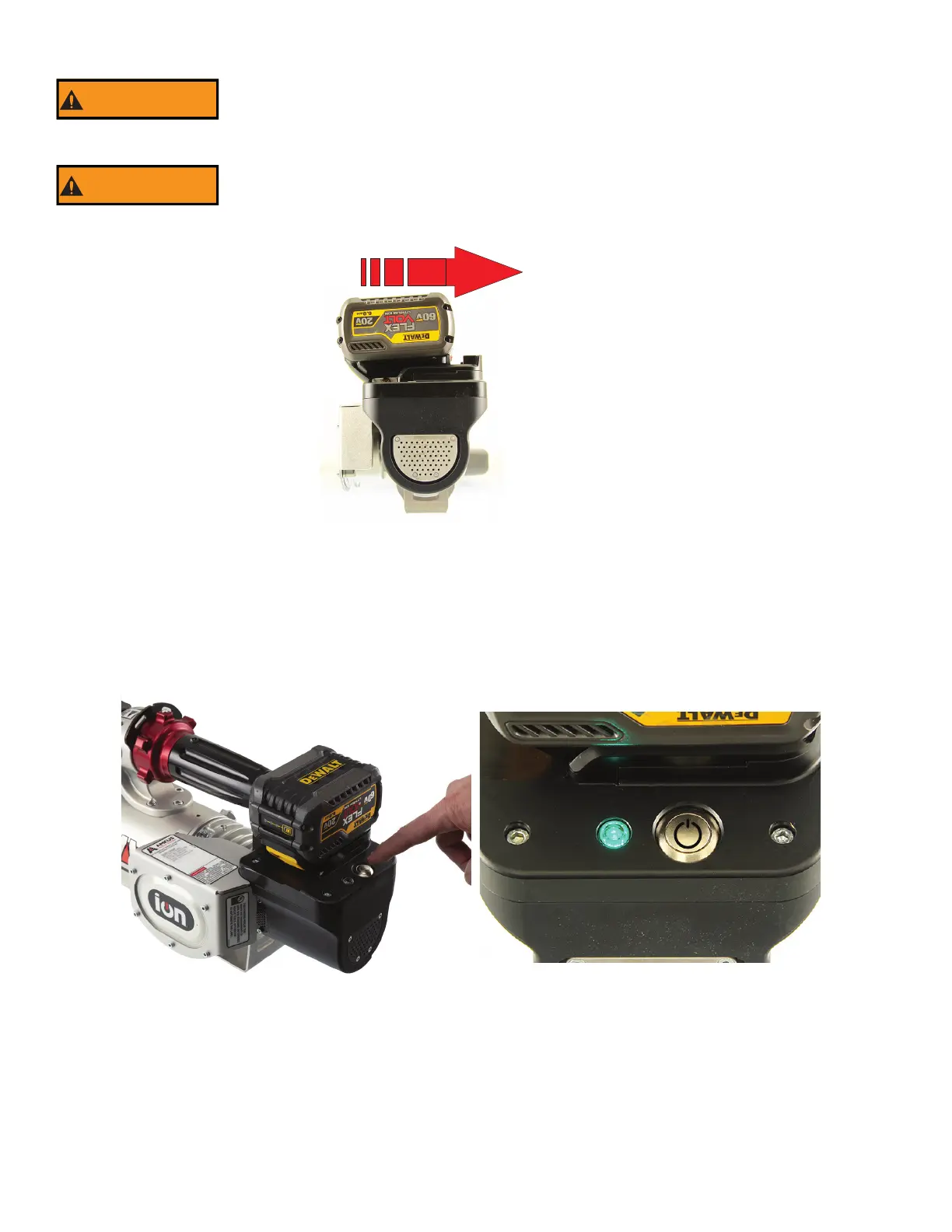
6.2 INSTALL THE BATTERY
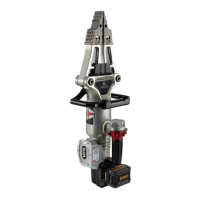
A quick push slides the battery into the tool. Slide the battery onto the tool until the latch clicks.
Figure 6.2
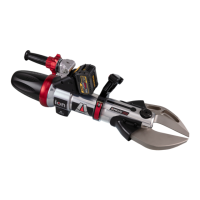
6.3 POWER BUTTON ON/OFF
To Power ON - Press and hold the silver power button momentarily. Release the button when the light stays lit. The power is on when the
status LED indicator light is on.
To Power OFF - Press, hold for 1 second, and release the power button to shut off the rescue tool. The power is off when the status LED
indicator light is off.
The rescue tool will power off automatically after 20 minutes of inactivity.
Figure 6.3
Read and understand the battery and charger manufacturer’s documentation before using the
battery and charger.
An accidental start-up may cause injury. Always make the tool safe by turning the tool off, removing
the battery, and removing hands from the controls when making adjustments or removing/installing
attachments or accessories.


 To Next Page