©Copyright AMKUS Rescue Systems 2016-2020 13 LAI-001 November 5, 2020 Rev06
6.4 ROTATING HANDLE
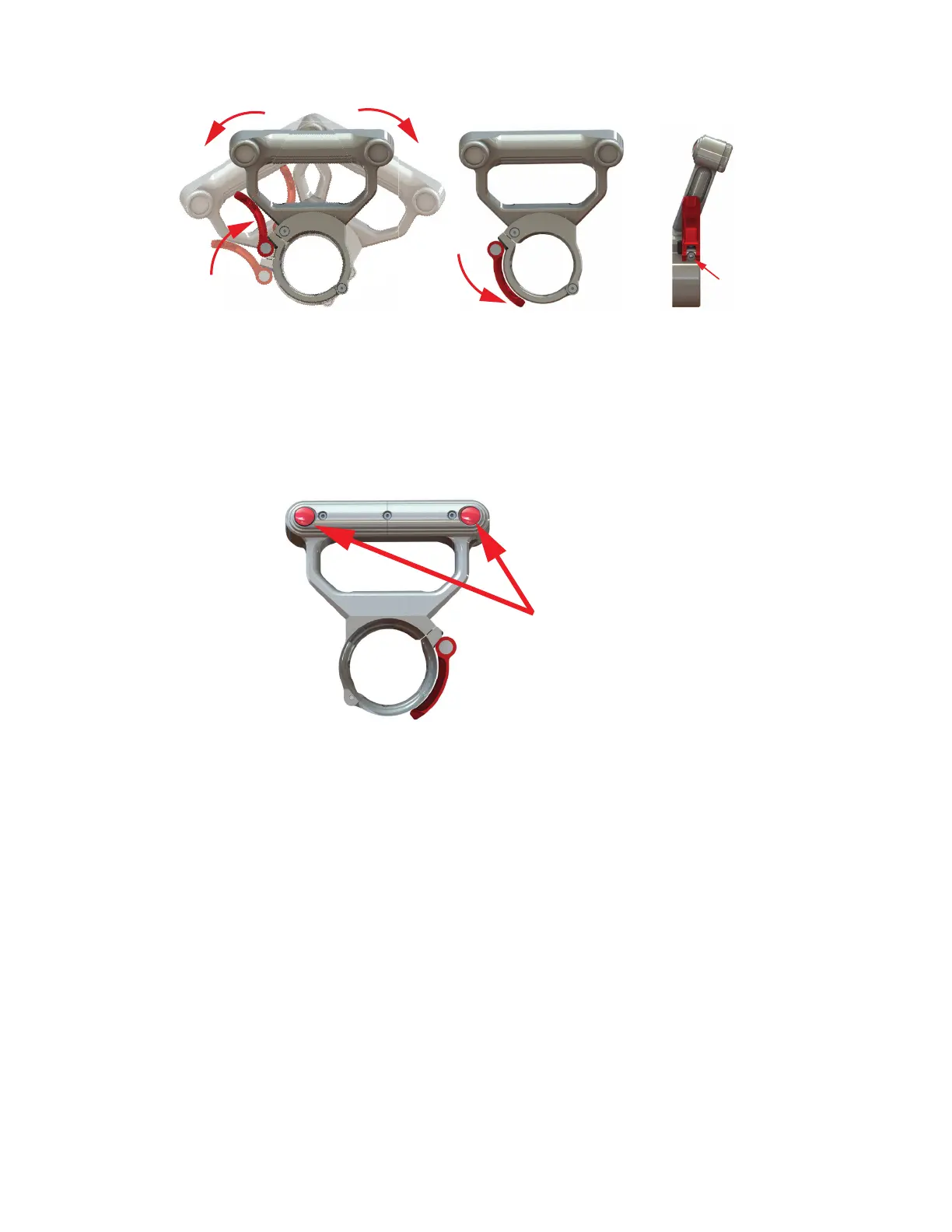
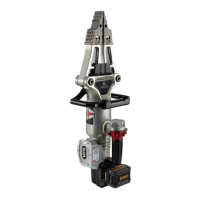
ION Cutter and Combi Tools come equipped with a 360° swiveling handle that has variable tension.
Figure 6.4
6.4.1 HANDLE LIGHTS
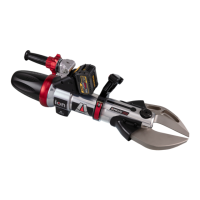
AMKUS dual handle lights operate at three levels of intensity. To operate these lights, press the button located behind each light. The
lights can be powered OFF by scrolling through each setting to OFF, or by a single button press from a setting that’s been powered ON
for over 5 seconds. Continuous use time is about 60 hours on low. Battery saver function will turn the lights off after 15 minutes of
continuous use.
Figure 6.4.1
Flip the red latch up on the tool’s cuff to rotate the rescue tool.
Flip the latch down to lock the handle position.
To increase rotating handle tension,
tighten the tension screw shown above.
Button press:
1st light level low
2nd light level medium
3rd light level high
4th power off light


 To Next Page