WEB
MANAGEMENT
fatbox G3
3. 3
WIFI &
BLUETOOTH
SETTINGS
WiFi-over-usb Settings
255.255.255.0
255.255.255.0
192.168.1.1
WiFi SSID
IP Address
Enable
WiFi mode
WiFi Password
Enabled
Disabled
Bluetooth-over-usb Settings
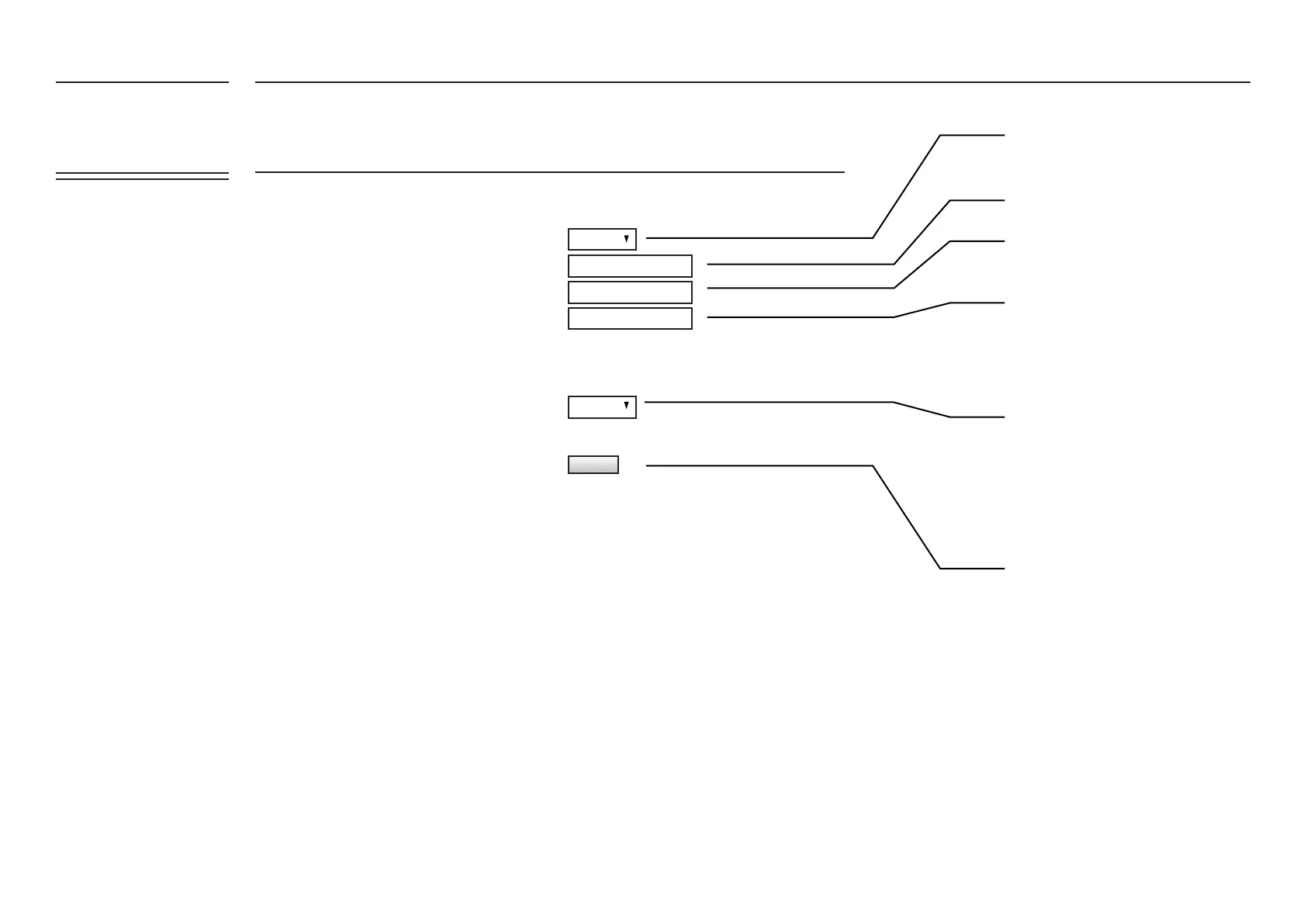
Click to enable WiFi backhaul mode
Enter in the SSID of your local WiFi
Enter in the WiFi Password
Enter in the client side IP Address (i.e. G3
WiFi dongle)
Enable or Disable Bluetooth
Click on Update to save your changes
UPDATE
FATBOX_G3
MENU OPTIONS
Quick Start
LAN Settings
WiFi & BT Settings
WAN Settings
Port Forwarding
Dynamic DNS
IPsec VPN
Port Settings
IoT Hardware
IoT Client
SNMP
Management
System Status
Logout


 To Next Page