WEB
MANAGEMENT
fatbox G3
3. 9
IOT HARDWARE
FATBOX_G3
MENU OPTIONS
Quick Start
LAN Settings
WiFi & BT Settings
WAN Settings
Port Forwarding
Dynamic DNS
IPsec VPN
Port Settings
IoT Hardware
IoT Client
SNMP
Management
System Status
Logout
HARDWARE :: Setting
Modbus mode [iotasset.pdf]
CAN bus mode [iotasset.pdf]
Zigbee mode [iotasset.pdf]
Event Drop Type
Poll Period
Poll Time Out
Query Pause
Time Stamp Offset
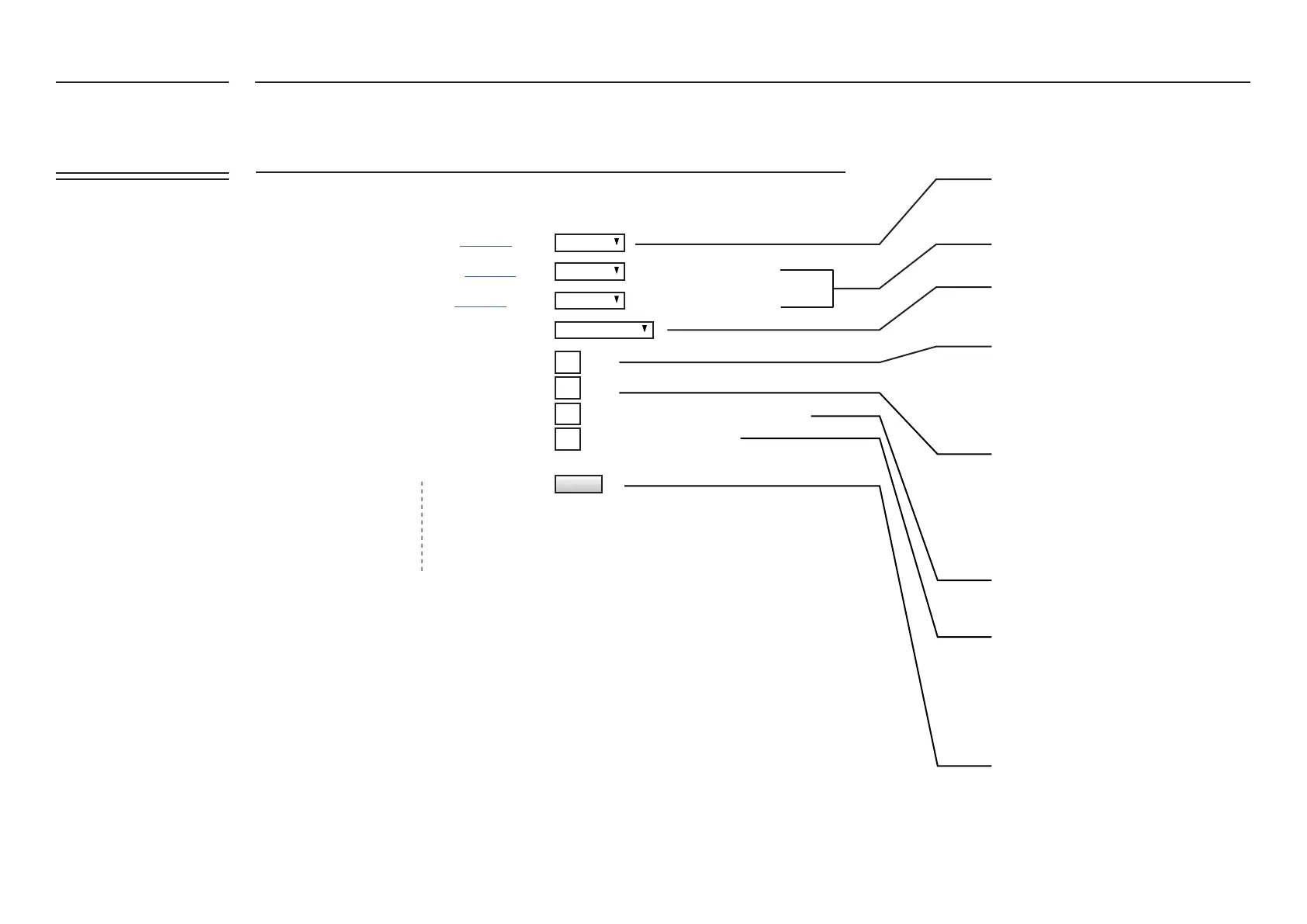
Select the time interval of reading data/
events of the iotasset listing. If you wish
have a different polling periods for
different assets, you can set it in your
iotasset.txt conguration le. Refer to our
iotasset.txt conguration guide or web
FAQ for detailed instructions.
Choose 'Modbus Master' to send request
packet & read response value from the slaves
Choose 'Query mode' to send request
packet & read response values. Choose
'Read mode' when slaves auto report their
status/values
When you choose 'Repeated Values', you
will only send data to the cloud when there
are changes from the previous read value.
The timeout species the time period to
accept responses after each network
request. The timeout setting must be
adequate for the network, taking into
account network trafc and network
latency. Inadequate timeout settings can
cause communication failures
Update and reboot FATBOX.
Set your local timezone for event
timestamp
If you require a pause between seperate
poll queries set it here
secs
secs (pause between query required for Modbus)
Auto Reporting: Read mode
ODB2/Request/ Query mode
secs
eg +8 or -6.5 (offset from UTC+0)
UPDATE
Disabled
Disabled
Disabled
Repeated Values


 To Next Page