WEB
MANAGEMENT
fatbox G3
3. 9
IOT HARDWARE
FATBOX_G3
MENU OPTIONS
Quick Start
LAN Settings
WiFi & BT Settings
WAN Settings
Port Forwarding
Dynamic DNS
IPsec VPN
Port Settings
IoT Hardware
IoT Client
SNMP
Management
System Status
Logout
HARDWARE :: Setting
IMPORTANT ::
Please upload to FATBOX G3 gateway folder /user the following
iotasset.txt (Settings for hardware devices e.g. Modbus addresses)
connstr.txt (Azure only, Azure IoT device id token)
Using SCP/Putty or via USB drive from Management tab.
Diagnostics :: JSON Data
Diagnostics :: Check File
Ensure that the gateway HTTPS console
must be accessible before proceeding
with this steps.
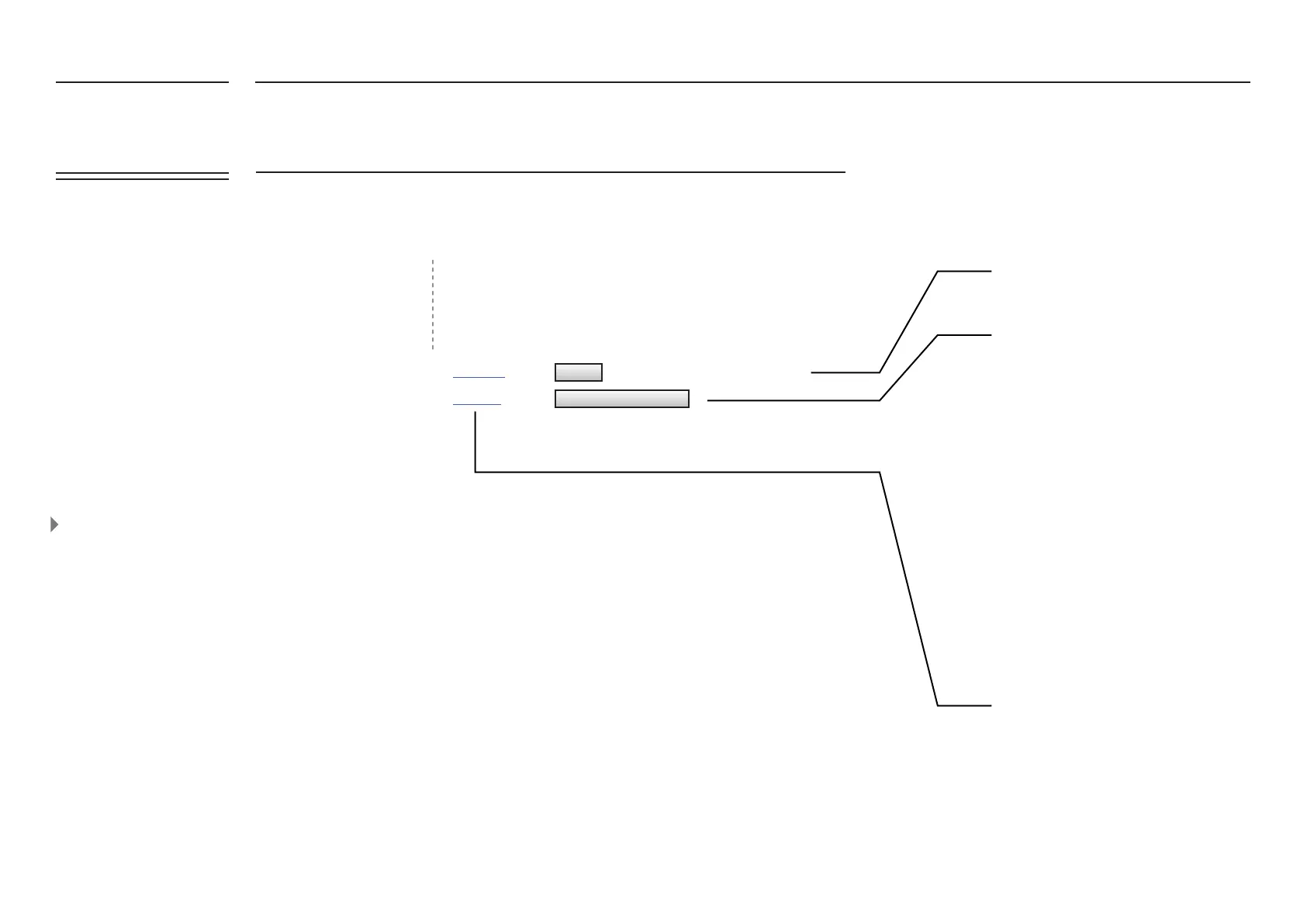
1. Click on the 'UPDATE IOTASSET.TXT
FILE' button.
2. In the new window, click on 'CHOOSE
FILE' and select from your local folder the
updated iotasset.txt le.
3. Click 'UPLOAD FILE'. If the upload has
been successful you will get the following
message:
"RESULT: The le iotasset.txt was
uploaded successfully"
4. After closing the page, you will need to
log in again for security purposes.
If the update failed, check that the
connection to the gateway is stable. Or
else please contact
support@amplied.com.au
DELETE ALL JSON MESSAGE
Click to see the current congurations le
in a new web page
Warning : Will delete all user sensor data
DELETE
UPLOAD IOTASSET.TXT FILE
OTA Congurations Updating
Over the air updating gives ease
of management to add new
congurations without physically
accessing the box. Firmware
updates can also be made
remotely via the <management>
tab.


 To Next Page