WEB
MANAGEMENT
fatbox G3
3. 1
QUICK START
FATBOX_G3
MENU OPTIONS
Quick Start
LAN Settings
WiFi & BT Settings
WAN Settings
Port Forwarding
Dynamic DNS
IPsec VPN
Port Settings
IoT Hardware
IoT Client
SNMP
Management
System Status
Logout
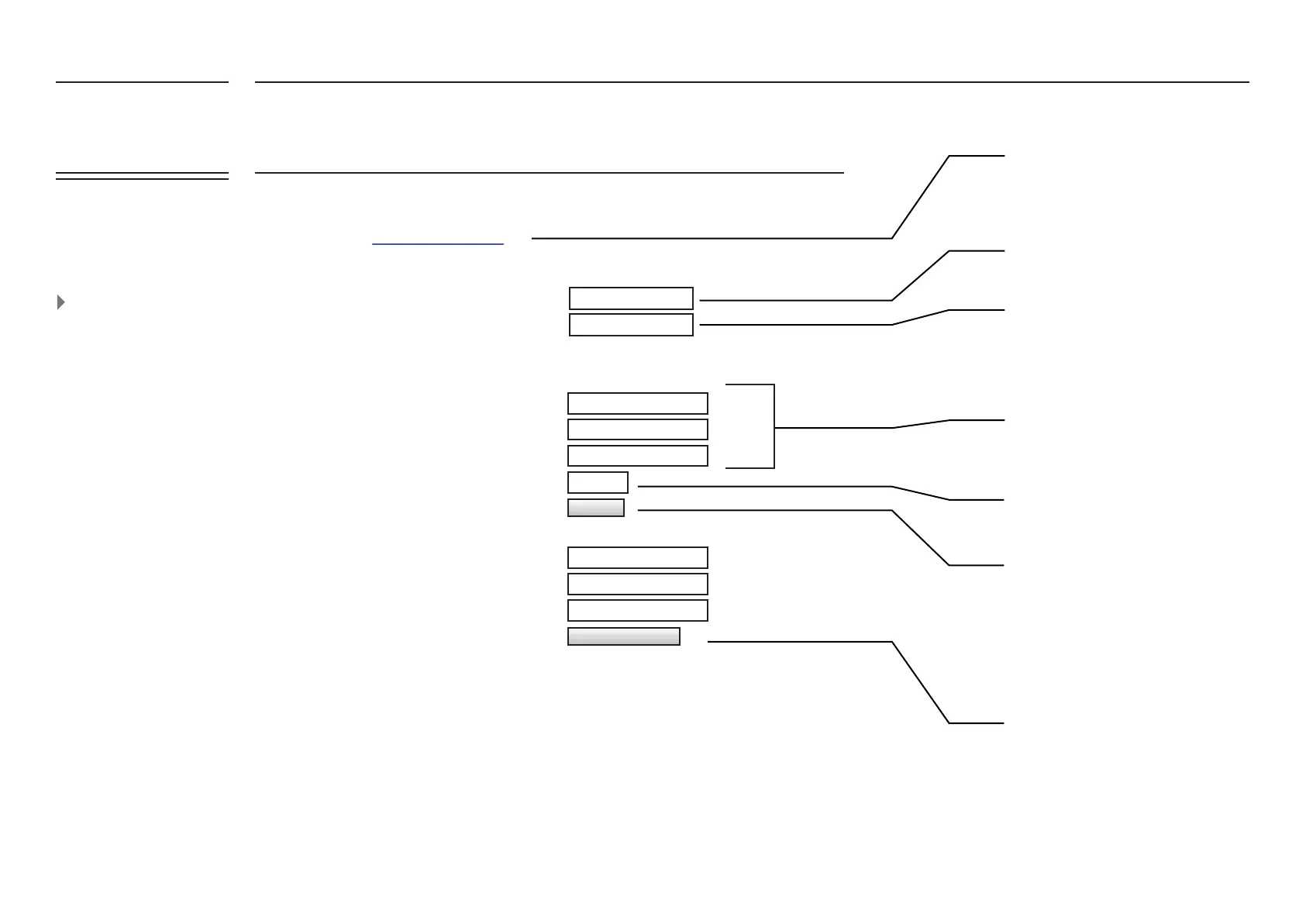
Basic Settings for FATBOX 3G Router for 3G/4G Internet access
The Quick Start tab brings
together all the settings you
need to establish an
immediate connection in
one page.
Quick Start Guide v1.0.pdf
255.255.255.0
192.168.1.1
LAN Netmask
LAN IP Address
LAN (eth0) Port Settings
Cellular Settings
your_apnyour_apn
APN
User Name (PAP/CHAP only)
Password (PAP/CHAP only)
SIM PIN Code (If required only)
UPDATE
Sets the IP address of LAN port on
FATBOX
G3
Mask for setup range of subnet IP
addresses
Click to open our Quick Start Guide to
assist you with getting a connection
Please check with your telco/service
provider to obtain these settings
Setup the PIN code (usually 4-8 digit
numerics) if SIM PIN lock is enabled
This saves the settings onto the G3.
Password Management
Current Password
New Password
Conrm New Password
CHANGE PASSWORD
Please do not use default password for
your deployed unit. Change it to a default
password.
Passwords are never stored directly but as
a hash string to increase device security.


 To Next Page