WEB
MANAGEMENT
fatbox G3
3. 12
MANAGEMENT
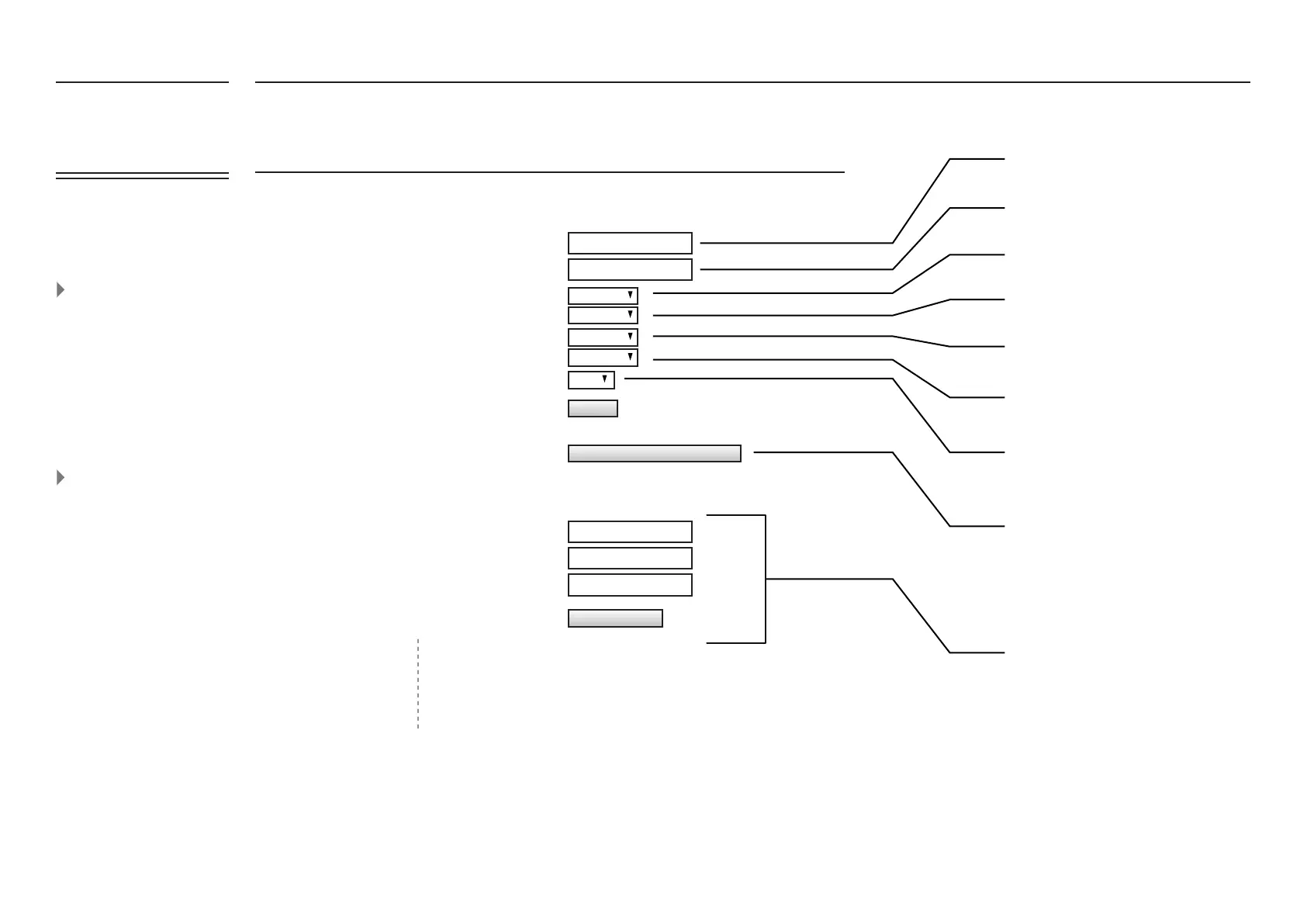
System Management
System Time reference
Set Up RTC (hardware clock)
Password Management
Enable Secure Shell (SSH)
Enable Log
Enable Signal LEDs
********
********
********
********
fatbox
Web Login Username
New Password
Reconrm New Password
Enable https access from WAN
System Hostname
Current Password
This login name is only used for web. SSH
always login as root
Please do not use default password for your
deployed unit. Change it to a default
password.
Passwords are never stored directly but as a
hash string to increase device security.
Enable ordisable remote https access via WAN
port 443.Do notethatnon secure httpsaccess
via WAN is not allowed.
Choose a system time source referenceasntp
(online time server)or rtc (on-boardbattery-
backed hardware clock).
Click to update hardware clock using current
time system.
Enter your system hostname if necessary
Disabled bydefault. Ifenabled, will provide
root accessusing the Passwordabove.
If enabled, you candownload/viewthe log
page fromtheʻSystemStatusʼ page.
EnablesSignal LEDs.
Note: They must be set toʻ0ʼ if AT-over-
Ethernet isenabled.
UPDATE
Set RTC using current system time
Change Password
Note that from the internet,
the FATBOX can only be
accessed via HTTPS (secure)
to ensure all data between
user and FATBOX web
conguration page is
encrypted.
We give our clients the
choice to install their own
signed certicate (e.g. Veri-
sign or Digicert) via SSH to
FATBOX console. Since there
is no packaged signed SSL
certicate in each FATBOX,
a complaint of error might
be issued from the browser.
Note that this does not affect
the secure encryption of
data to congure the FATBOX
via HTTPS.
Disabled
ntp
Enabled
Disabled
Enabled
FATBOX_G3
MENU OPTIONS
Quick Start
LAN Settings
WiFi & BT Settings
WAN Settings
Port Forwarding
Dynamic DNS
IPsec VPN
Port Settings
IoT Hardware
IoT Client
SNMP
Management
System Status
Logout

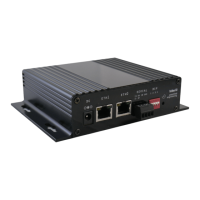

 To Next Page