fatbox G3
3. 14
WAN FAILOVER TO 3G
WEB
MANAGEMENT
8.8.8.8
15
4
Advanced Settings
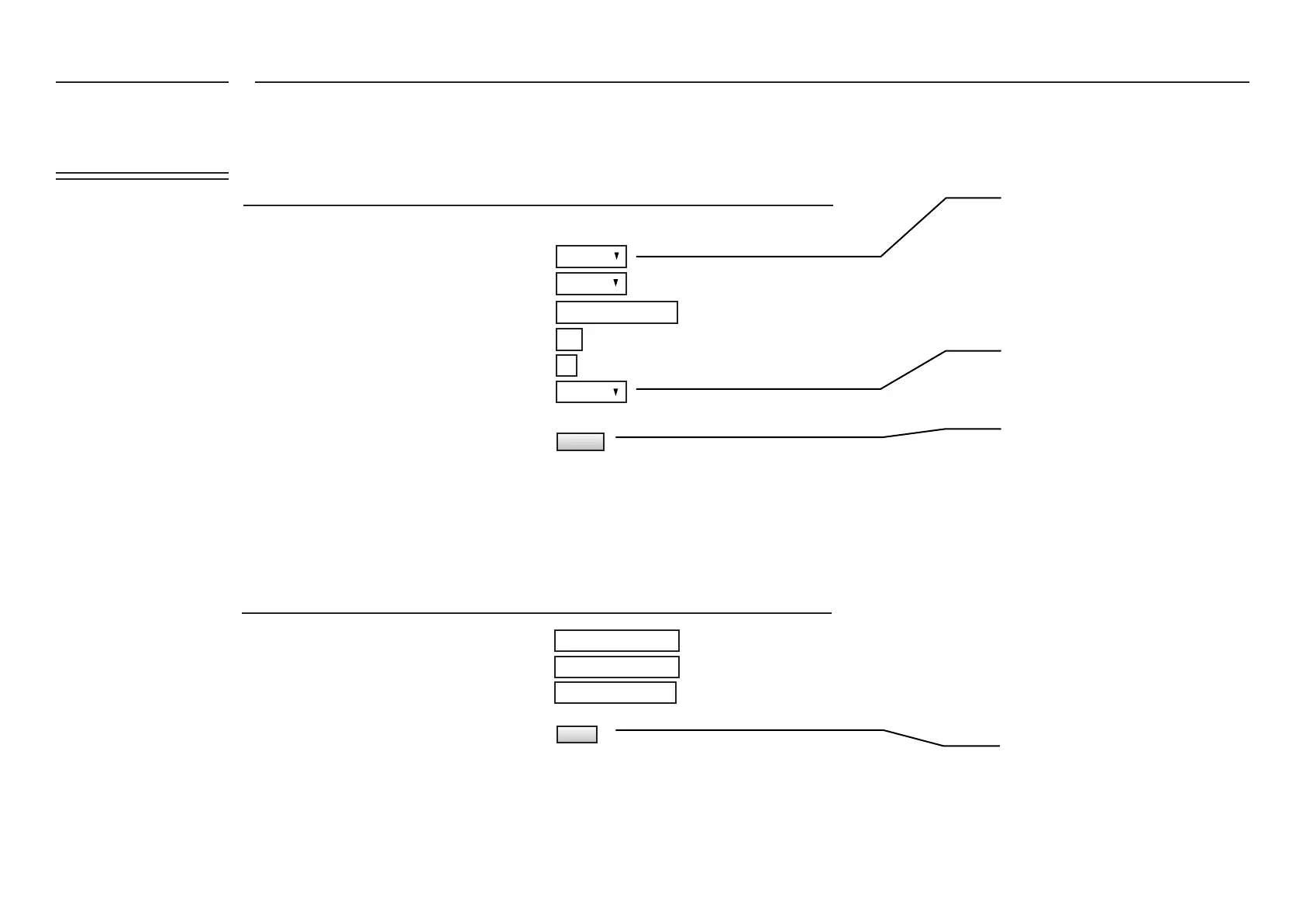
Enable Reboot on Ping Failure
SIM2 Enable
Primary WAN Interface
Remote PING Host IP address
PING Retry Time Period(s)
PING retries
Set “Ethernet” as the Primary WAN Inter-
face
Enable the FATBOX to reboot upon the
failure to PING your selected IP address
UPDATE the FATBOX
UPDATE and restart FATBOX
UPDATE
UPDATE
Enabled
Disabled
Ethernet
FATBOX_G3
MENU OPTIONS
255.255.255.0
100.10.10.10
100.10.10.1
ETH1 Netmask
ETH1 IP Address
ETH1 Gateway
For Ethernet WAN Option
Quick Start
LAN Settings
WAN Settings
Port Forwarding
To set up WAN failover to 3G, rst go to the WAN Settings page of the web console and input the following settings.
Then set in LAN Settings page, your device IP as client in local Ethernet network as per below example.
Note that some rewall will block unregistered device with manual IP setting.
When G3 powers up, internet will be routed thru ETH1 to the Gateway. When auto-ping fails, the box will reboot and switch to 3G/4G as backup.
In 3G/4G backup mode, the box will test ETH1 for ping (as set in AUTOPING) every 60s. If the ping test passes, the box will reboot and go back to ETH
WAN.
FATBOX_G3
MENU OPTIONS
Quick Start
LAN Settings
WAN Settings
Port Forwarding
Dynamic DNS
IPsec VPN
Port Settings
IoT Hardware
IoT Client
SNMP
Management
System Status
Logout


 To Next Page