ACCEL-7450 User's Manual
- 34 -
5.8 Top of Form Adjustment
The top of form function is used to set the printing home position. When feeding paper, the printer
detects the top edge of the paper and determines the printing home position according to the top of
form value.
Setting process:
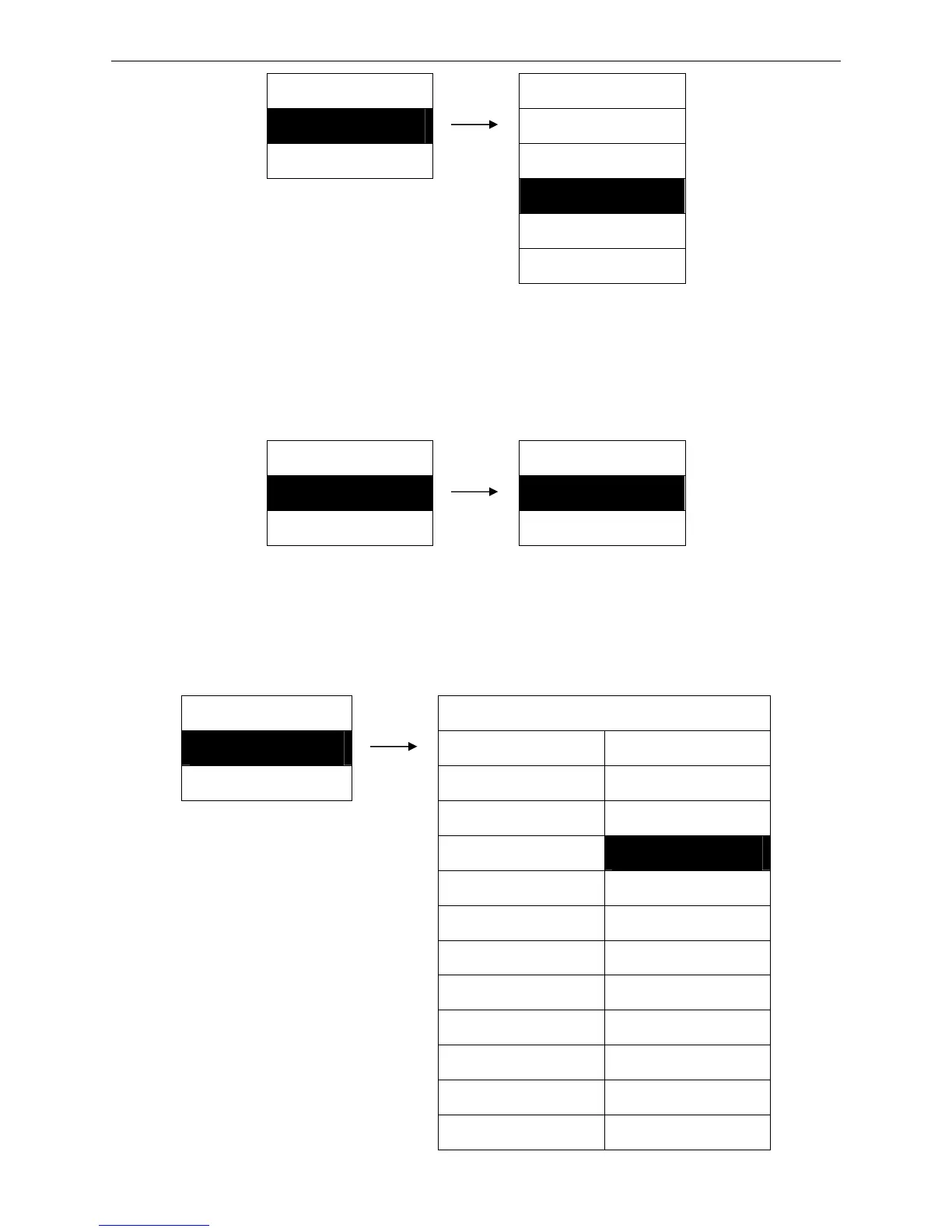
MENU SETUP TOF ADJUST
8. TOF ADJUST ► 11. 10/60 INCH ※
9. PAGE LENGTH ► 12. 11/60 INCH
5.9 Page Length Tractor
Set the page length on tractor mode.
Setting process:
MENU SETUP PAGE LGTH TR
9. PAGE LGTH TR ► 1. 3 INCH 15. 9.5 INCH
10. PAGE LGTH MN ► 2. 3.5 INCH 16. 10 INCH
3. 11/3 INCH 17. 10.5 INCH
4. 4 INCH 18. 11 INCH ※
5. 4.5 INCH 19. 11.5 INCH
6. 5 INCH 20. 12 INCH
7. 5.5 INCH 21. 12.5 INCH
8. 6 INCH 22. 13INCH
9. 6.5 INCH 23. 13.5 INCH
10. 7 INCH 24 14 INCH
11. 7.5 INCH 25. 14.5 INCH
12. 8 INCH 26. 15 INCH
MENU SETUP LF PITCH
7. LF PITCH ► 1. 3 LPI
8. TOF ADJUST ► 2. 4 LPI
3. 6 LPI ※
4. 8 LPI
5. 9 LPI
(0/60 ~ 63/60 INCH)
Default is 10/60 INCH


 To Next Page