ACCEL-7450 User's Manual
- 3 -
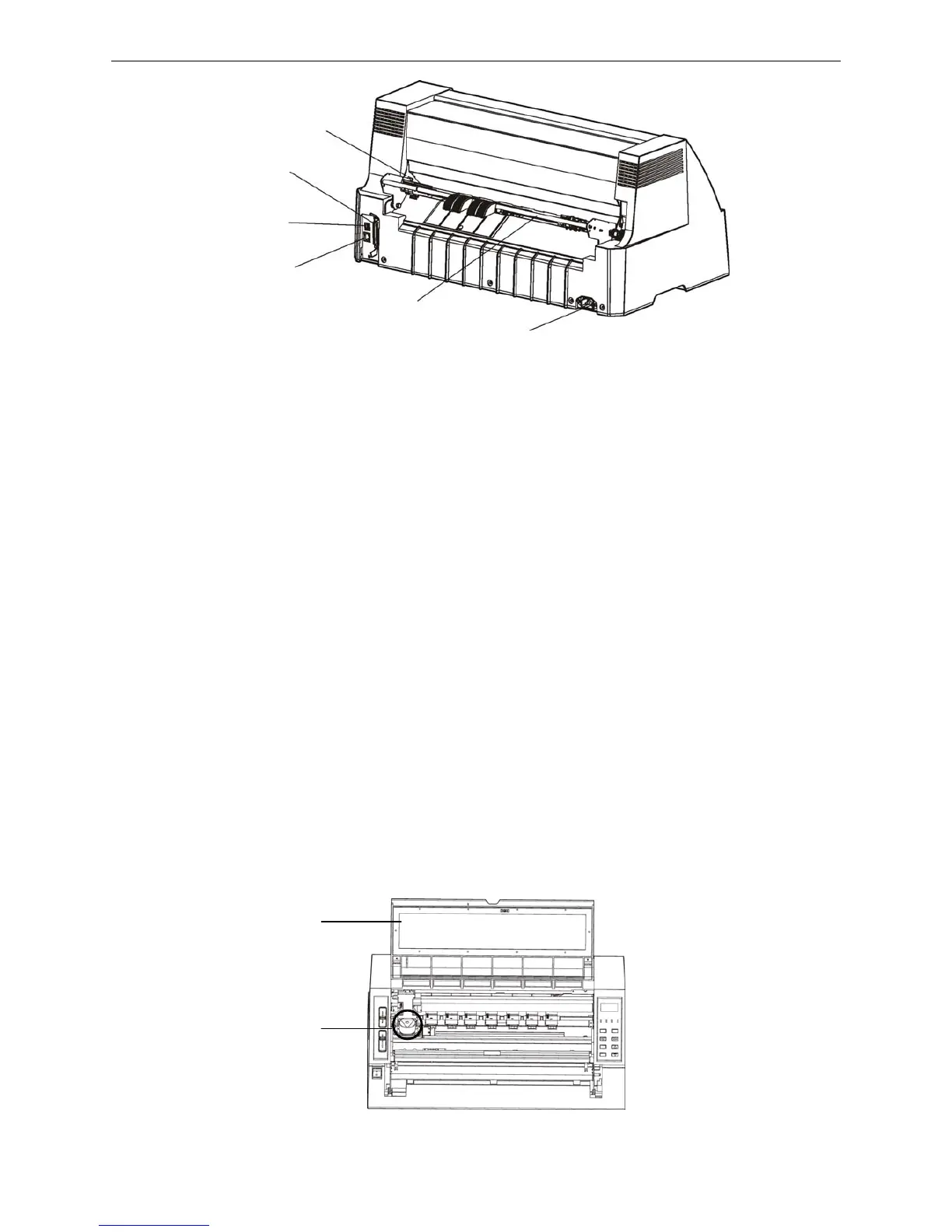
Note: This product supports the configuration way of parallel interface + serial interface
2.4 Installing the Printer
Before placing the printer in your chosen location, consider the following guidelines:
This printer should be placed on a normal table, printer stand or desk. Be sure that the surface is level,
to avoid an uneven load on the carriage as it operates.
Do not place the printer where belong to the following conditions:
The place is overheating or humidity.
The place is shaking.
Do not install the printer where it may be subjected to unsuitable conditions such as:
·Where there is excessive dust.
·Where it may be splattered with oil or metallic dust.
·Where it may be exposed to direct sunlight.
·Where it may be accidentally splashed with water.
2.5 Installing the Ribbon Cartridge
1. Make sure the printer is turned off.
2. Open the printer cover, move the print head to the left of the printer. (As shown in the following
figure)
Fi


 To Next Page