ACCEL-7450 User's Manual
- 36 -
If thif function is ON, the printer detects the left edge of the paper.
5.13 Top Margin
Set the printing start position (use “line feed pitch” as unit).
Setting process:
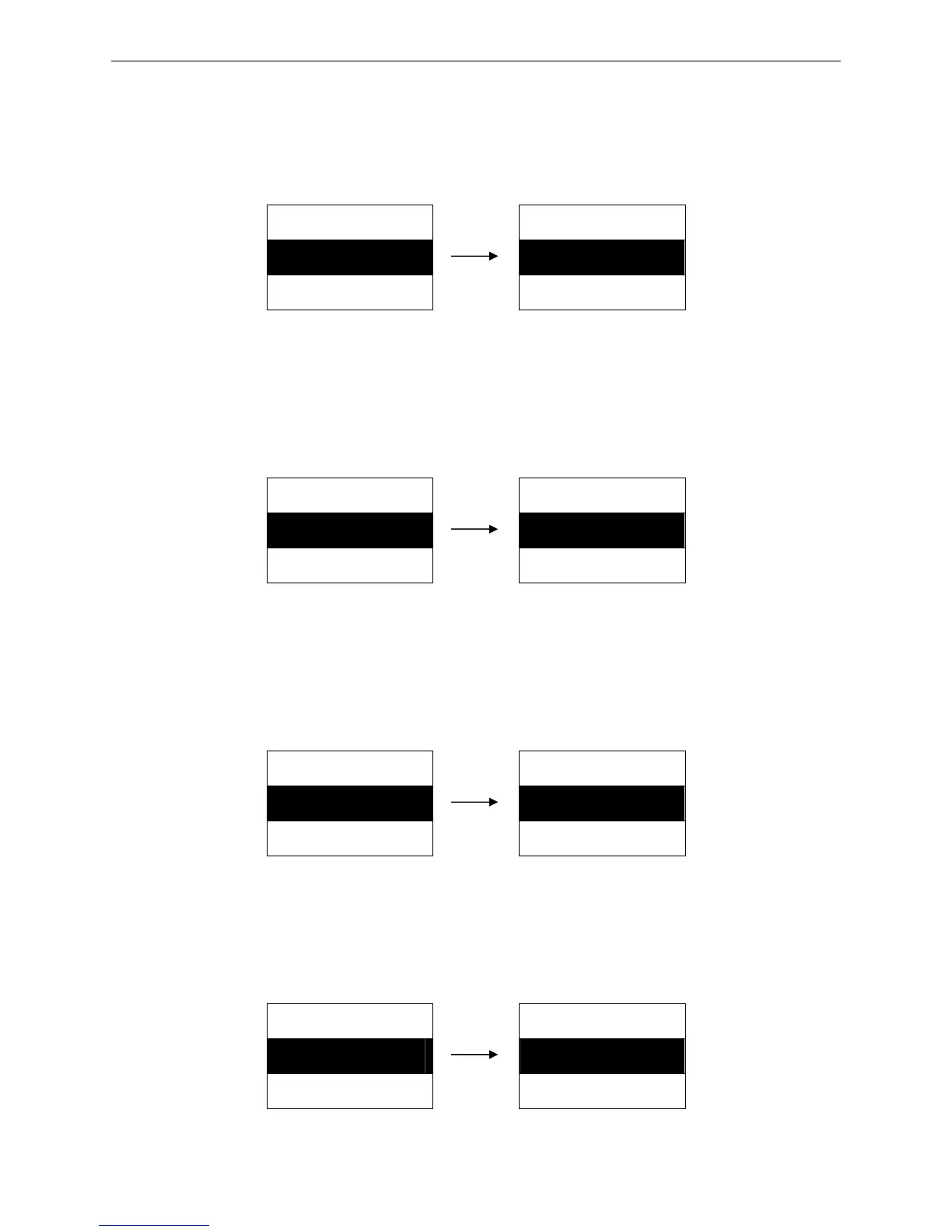
MENU SETUP TOP MRG
13. TOP MRG ► 1. 0 LINE ※
14. BOTTOM MRG ► 2. 1 LINE
(0 ~ 15 LINE)
5.14 Bottom Margin
Set the distance between the bottom of the paper printable area and the printing home position of the
next page (use “line feed pitch” as unit).
Setting process:
MENU SETUP BOTTOM MRG
14. BOTTOM MRG ► 1. 0 LINE ※
15. LEFT MRG ► 2. 1 LINE
(0 ~ 15 LINE)
5.15 Left Margin
This function is to set the non-printable are in the left side, that is to say the margin from the left paper
edge to the leftmost of the printable area.
Setting process:
MENU SETUP LEFT MRG
15. LEFT MRG ► 1. 0 LINE ※
16. TEXT DIR ► 2. 1 LINE
(0 ~ 63 LINE)
5.16 Text Direction
Set the text direction in character printing mode.
Setting process:
MENU SETUP TEXT DIR
16. TEXT DIR ► 1. BI-DIRECT ※
17. GRAPH DIR ► 2. UNI-DIRECT


 To Next Page