Amtech
14
4-2-3 Speed reference through 4-20mA
To assign the 4-20mA as speed reference, one needs to connect the 4-20mA analog signal to any one
analog input from AI1, AI2 or AI3. Follow below steps to use 4-20mA as speed reference.
Step-1: Select the analog input. In this example, the 4-20mA analog signal is connected to AI2. Set
C12-4=2 and DIP switch DS1-3 to ON position.
Step-2: Assign the selected analog input (AI1, AI2 or AI3) to speed setting input1, speed setting input2 or
speed setting input3 using C07-0, C07-1 and C07-2. By default, AI2 is assigned to speed setting input2
(C07-1=3)
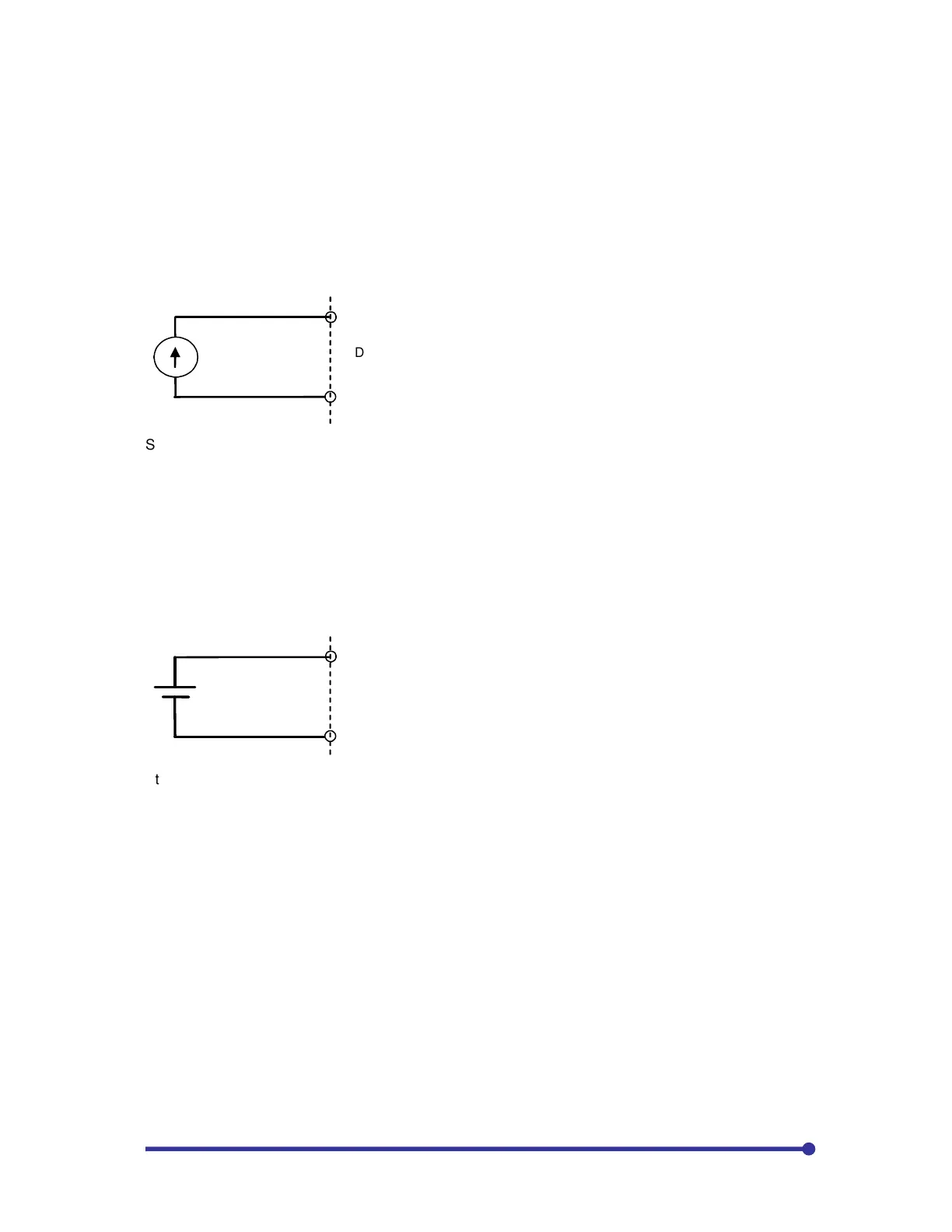
4-20mA signal
COM
DS1-3=ON
Step-3: Set speed setting input using C03-D, C03-E or C03-F. In our example, as we have used speed
setting2, we need to set C03-E=16: ON Fixed.
If one requires switching the speed reference between digital operation panel (A00-0) and 4-20mA),
assign any sequence input (PSI) to C03-E. For example, PSI5 is assigned to switch reference. Set
C03-E=5 and C03-3=0. When PSI5 is open, the speed reference will be through keypad (A00-0) and
when PSI5 is closed the speed reference will be 4-20mA.
4-2-4 Speed reference through ±10V signal
To assign the ±10V signal as speed reference, one needs to connect the ±10V analog signal to any one
analog input from AI1, AI2 or AI3. Follow below steps to use ±10V signal as speed reference.
+/-10V signal
3
COM
Step-1: Select the analog input. In this example, the ±10V analog signal is connected to AI3.
Step-2: Assign the selected analog input (AI1, AI2 or AI3) to speed setting input1, speed setting input2 or
speed setting input3 using C07-0, C07-1 and C07-2. Assign AI3 to speed setting input3 (C07-2=4)
Step-3: Set speed setting input using C03-D, C03-E or C03-F. In our example, as we have used speed
setting3, we need to set C03-F=16: ON Fixed.
If one requires switching the speed reference between digital operation panel (A00-0) and ±10V signal),
assign any sequence input (PSI) to C03-F. For example, PSI5 is assigned to switch reference. Set
C03-F=5 and C03-3=0. When PSI5 is open, the speed reference will be through keypad (A00-0) and
when PSI5 is closed the speed reference will be ±10V signal.
4-2-5 Speed reference through Increment / Decrement push buttons (static pot or electronic pot)
To assign the Increment / Decrement push buttons as speed reference, one needs to connect two push
buttons to PSI for increment and decrement the speed reference. Follow below steps to use static pot as
speed reference.
Step-1: Assign FUP and FDW to any PSI using C04-7 and C04-8 respectively. In this example, PSI5 is
assigned to Increment push button and PSI6 is assigned to Decrement push button. Set C04-7=5,
C04-8=6, C03-3=0 and C03-4=0.


 To Next Page