19
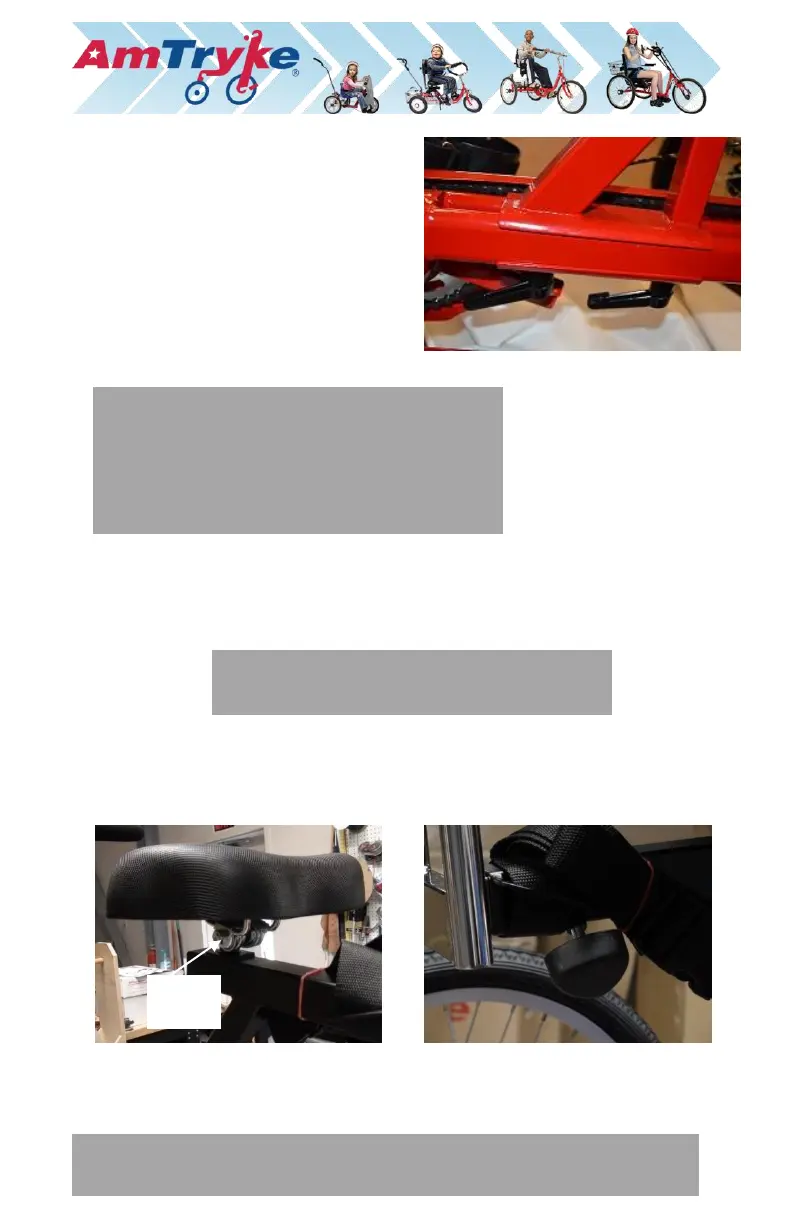
1. Unscrew the two levers
(counterclockwise) from the
clamping plate, place the seat post
bracket onto the frame and the
clamping plate onto the bottom of
the frame with the two levers going
through the plate.
2. Screw (clockwise) to secure.
3. Place the seat onto the black seat post and into the red seat post bracket
and tighten the seat clamps with a 14 mm wrench or socket (see photo
below).
4. Loosen the seat back securing knob (on the bottom corner of the seat post)
and insert the seat back into the seat post. Tighten the knob securely.
NOTE: The levers are spring-loaded. Once engaged,
pull out the levers to rotate them backward
without loosening the screw. Repeat until you have
the seat post bracket fully tightened. TIP – use a
Phillips head screwdriver to quickly install the
levers.
NOTE: Make sure that the seat back can slide up and down the assembly.
Position it where desired and tighten with the two knobs on the back.


 To Next Page
 Loading...