EasyManua.ls Logo

AMX MXT-701 - User Manual

AMX MXT-701
36 pages
Print Icon
To Next Page IconTo Next Page
Loading...
Operation/Reference Guide
Touch Panels
MXT/D-701
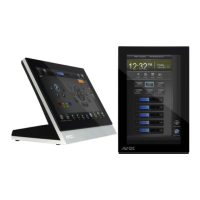
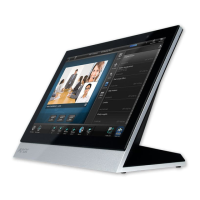
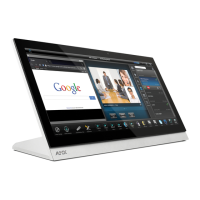
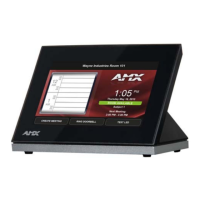
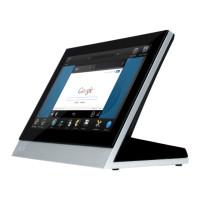
7" Modero X Series® G5 Tabletop Touch Panel
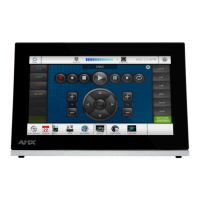
7" Modero X Series® G5 Wall/Flush Mount Touch Panel
Initial Release: 3/18/2014

Table of Contents

Other manuals for AMX MXT-701

Question and Answer IconNeed help?

Do you have a question about the AMX MXT-701 and is the answer not in the manual?

AMX MXT-701 Specifications

General IconGeneral
BrandAMX
ModelMXT-701
CategoryTouch Panel
LanguageEnglish

Summary

MXT-701 Tabletop Touch Panel

MXT-701 Specifications

Comprehensive technical specifications including power, components, display, and communication interfaces.

MXD-701 Wall;Flush Mount Touch Panel

MXD-701 Specifications

Technical specifications for the MXD-701, covering power, components, display, and communication.

MXT-701 Installation Procedures

MXD-701 Installation Guide

Configuration and Programming

Upgrading Firmware via USB

Loading and Transferring Firmware from USB

Steps for preparing a USB drive and transferring firmware to the touch panel.

Installing New Firmware from External Media

Installing Firmware from USB Stick

Detailed procedure for updating firmware using a USB stick.

Upgrading Firmware Via NetLinx Studio

NetLinx Studio Firmware Transfer Process

Guide to transferring firmware files to the touch panel using NetLinx Studio.

Troubleshooting Firmware Transfers

Troubleshooting Touch Panel Issues

Panel Responsiveness and Touch Issues

Solutions for touch screen unresponsiveness or incorrect touch registration.
Related product manuals