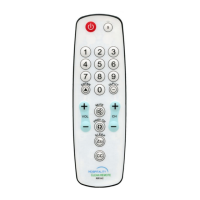
Toggle backlighting length of time; 3 - 10 seconds
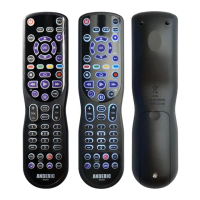
1. Press and hold any mode key (e.g. TV) for about 3 seconds until the mode light remains on,
release the mode key.
2. Input code "9 9 8 6".
Toggle backlighting brightness: 100/75/50/25%
1. Press and hold any mode key (e.g. TV) for about 3 seconds until the mode light remains on,
release the mode key.
2. Input code "9 9 8 7".
Reset to Factory Default Status
1. Press and hold any mode key (e.g. TV) for about 3 seconds until the mode light remains on,
release the mode key.
2. Input code "9 999"; all mode lights will light and remain lit for about 3 seconds then go out to
confirm successful reset.
FOR ADDITIONAL HELP AND SUPPORT AS WELL AS A DOWNLOADABLE VERSION
OF THIS MANUAL VISIT ANDERIC.COM.
ANDERIC® IS A REGISTERED TRADEMARK OF DAN’S ELECTONICS ETC.
INCORPORATED. ALL RIGHTS RESERVED.


 To Next Page