17
Luna/Alba | EN
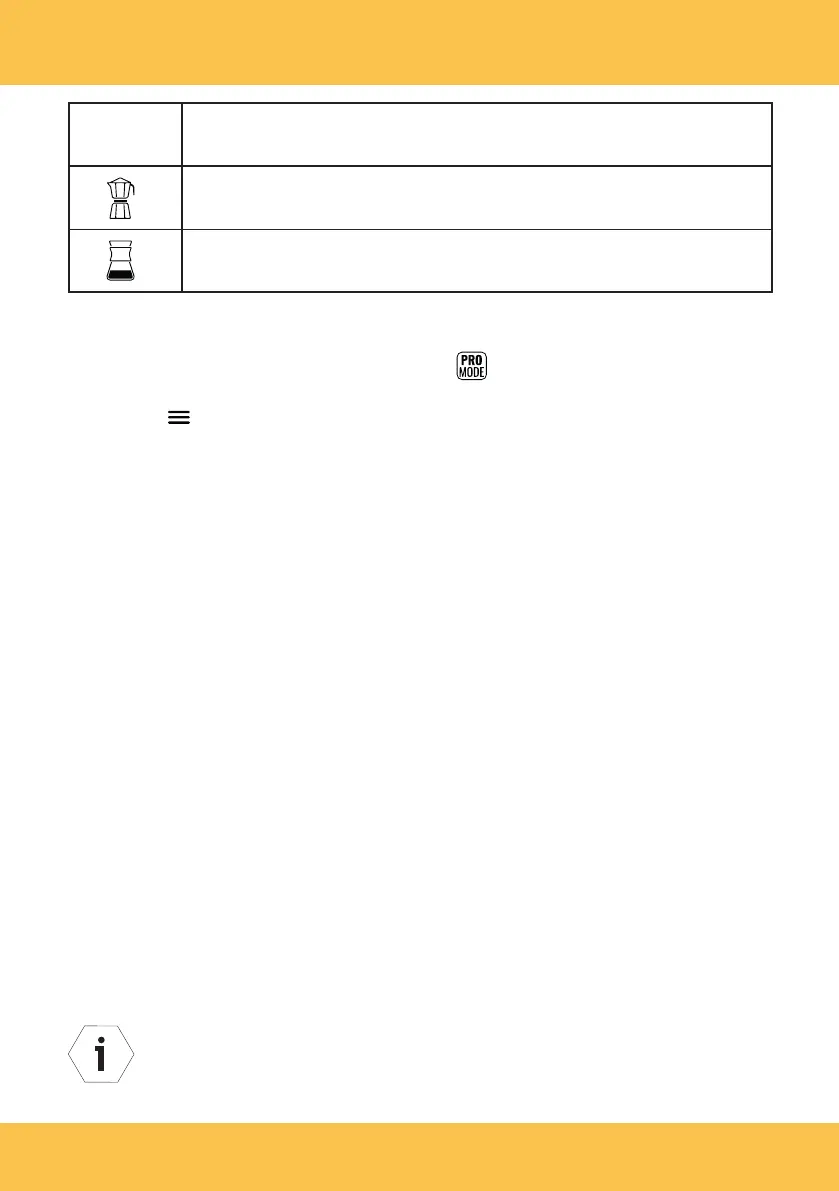
Recipe
symbol
Name
Ristretto
Chemex
Opening and using the main menu
1. If required, change to the Pro mode ( ) (owner password: 1932) (see
“Functioning” section).
2. Tap the symbol to go to the main menu.
The main menu is structured as follows:
• Settings and software
• Statistics and log
• Support
• Service
3. Tap the "Settings and software" menu item in the main menu to make settings.
You can select and edit the following sub-items here:
• Language (set the menu / display language),
• Display brightness (set the brightness of the display),
• Break function (set the break time),
• Dose timeout (set the maximum grinding time),
• Temperature units (°C / °Fahrenheit),
• Date and time (set the date / time),
• Owner password protection (change the owner password, deactivate the
owner password protection),
• Software (request the software version),
• Standby (set the time for automatic change to standby mode),
• Logo management (create a customized logo),
• Factory reset (return to factory settings).
IMPORTANT: The "Service” main menu item can only be accessed with
the service password. The service password is only issued to authorized
service technicians for Anfim products.



 To Next Page