Page 18 of 28
8 Operation
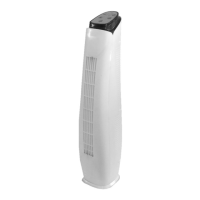
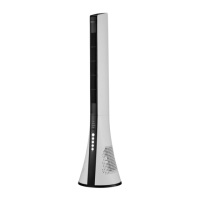
The fan function can be operated 4 ways, using the supplied remote control, Fan control
panel, smartphone App or smart device (such as Amazon Echo dot or Google home).
Note: Not all fan functions can be operated through the Smart Devices.
8.1 Using the Fan Remote Control and Fan Control Panel
• After ensuring the Fan has been assembled correctly and you have a strong Wi-Fi
signal, plug into the power point and switch on.
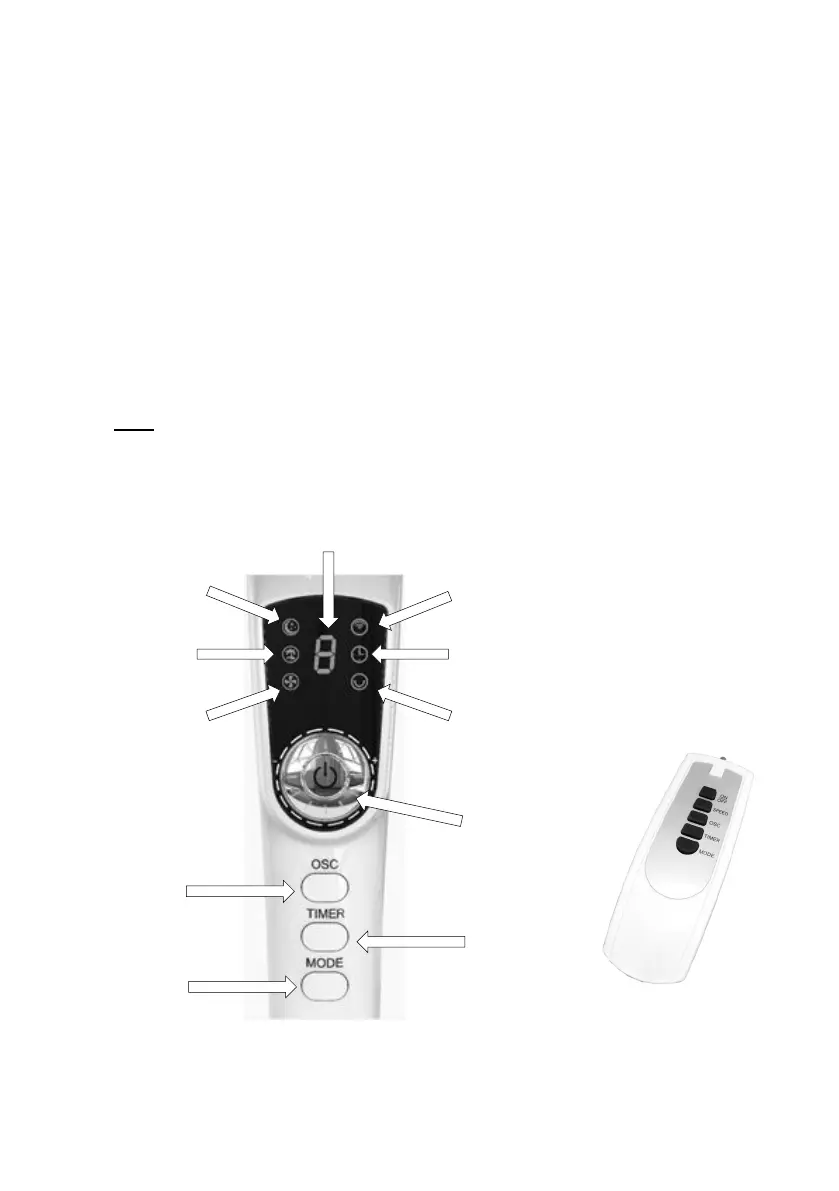
• All the Indicator lights will illuminate (as shown below) for a second and will then turn
off. Approximately 5 seconds later, the Red “Wi-Fi” symbol indicator light will illuminate
and blink rapidly indicating it is in Wi-Fi pairing Mode. Refer to Wi-Fi setup for more
information.
Note: If the Fan is already paired to your smartphone, this indicator symbol will remain
light solid
Indicator
and
Speed
Knob
Timer
Display
On/Off
Button
Button
Button


 To Next Page