7
Section 3 Operation Overview
This chapter provides an overview of the Pattern Generator operation. For a detailed description of each function, see
Section 4 “Detailed Descrption”.
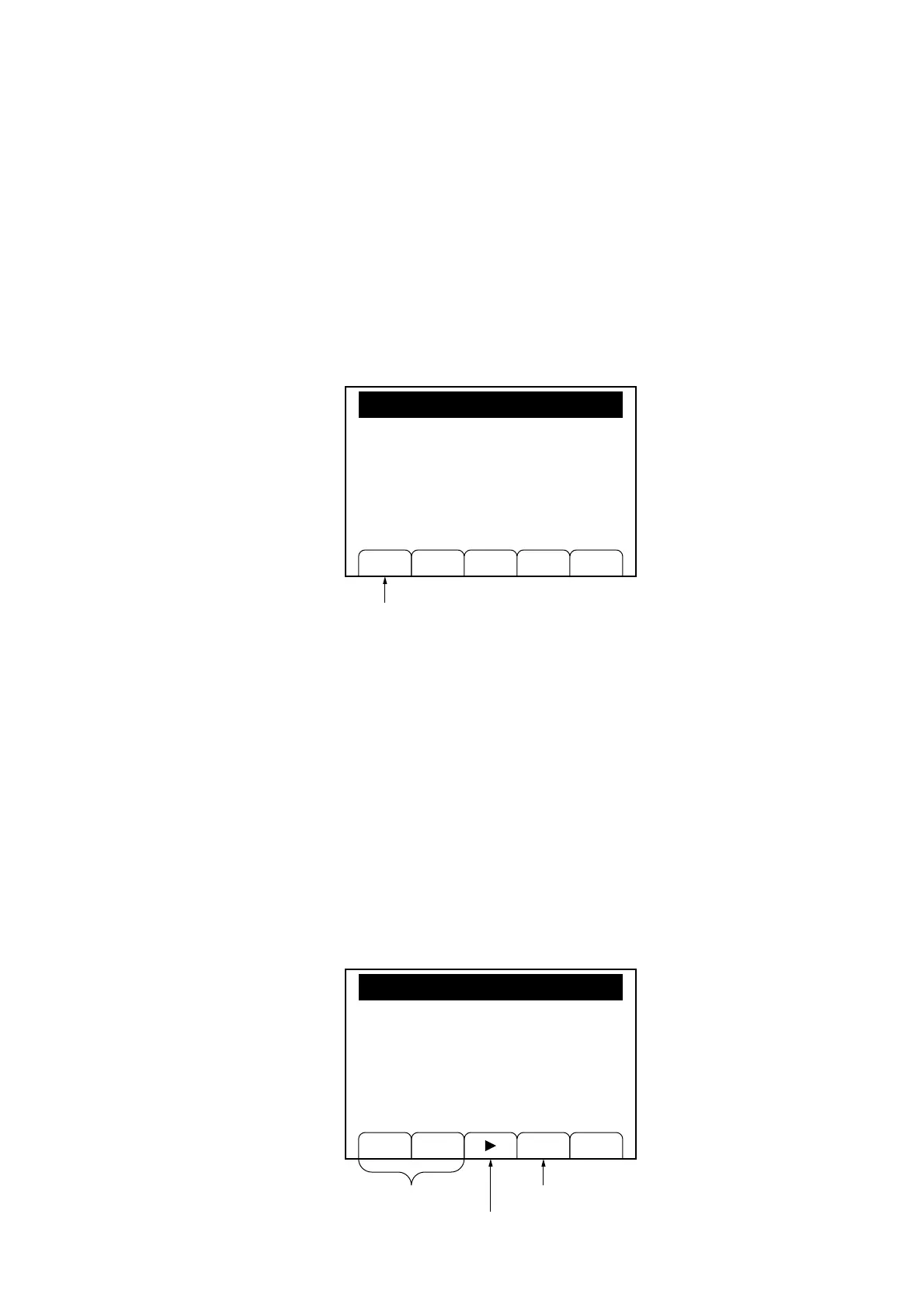
#1 Press the “PG” [F1] key in “Main Menu (3/3)” to open the “Pattern Generator” menu.
PG
Main Menu (3/3)
#1
#2 Move the cursor by using “↓” [F2] key to select (inversely display) the item for the parameter selection and setting.
Output: The Pattern Generator output is turned ON/OFF. The “Sel” [F1] key is used for the selection.
Pattern: The delivery data pattern is selected. The free pattern (Defined: 1 to 4), the pseudo-random pattern
(PN9, PN15), or the 0101 repetition is selected by using the “Sel” [F1] key.
It cannot be changed during the data pattern delivery.
Send Mode: Send mode is selected from the one-time send (Single) or the repeating send (Continuous) by using the
“Sel” [F1] key.
It cannot be changed during the data pattern delivery.
Rate: Send rate is set. It is set by using the numeric keypad, the step key in the Edit zone, or the rotary knob.
In the case of setting with numeric keypad, the [Hz/uV] and [kHz/mV] unit keys are used for the bps and
kbsp keys, respectively.
Output Type: Data output method is selected from 1 bit NRZ output or 2 bit NRZ output by using the “Sel” [F1] key.
It cannot be changed when the Pattern Generator output is set to ON.
Sel ↓ Conf Rtn
Pattern Generator
[Output]
[Pattern]
[Send Mode]
[Rate]
[Output Type]
ON
Defined: 1
Single
6400 bps
1 bit
This is not displayed
when the Pattern Generator output
is set to OFF.
#3#2
Section 3 Operation Overview


 To Next Page