A yellow light may occur because the battery became too warm during the charge cycle.
The charger will allow the battery to cool off before continuing the charge. A yellow light
may also indicate that the charger is alternating charge to each of the two batteries.
A blinking red light indicates less than 13 VDC is being supplied to the charger stand.
Check that the correct AC charger adapter is connected to the charger stand.
If a battery fails to charge, contact your nearest Anritsu Service Center.
You can charge the battery anytime. However, NiMH battery will last longer and perform
better if allowed to completely discharge before recharging. For maximum battery life, it is
recommended that the NiMH battery be completely discharged and recharged once every
three months.
Battery Charge Indicator
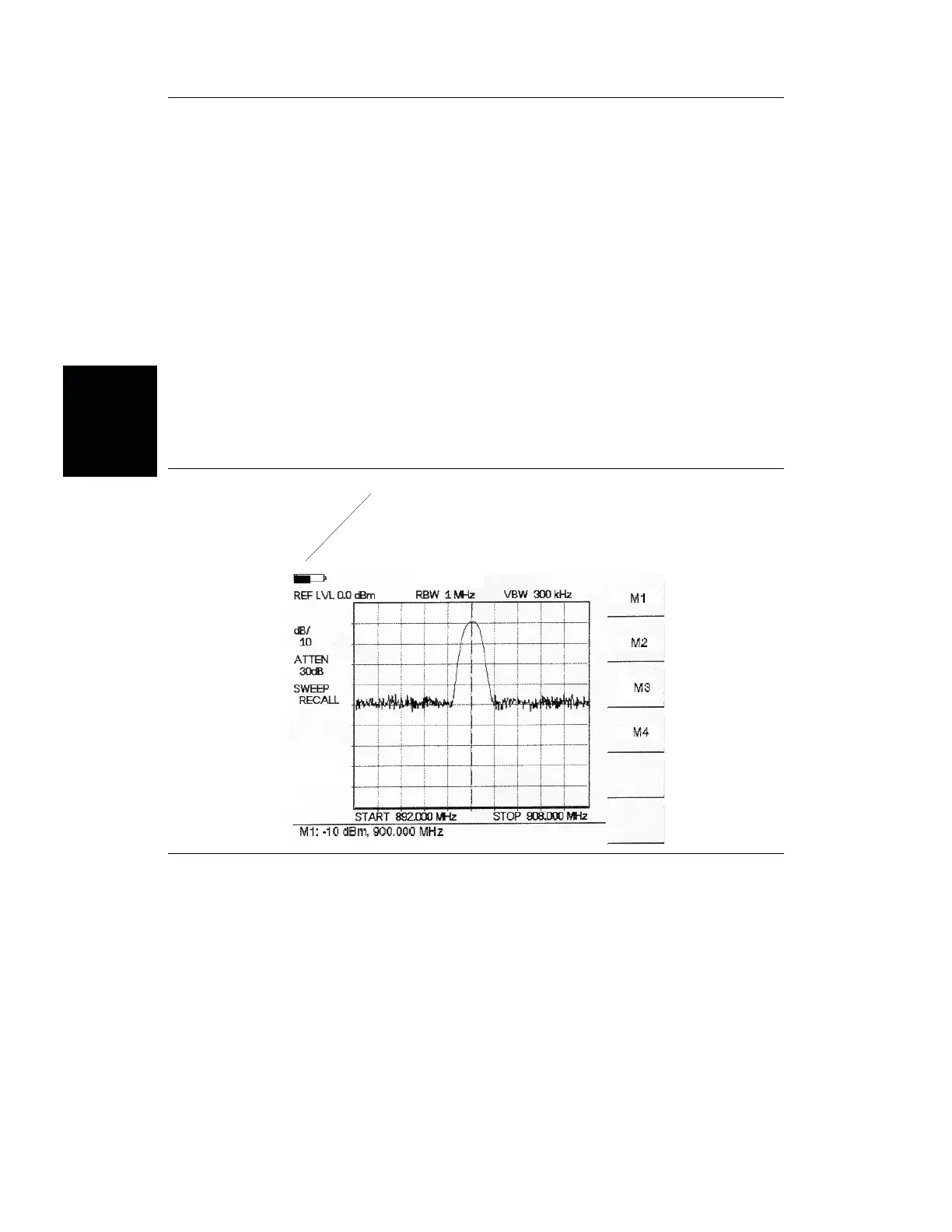
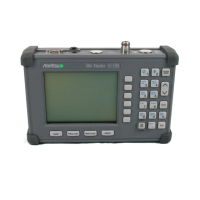
When the AC-DC adapter is unplugged from the Site Master, the battery indicator symbol
will be continuously displayed at the top left corner of the Site Master display (Figure 2-1).
A totally black bar indicates a fully charged battery. When LOW BATT replaces the bat
-
tery indicator bar at the top left corner, a couple of minutes of measurement time remains. If
a flashing LOW BATT is accompanied by an audio beep at the end of each trace, the bat
-
tery has approximately one minute of useable time remaining.
Once all the power has drained from the battery, the Site Master display will fade. At this
point, your Site Master will switch itself off and the battery will need to be recharged.
2-2
Chapter 2 Getting Started
a
ery
n
ca
or
Figure 2-1. Site Master Battery Indicator





 To Next Page