Soft Keys
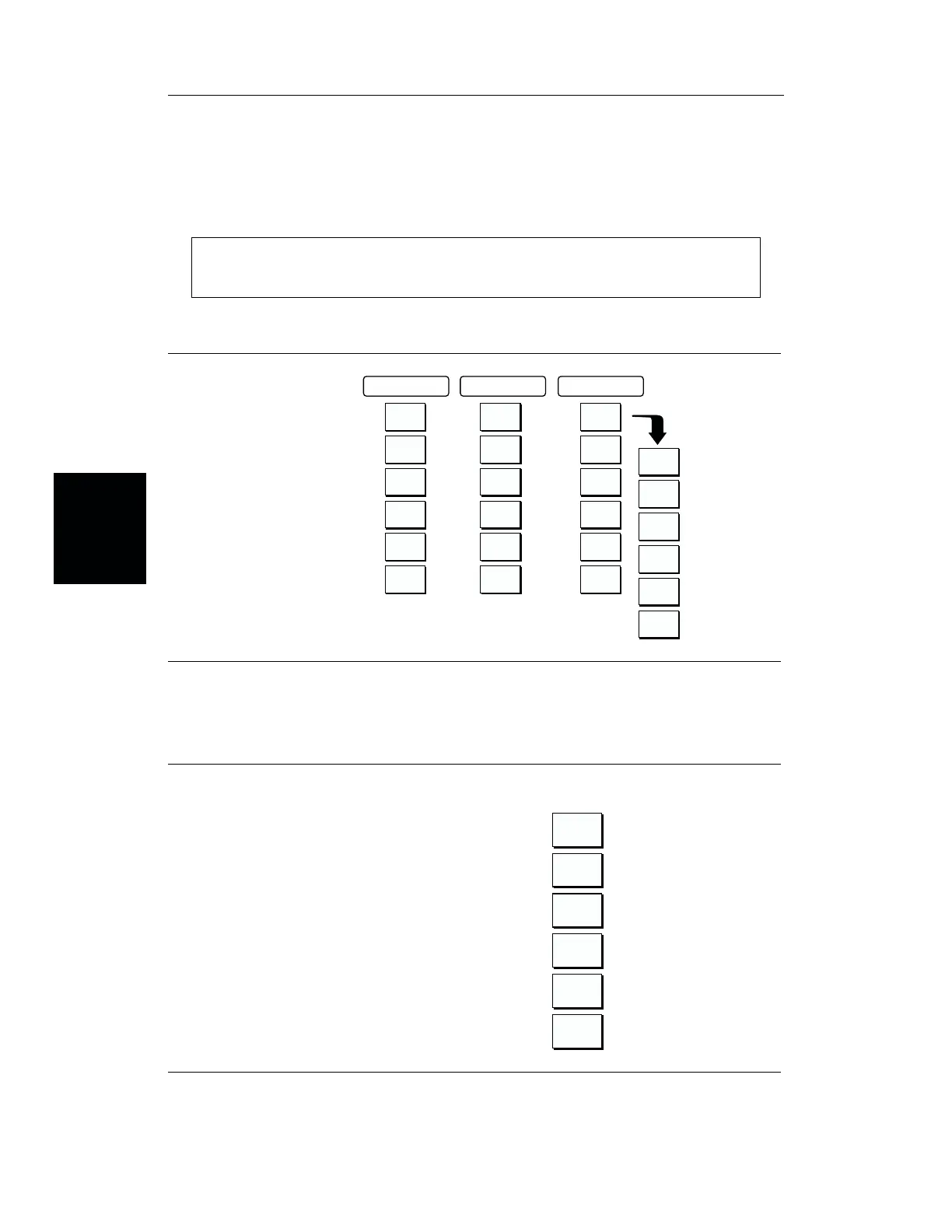
Each keypad key opens a set of soft key selections. Each of the soft keys has a correspond
-
ing soft key label area on the display. The label identifies the function of the soft key for the
current Mode selection.
NOTE:
The AMPLITUDE and LIMIT keys are functionally identical.
Figures 3-3 through 3-6 show the soft key labels for each Mode selection.
3-6
Chapter 3 Functions and Operations
MODE=FREQ:
SOFTKEYS:
F1
130
F2
259
517
BOTTOM
LIMIT
ON/OFF
LIMIT
EDIT
LIMIT
BEEP
TOP
RESOLU-
TION
SINGLE
SWEEP
TRACE
MATH
FREQ/DIST
AMPLITUDE
SWEEP
Figure 3-3. Frequency Mode Soft Key Labels
M
DE=P
WER M
NIT
R:
SOFTKEYS:
UNITS
REL
OFFSET
ZERO
Figure 3-4. Power Monitor Mode Soft Key Labels





 To Next Page