Set the frequency span
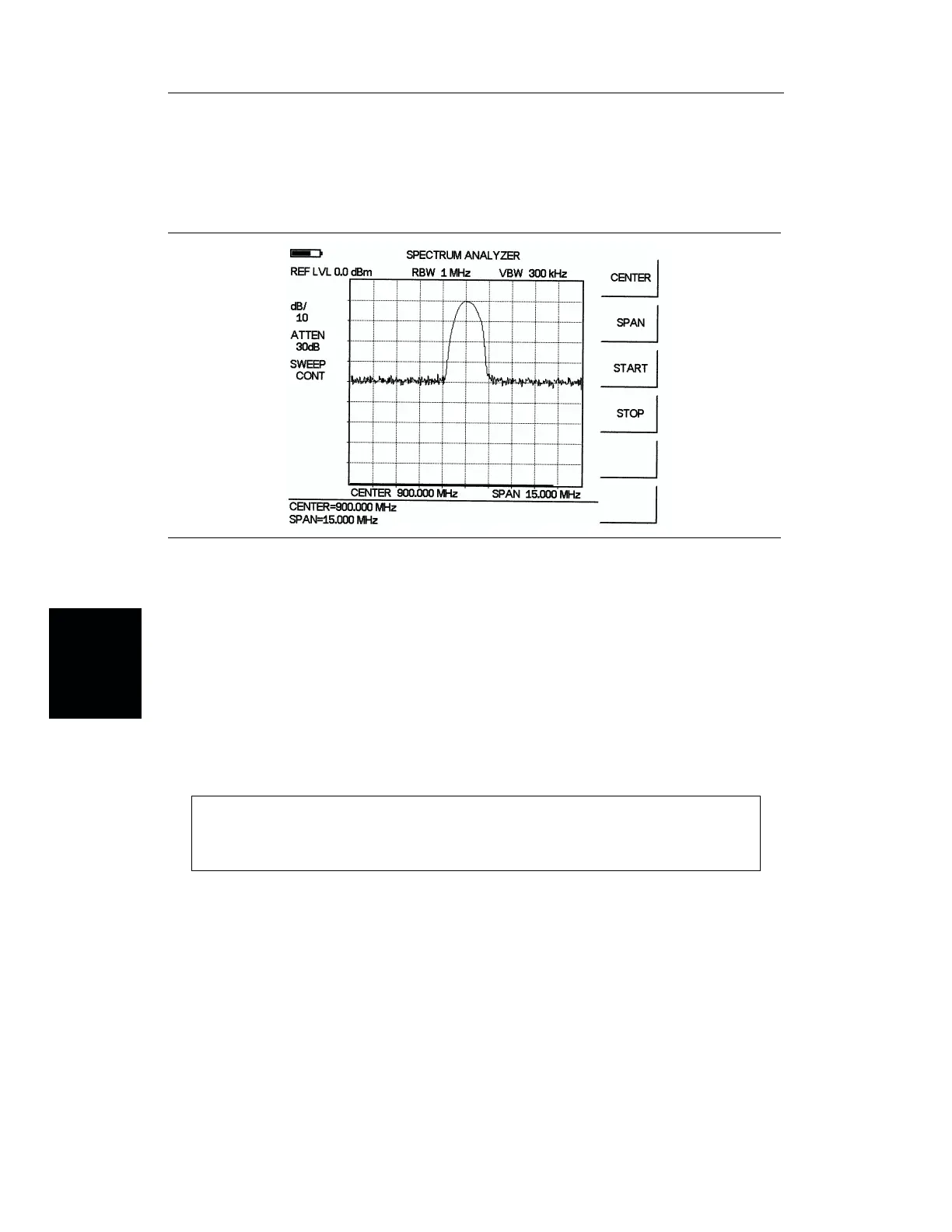
Step 9. Press the SPAN soft key.
Step 10. Enter 1, 5 using the Up/Down arrow key or the keypad and press
ENTER to set
the span to 15 MHz (Figure 4-12).
Setting the marker
Step 11. Press the MARKER key.
Step 12. Press the
M1 soft key .
Step 13. Press
ON/OFF and EDIT soft keys to activate the selected marker.
Step 14. Press the
MARKER TO PEAK soft key to set marker M1 to the highest point on
the trace (Figure 4-13).
NOTE:
Alternatively, press the EDIT softkey and use the Up/Down arrow key to find the
peak display value.
4-20
Chapter 4 Measurements
Figure 4-12. 15 MHz Frequency Span














 To Next Page