Set the Reference Level
Step 1. Press the AMPLITUDE or LIMIT key.
Step 2. Press
REF LEVEL soft key and use the Up/Down arrow key or the keypad to en-
ter -, 1, 0 (the peak value found above) to set the reference level to -10 dBm.
Step 3. Press
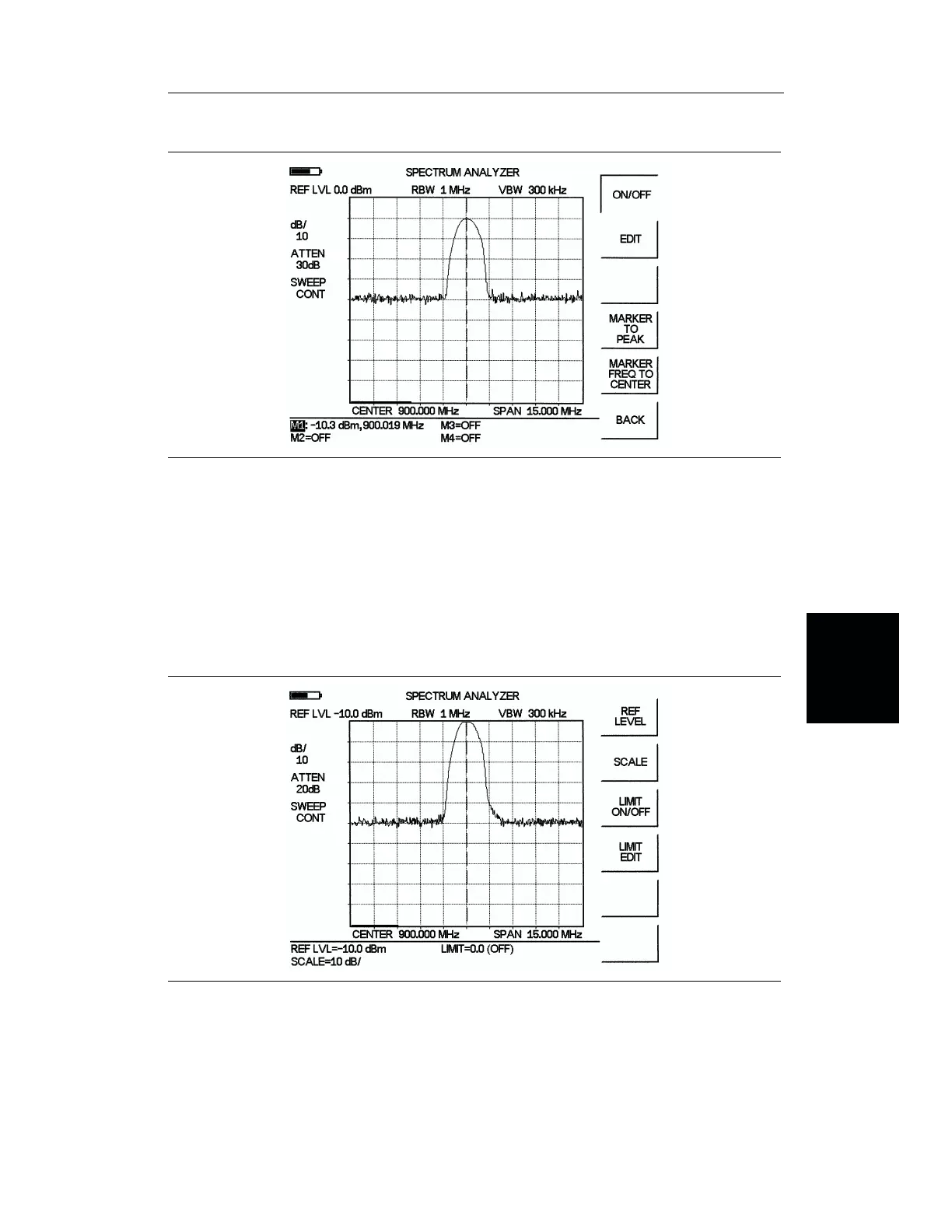
ENTER. Observe the display (Figure 4-14).
4-21/4-22
Chapter 4 Measurements
Figure 4-13. Activated normal marker
Figure 4-14. Reference level at -10 dBm














 To Next Page