19
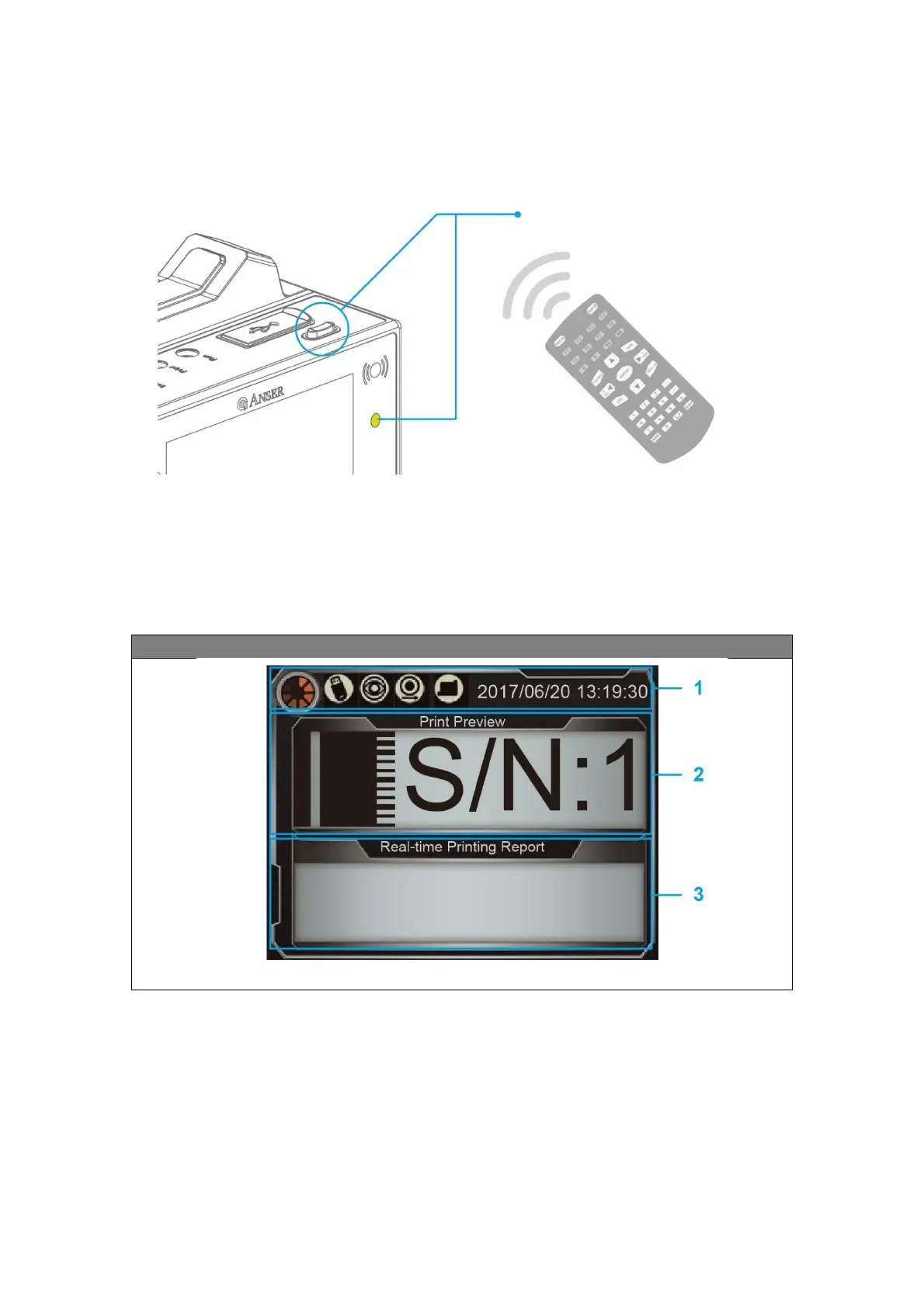
Before start operation in U2 printer, please make sure infrared receiver is turn on (bright IR LED
light). If no, please press the infrared switch button to turn it on.
4.1 Home Page
U2 Printer main page is divided into three sections: system status, print preview and real-
time printing report. The functions are as follow:
U2 Smart / SmartONE System Main Page
Infrared On-Off Switch /
Infrared Light



 To Next Page