23
4.2 Menu Settings Page
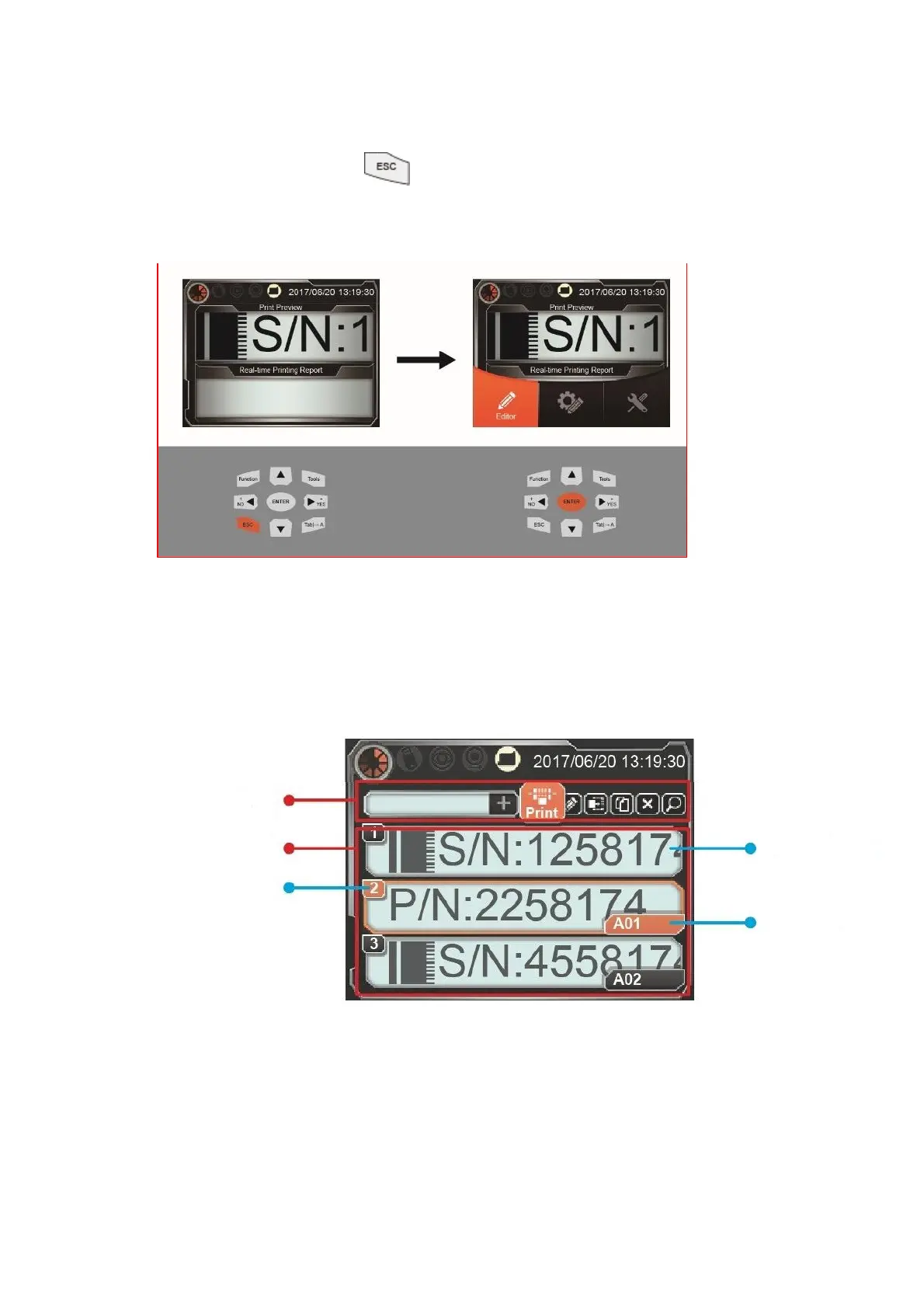
In U2 printers home page, can be used to call out the menu settings page, and use
the left and right direction keys and enter key to select.
4.3 Editor
From U2 printer main menu select “Editor “to enter message list interface. User can use
the operation bar to add, delete, edit, etc., printer memory information. The detailed
functions are as follow:



 To Next Page