24
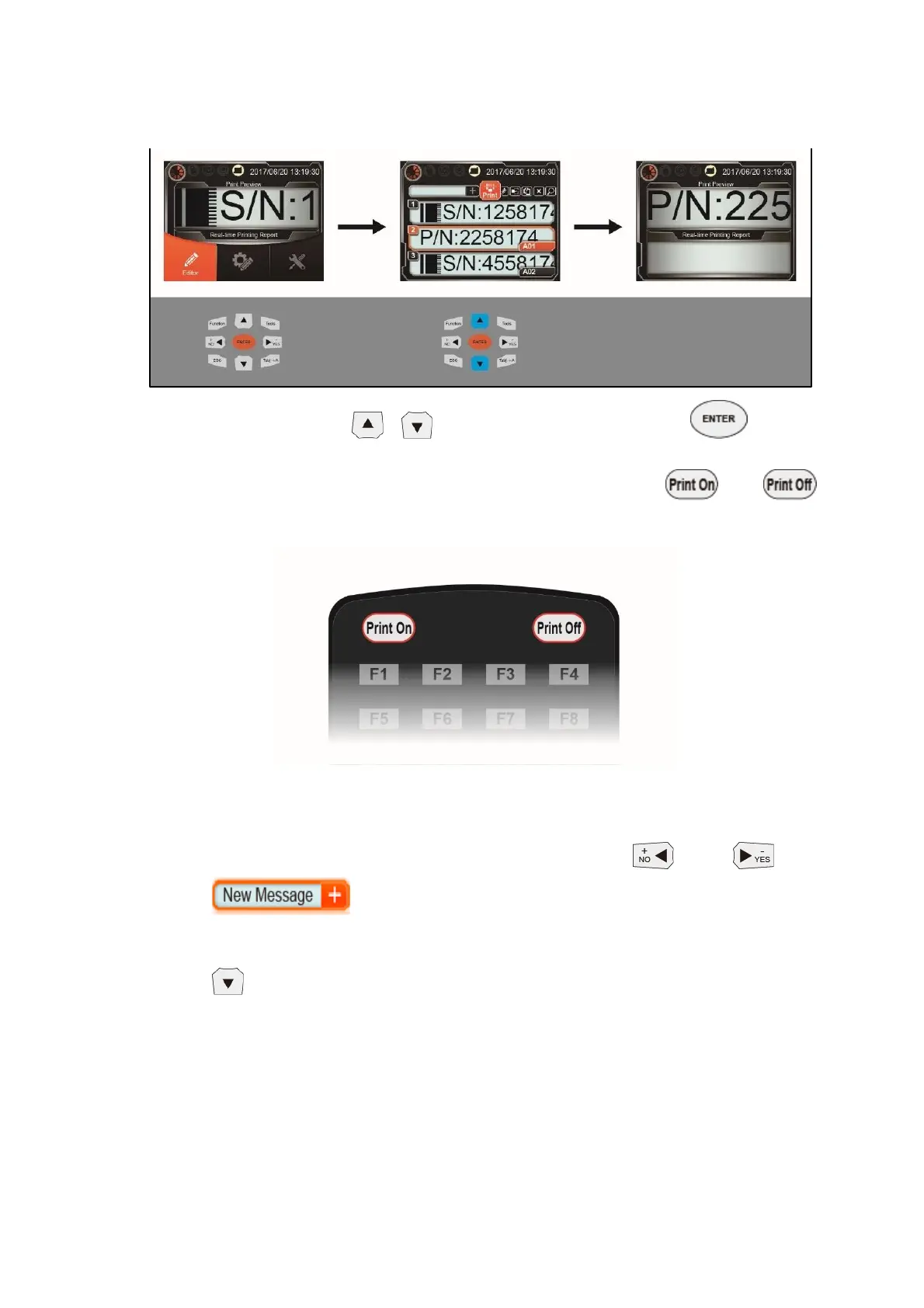
4.3.1 Message Selection and Printing
In the message list select and print the message 『 』, after
selecting, system will automatically return to main screen and start printing. After
selecting the message, you can also use remote control keys『 』, 『 』
to perform print start/stop operation.
4.3.2 Adding New Message
In the message list screen can use remote control『 』, 『 』select
『 』,to enter add new message page. The page contains 3 blocks:
Message preview, message name and message objects. When adding a new message
you can edit the message name first and then select message object by pressing
『 』 and enter to edit the message object.



 To Next Page