25
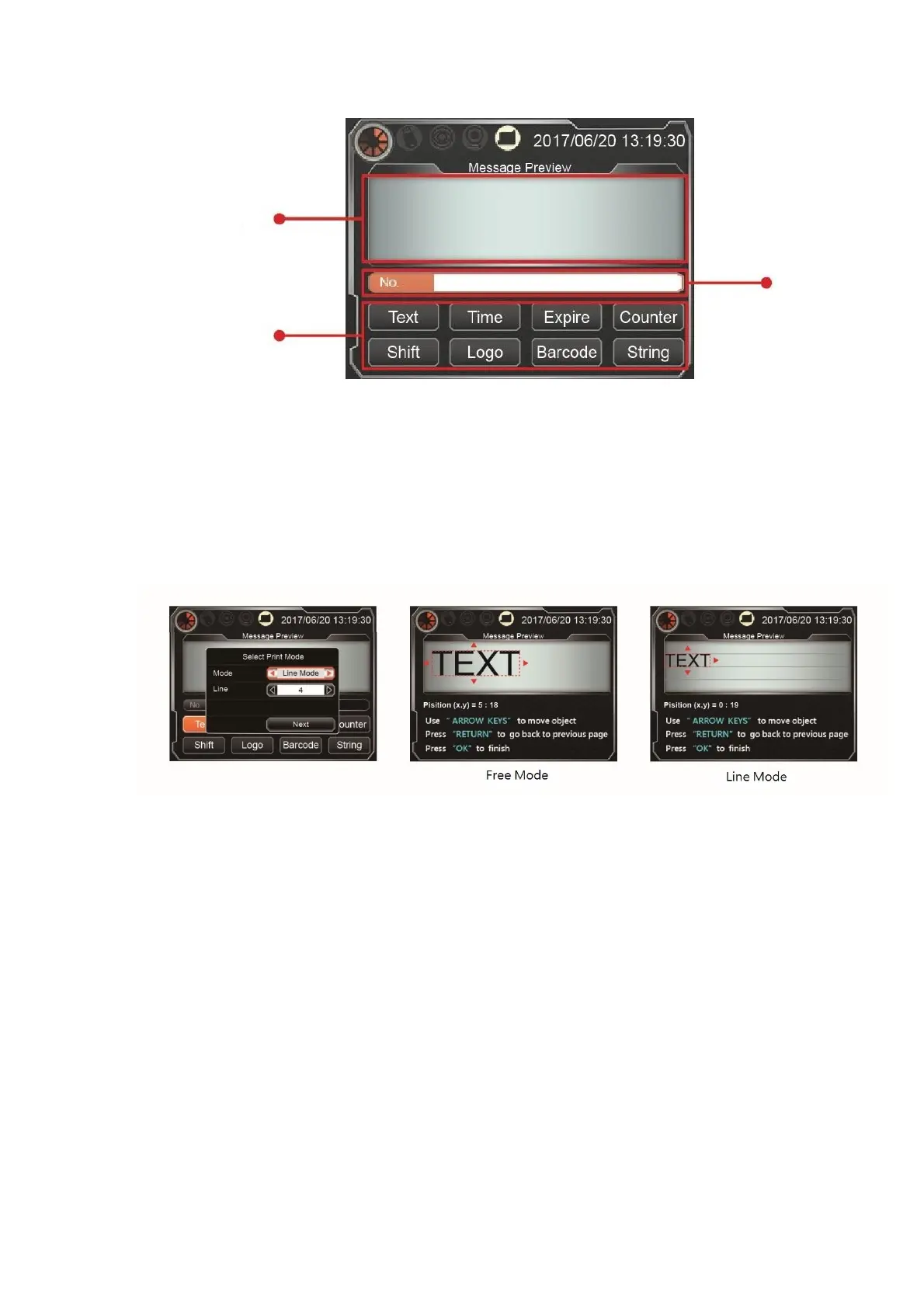
Before adding a new message, user needs to first set the message mode to free mode
or line mode (support 1-4 lines). The free mode will not limit the height and placement
of the message object. The line mode will fix the height of each message object to
maximum height and line them up equally, and the position is aligned with the upper
edge of each line. After setting completed, will enter to the new message object page.
Message editing mode is introduced in the next chapter.



 To Next Page