35
Restore Default
It will reset all setting values to factory default, but user-defined message will be
completely retained.
4.5.2 Printhead Settings
Printhead settings sets the values of cartridge printhead, setting items are described
below:
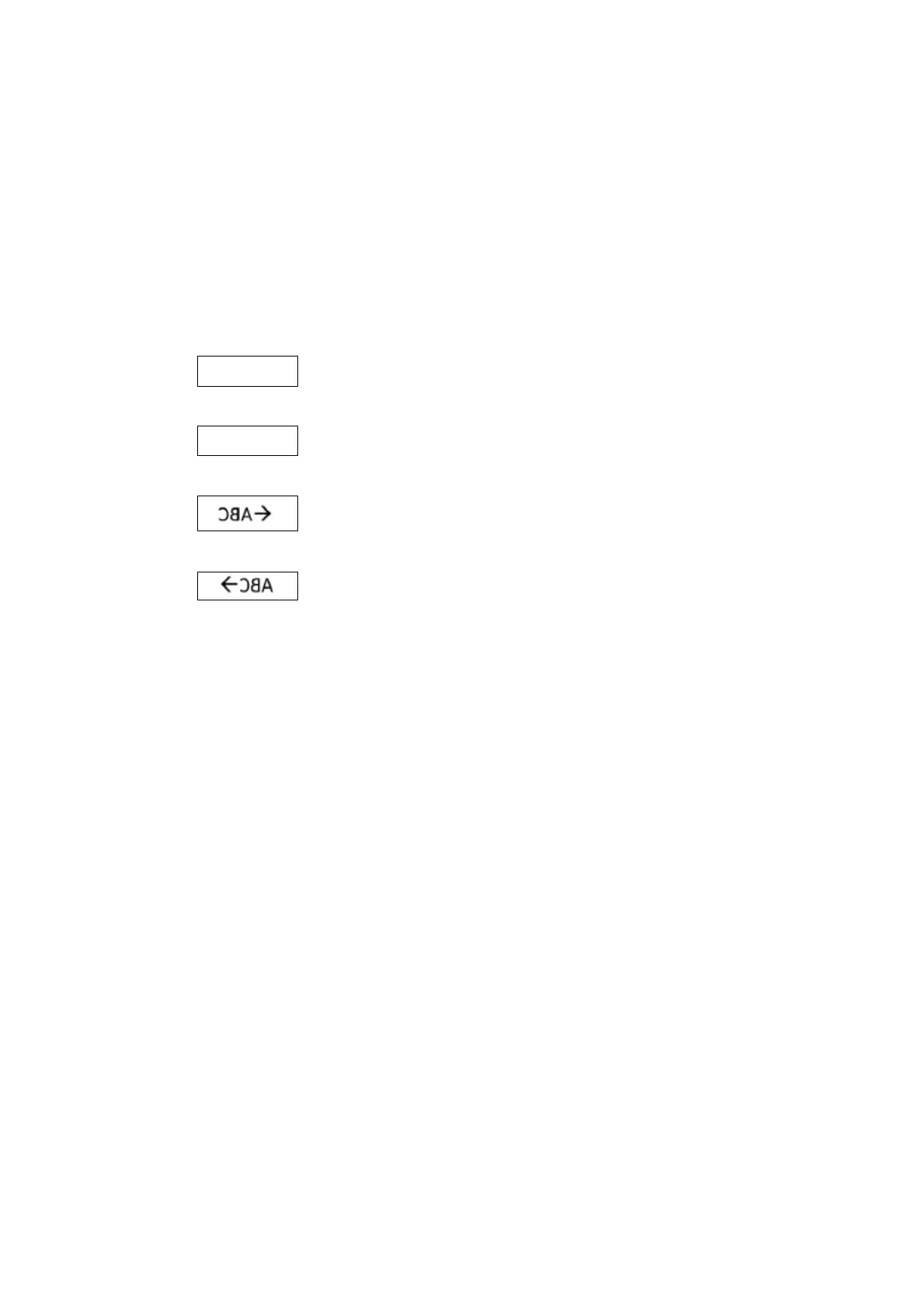
Direction
:Printing from left to right,
:Printing from right to left,
:Rotation 180° from left to right,
:Rotation 180° from right to left.
Horizontal Resolution
Encoder Off
System support range: 50~600 DPI (50 DPI per step) .
Encoder On
● 300 DPI encoder system support : 150 DPI, 300DPI.
● 400 DPI encoder system support: 200 DPI, 400DPI.
Pre-Purge
System pre-purge is a pre-spray for the equipment’s standby state to keep the nozzle
moist. Humidity can be set (1~5), the more dryer the environment (or the more volatile
the ink), the greater the setting value should be.
Repeat Printing
The printer continuously prints the same message according to the setting content,
setting content as below:



 To Next Page