34
Global Delay
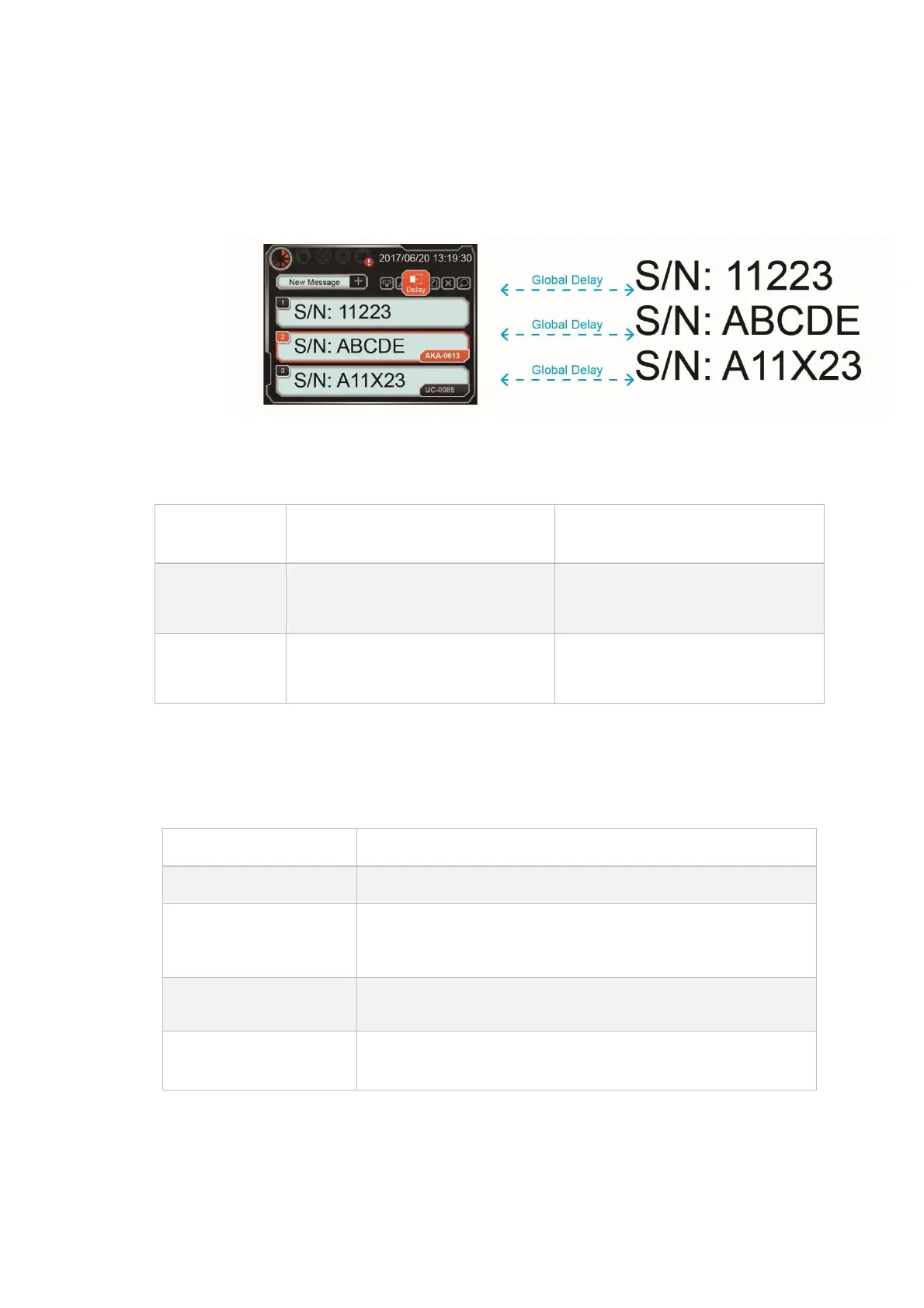
The print delay applies to all messages in the printer. When the global delay has been
set, printer will ignore message delay value and use the global delay value as the main
parameter. See 4.3.4
Daylight Saving
Set daylight saving function:
Every year on the last Sunday of March,
at 01:59:59, it jumps to 03:00:00.
The last Sunday of October each year
01:59:59 in the morning, jump to
01:00:00
Every year on the second Sunday of
March, at 01:59:59, it jumps to
03:00:00.
The first Sunday of November each year
01:59:59 in the morning, jump to
01:00:00
System Time
Adjust current system time: (Year/month/day H:M:S)
Log Report
Clear the content of the log file.
Before backing up, please make sure the USB is plugged into printer.
Back up the log file to USB://auprn/u2d/report.log
Back up the log file to USB://auprn/u2s/report.log
Before using, please make sure the USB is plugged into printer.
Export settings to USB file or import from USB into system
Before using, please make sure USB has been inserted
Export all messages to USB file or import from USB into system.



 To Next Page