21
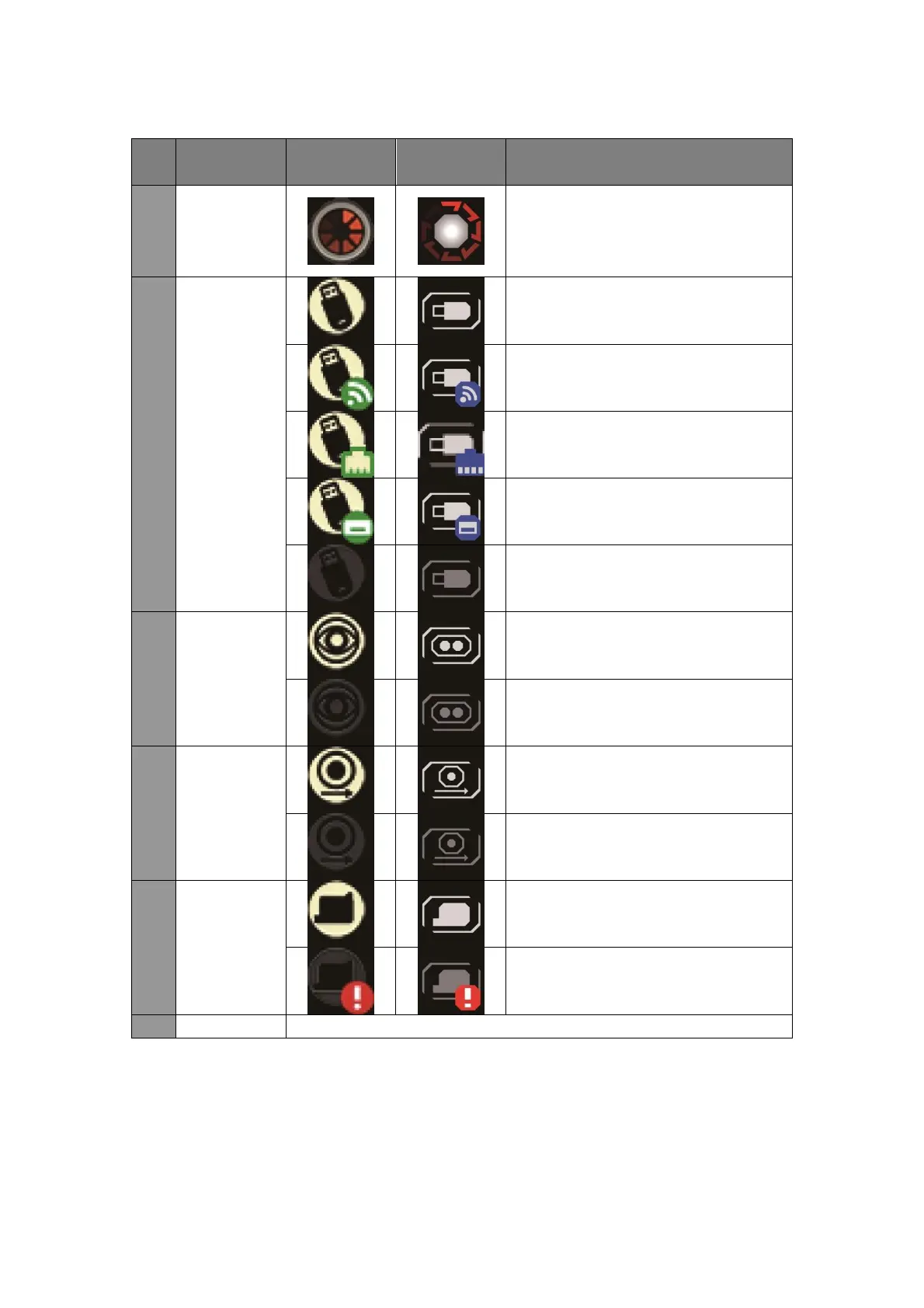
It shows whether the current
printer is performing printing task.
During printing, the icon rotates
otherwise remains still.
USB port is connected to a storage
device in the original format.
USB port is connected to USB WIFI
dongle.
USB port is connected to USB
Ethernet dongle.
USB port is connected to USB
keyboard
No USB connected or detected.
External photocell enabled, this
function needs manual setup.
External photocell not enabled.
Encoder enabled, this function
needs manual setup.
Cartridge already inserted.
Ink cartridge detection abnormal or
does not exist.
Display printer current system time.



 To Next Page