Antelope Audio Zen Quadro Synergy Core User Manual
Page 10
● Under 'Output', the interface should be listed as ' Zen Quadro SC USB Audio Driver
Playback 1/2'. There will be 4 pairs of playback devices available.
● Under 'Input', the device should be listed as ' Zen Quadro SC USB Audio Driver
Recording 1/2'. There will be 4 pairs of recording devices available.
3. Click 'Device Properties' under 'Output'. Then, click 'Additional Device Properties'.
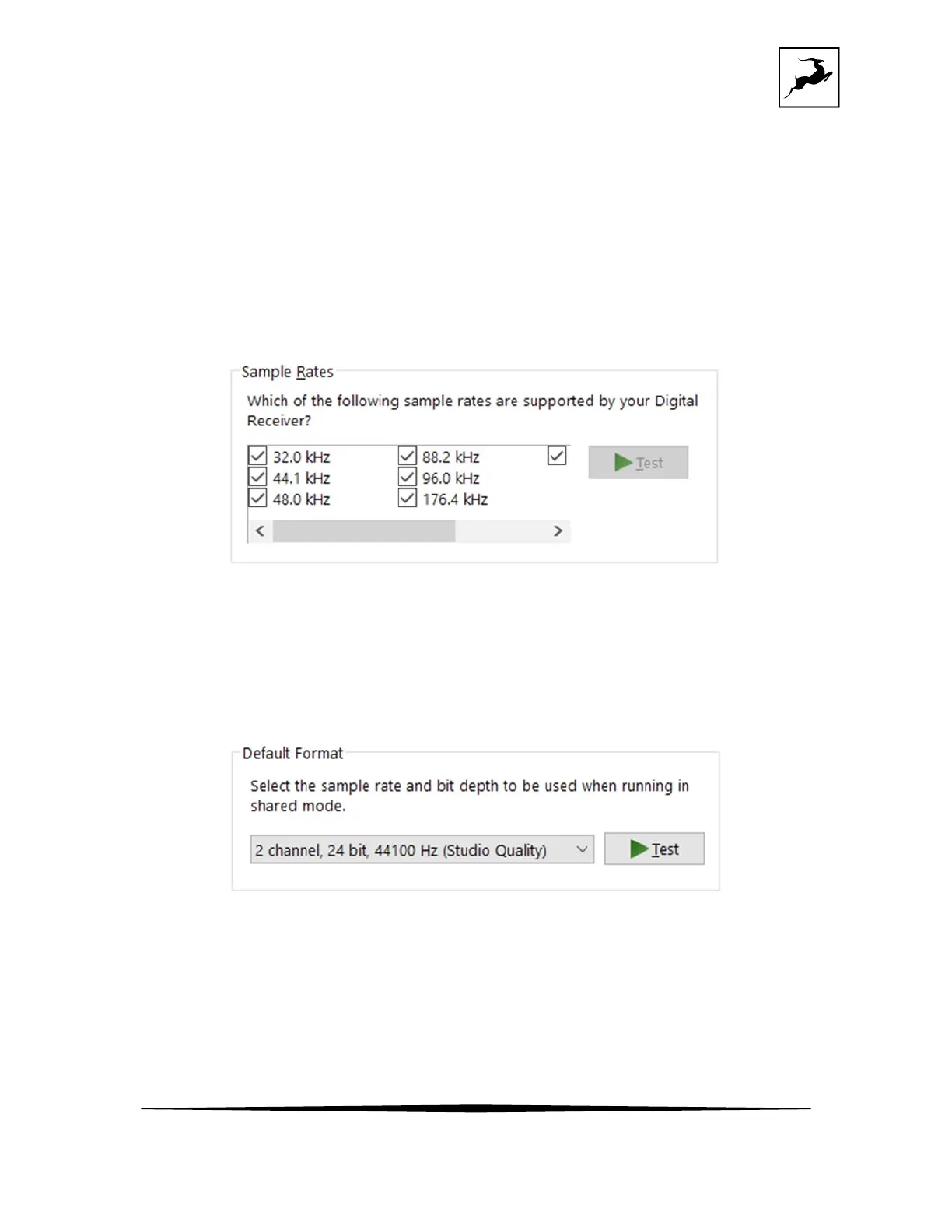
4. Enter the ‘Supported Formats’ tab and place checkmarks next to all the available sample
rates.
5. Enter the ‘Enhancements’ tab and disable all enhancements.
6. Enter the ‘Advanced’ tab and choose any of the available “2 channel, 24-bit” modes from
the drop-down menu. Click ‘OK’ to close the window.
7. Back in Sound settings, click 'Device Properties' under 'Input'. Then, click 'Additional Device
Properties'. Enter the 'Enhancements' tab and disable all enhancements. Click 'OK' to close
the window.


 To Next Page
 Loading...




