Antelope Audio Zen Quadro Synergy Core User Manual
Page 48
By default, the audio output from your
computer is USB 1 PLAY 1 and 2.
Those are the mobile device/computer
playback channels from the USB 2 port.
Two channels of incoming S/PDIF stereo
digital audio.
Up to 8 channels of incoming ADAT digital
audio.
Test signals from oscillators 1 and 2.
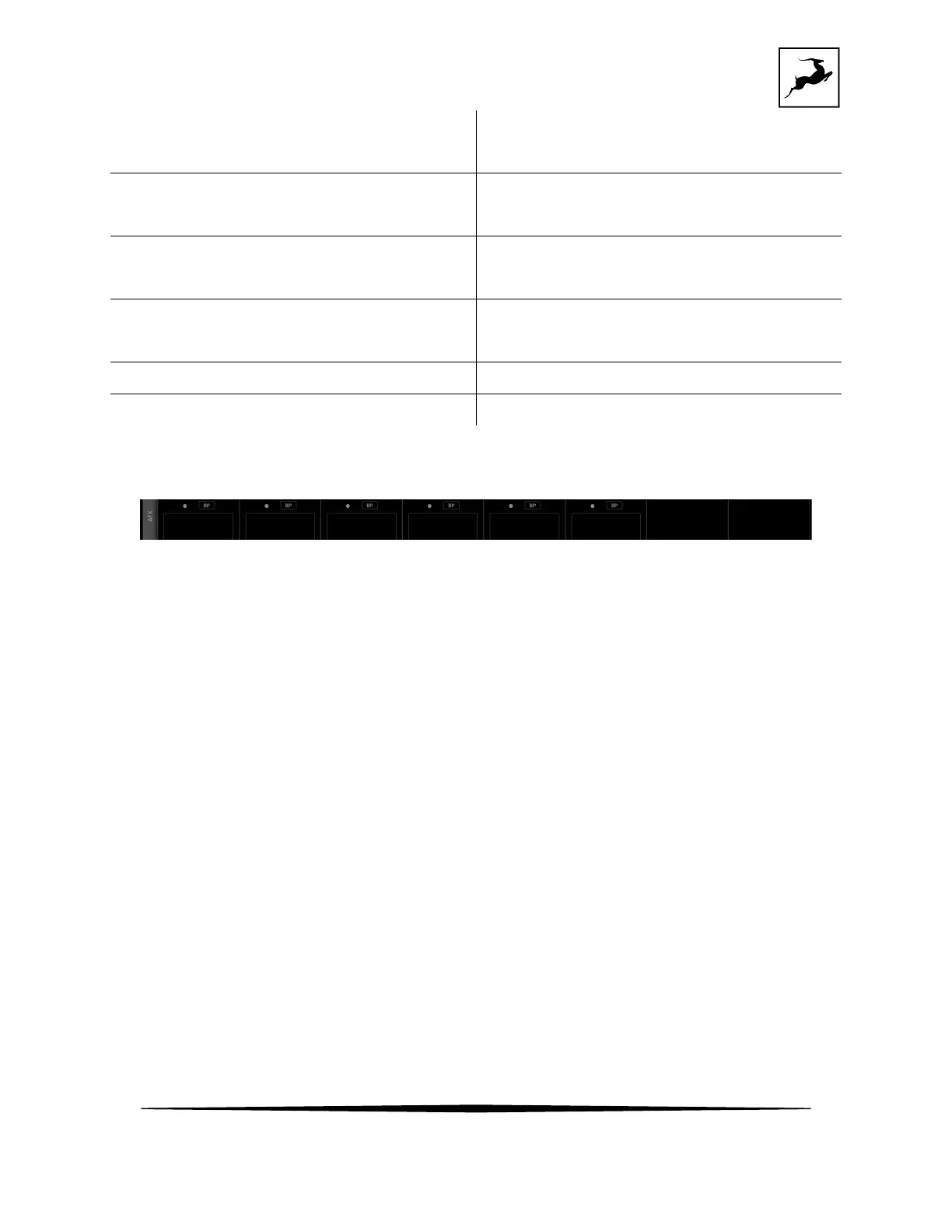
AFX strip
Mixer channels 1 to 6 let you apply Synergy Core FX to the input signal. Click inside the AFX
areas above channels 1 to 6 to open the FX Rack (explained below). Click the 'BP' button inside
the area to bypass all FX applied to that channel. On each channel you can apply up to 8
effect instances, depending on how intense in terms of processing each of them is.
Synergy Core FX Rack
Click to open the Synergy Core FX Rack. It looks like this and it offers the following
functionality:



 To Next Page