Antelope Audio Zen Quadro Synergy Core User Manual
Page 9
9. Install Software bundle
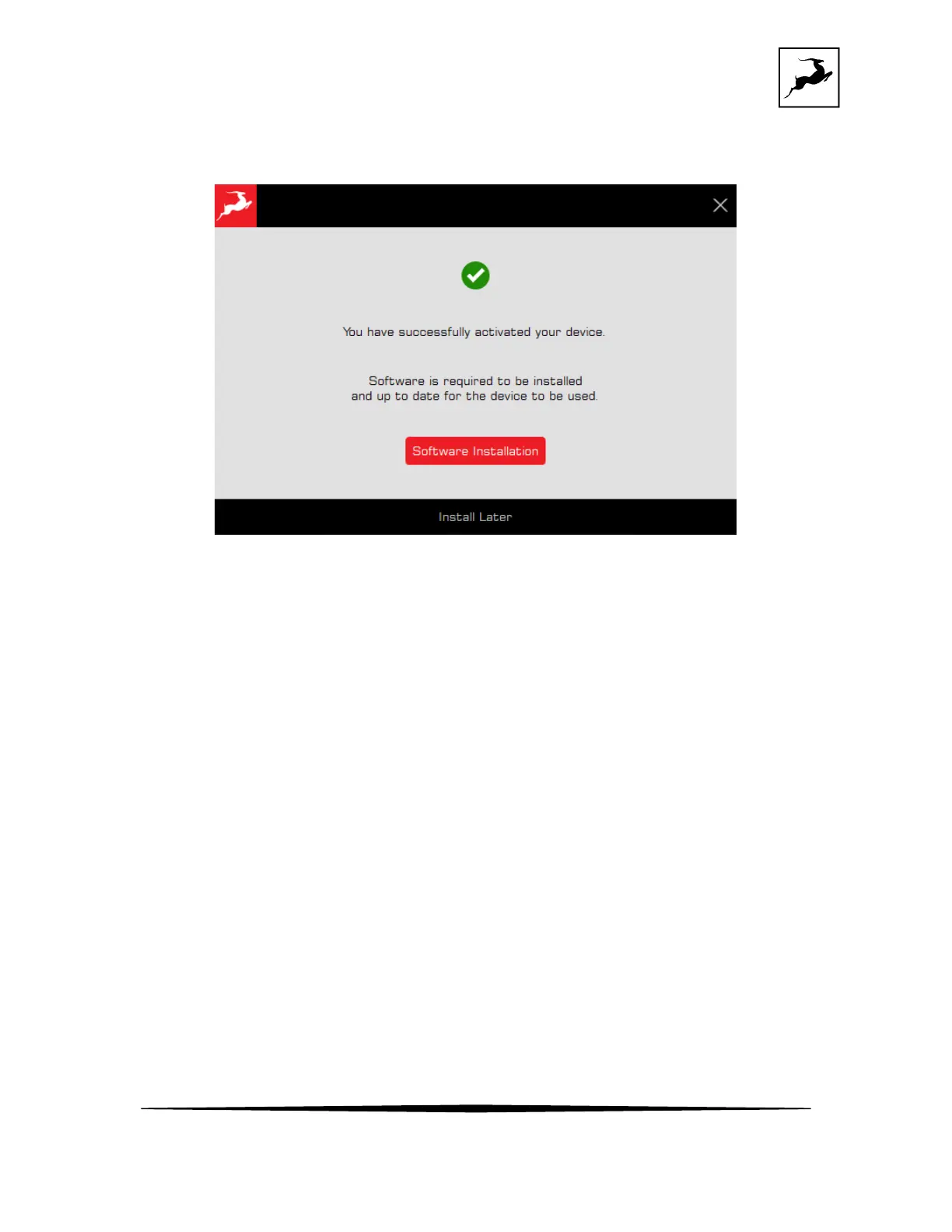
After successful activation of your device, click on “Software Installation” This step is necessary to install
the latest firmware and control panel for your device.
* On Windows – this step will also install the latest driver for your device.
The secondary USB 2 port is using the same USB driver, so there is no need to install additional drivers
to use it.
The device will restart after a successful installation. Click 'Done' and the activation is finished.
SETTING UP
Configuring for Windows 10
To optimize Zen Quadro Synergy Core for Windows 10/11 audio playback and recording:
1. Enter the ‘Sounds’ options window from the Control Panel; or right-click the speaker icon in
the system tray and choose ‘Open Sound settings’.
2. Make sure the Zen Quadro Synergy Core is chosen under 'Output' and 'Input':



 To Next Page