Antelope Audio Zen Quadro Synergy Core User Manual
Page 8
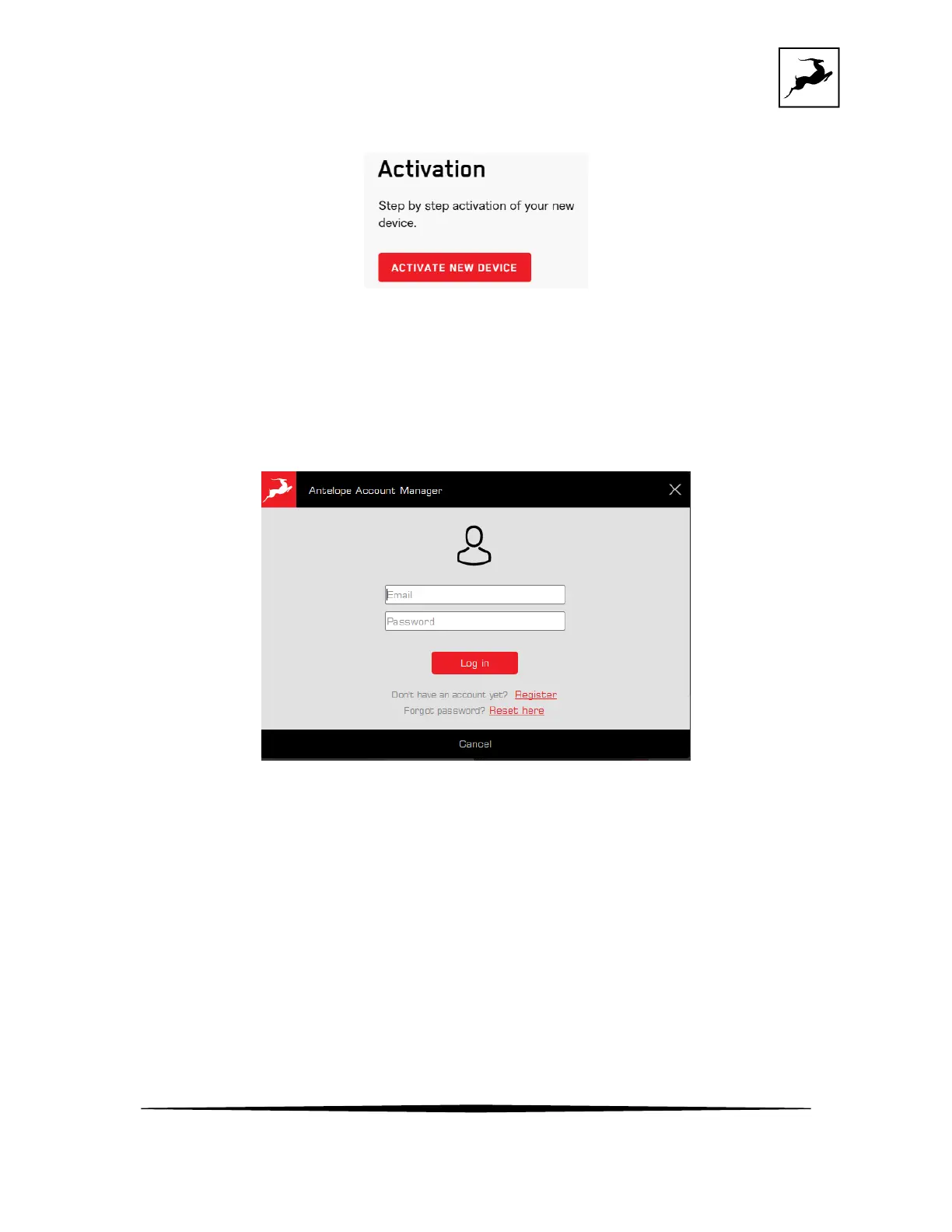
4. Click on the 'Activate New Device' button.
5. Click on 'Zen Quadro Synergy Core' from the device list.
6. Download and install the Antelope Launcher application for Windows or macOS.
7. Open the Antelope Launcher application, enter the e-mail and password you used to login
into the Antelope Audio user area and click 'Login'.
The device will be automatically recognized by the Antelope Launcher, and you can safely
proceed to the next step.
8. Click on 'Activate.
Note: During the activation process, you can also pair any standard and promotional software
bundles available in your account with your device.



 To Next Page