Antelope Audio Zen Quadro Synergy Core User Manual
Page 55
you need a ready mix to be recorded/broadcasted, by allowing you to set levels and use
effects on any signals, be it from the interface’s inputs or computer playback and then sum
them all down to stereo. Streaming, VoIP/Video calls, real-time effects printing, live music
performances across multiple software applications are just a few scenarios where the
loopback function can be utilized.
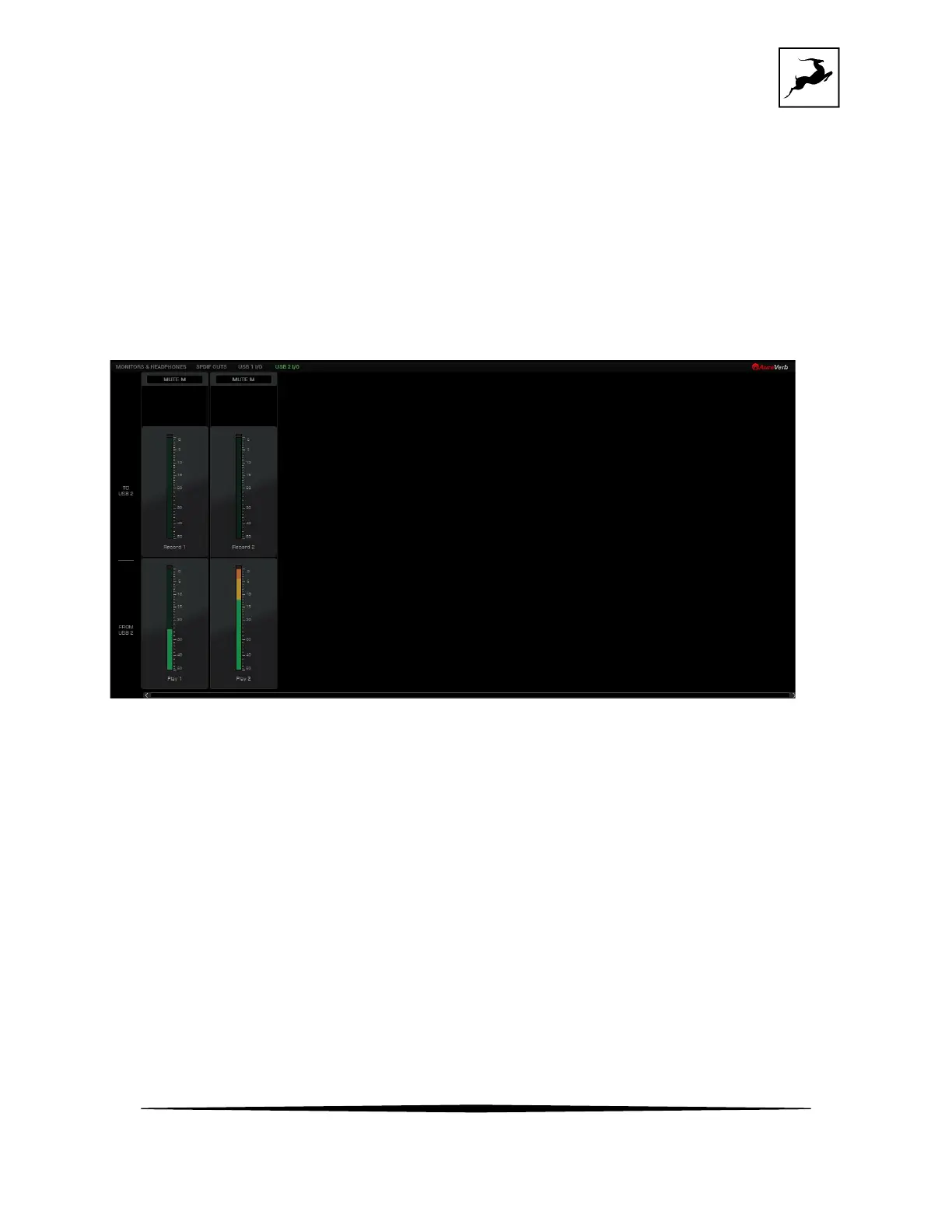
USB 2 I/O view
USB 2 I/O' view provides an overview of audio going in and out of the device connected to the
secondary USB 2 port.
This can be a mobile device* with a USB-C port or a Windows/macOS computer.
The Record 1 and Record 2 peak meters will show the signal level of what you are sending to
the mobile device. The Play 1 and Play 2 peak meters will show the signal level of the playback
from the mobile device/computer.
You can change the signal going to Record channels 1-2 from the dropdown menu on each
channel. This signal will correspond to the signal going into your mobile device/computer
inputs 1-2.



 To Next Page