Antelope Audio Zen Quadro Synergy Core User Manual
Page 12
2. Click 'OK' and your DAW should function normally.
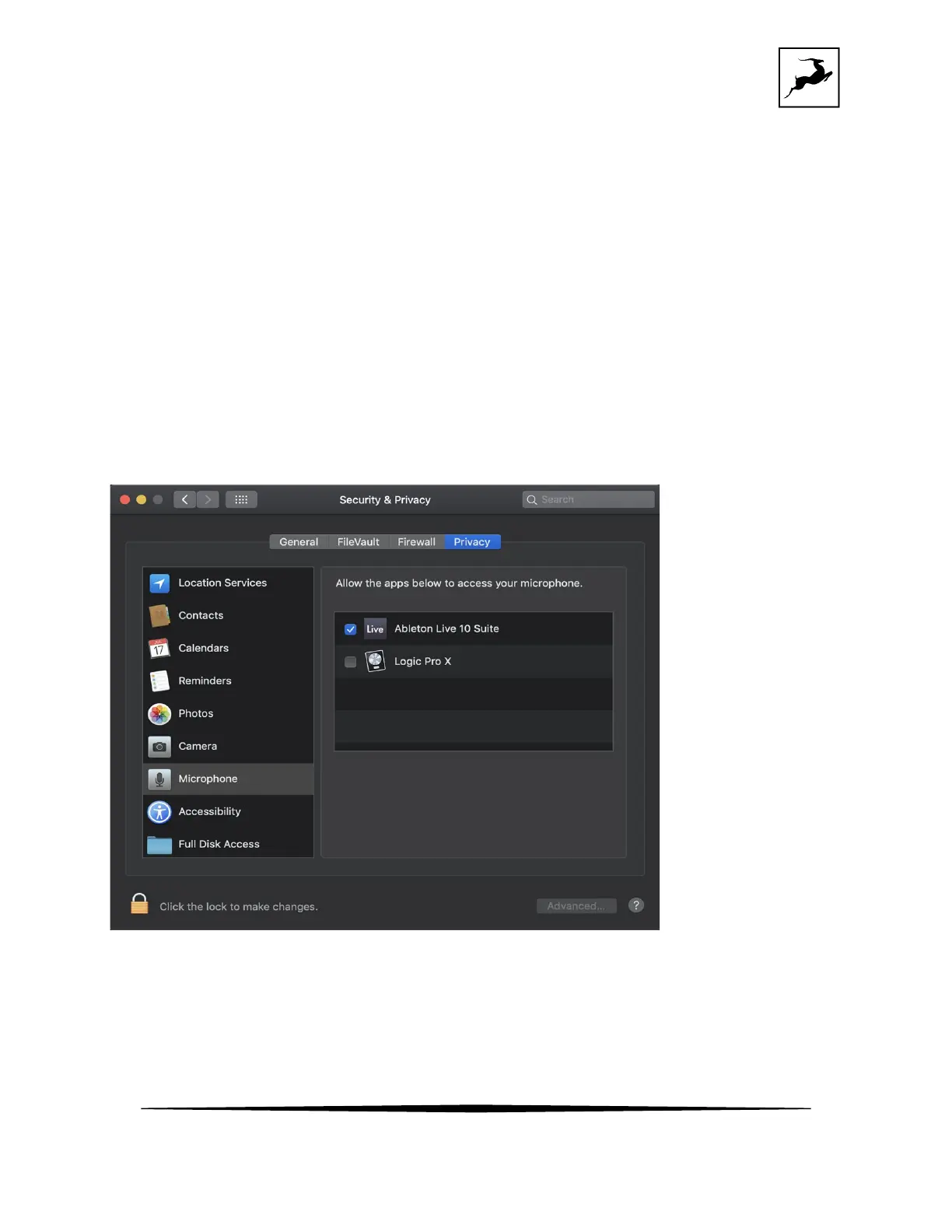
However, if the events above did not occur for some reason, or you are using multiple DAWs,
you must do a manual tweak for each
in 'Security & Privacy' settings:
1. Click the 'Apple' symbol and choose 'System Preferences'. Head to the 'Security & Privacy'
settings menu.
2. Click the 'Privacy' tab. In the column on the left, choose ‘Microphone’. Make sure there's a
checkmark next to any DAW you want to use.
Note: You may have to click the padlock symbol in the bottom left corner and enter your
password to make changes.



 To Next Page