Antelope Audio Zen Quadro Synergy Core User Manual
Page 23
In the professional audio realm, it is not uncommon to connect line-level equipment using 3-
pin balanced XLR (microphone) cables instead of 1/4-inch TS/TRS audio cables. However, this
is not the correct approach here.
Connecting line-level equipment to the Zen Quadro Synergy Core with XLR cables will activate
the interface's microphone preamps and the line-level signal might be amplified to the point of
audible distortion. Note that choosing 'Line' from the 'PREAMPS' tab in the Windows/macOS
Control Panel application will not prevent this.
If your line-level equipment is limited to XLR connections, you can still use balanced XLR
(microphone) cables by attaching standard 3-pin XLR to 1/4-inch TRS adapters to them.
3-pin XLR to 1/4-inch TRS audio/microphone cables are also readily available. Make sure to
correctly identify the type of XLR connector (male or female - usually male) used for your
equipment's line outputs to obtain the right adapter or cable.
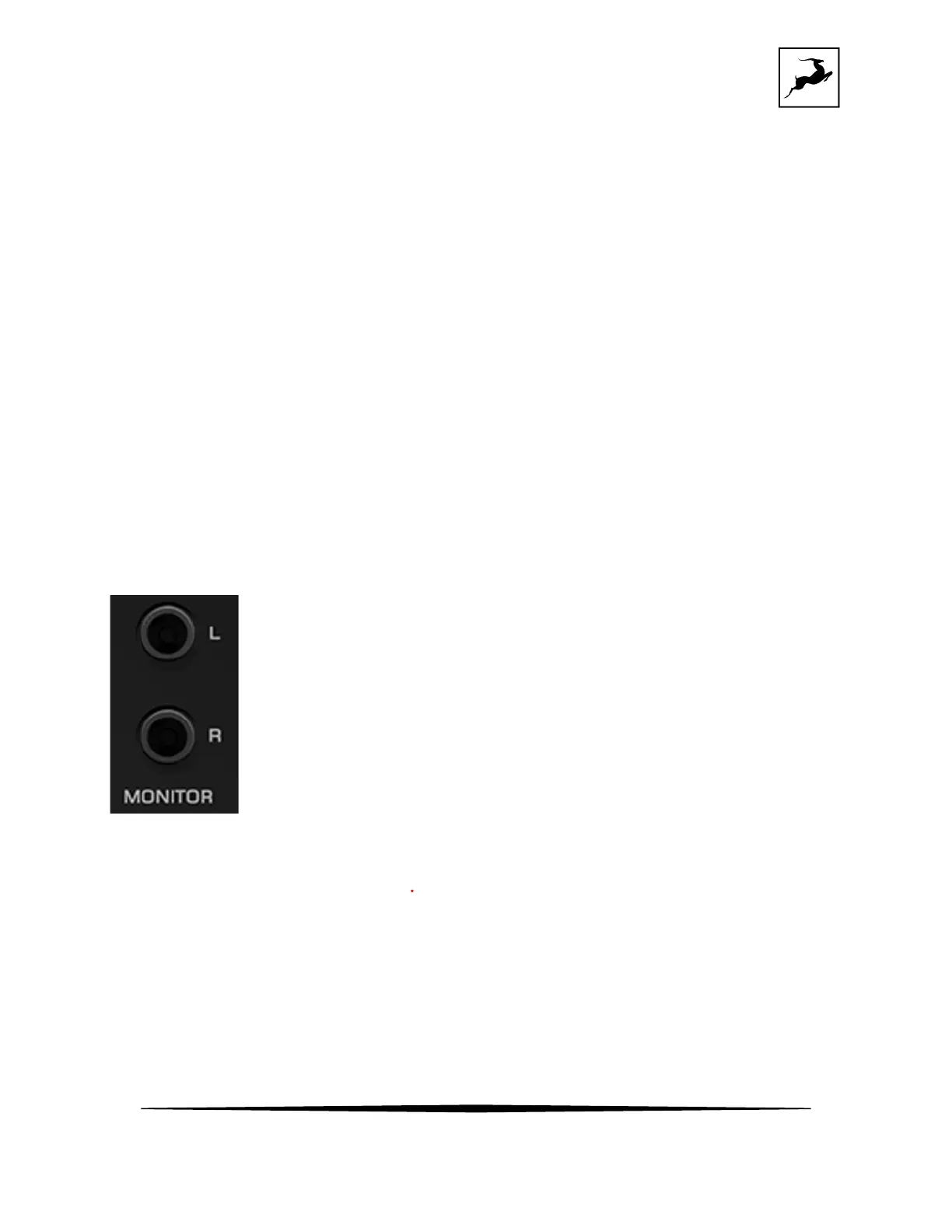
Monitor outputs
Stereo monitor outputs (L/R) on 1/4-inch TRS jacks.



 To Next Page