Antelope Audio Zen Quadro Synergy Core User Manual
Page 42
Signal type selector
Click to choose the signal type you are recording from the drop-down menu:
• Mic - choose this when recording a microphone.
• Line - choose this when recording line-level musical instruments and equipment, such
as synthesizers, keyboards, samplers, mixer outputs, external preamps, effects
processors and so on.
• Hi-Z (available on CH1 and CH2) - choose this when recording electric stringed
instruments, such as electric guitars and basses with active
or passive magnetic
pickups, or electro-acoustic instruments with piezo pickups.
Link button
Click to link the controls for inputs A1 – A2 and A3 – A4. When linked, any change made to the
controls for one input will be automatically reflected by the other. Click again to de-link.
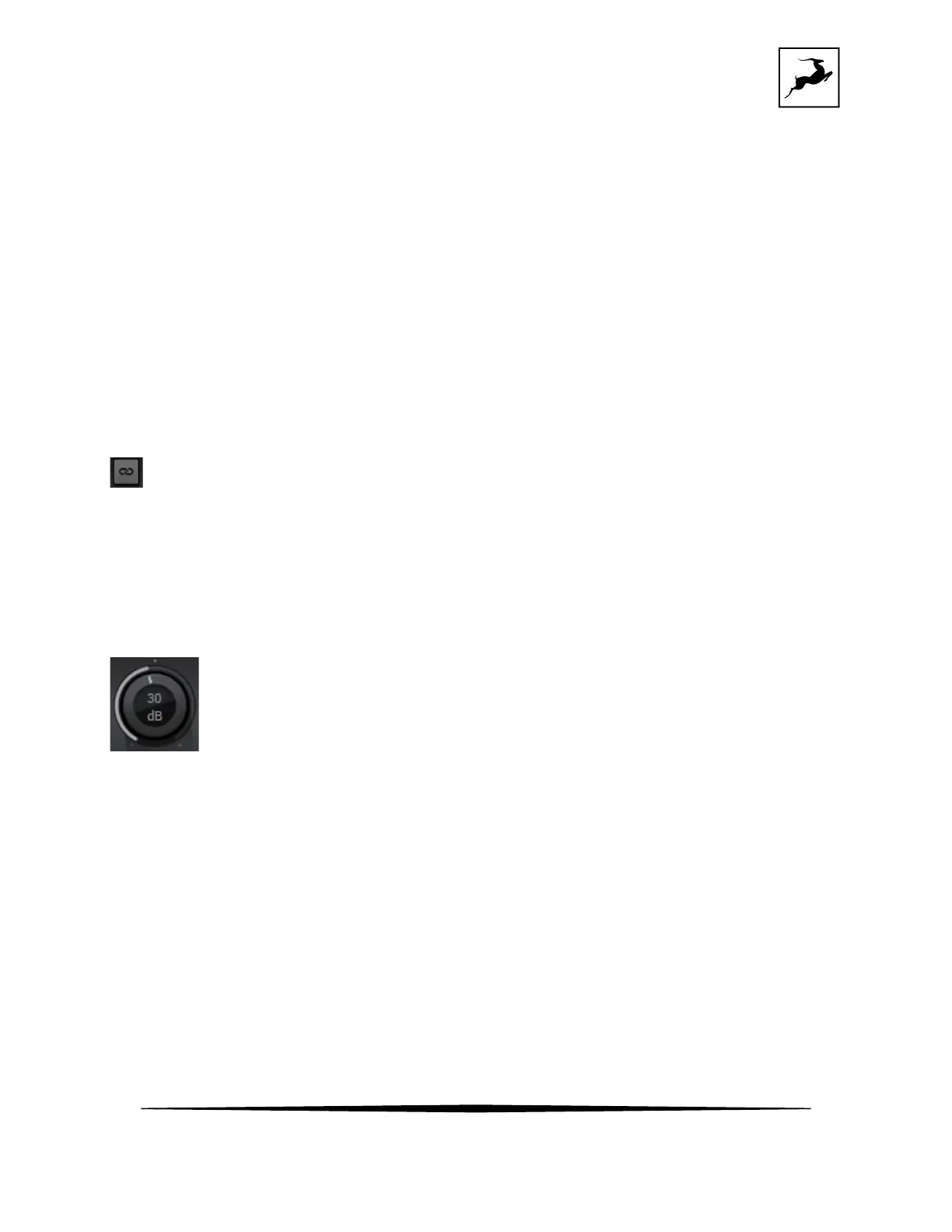
Gain control
Click and drag to adjust input gain. The available gain range is defined by the signal type:
• Mic: 0dB to 75dB
• Line: -6dB to 20dB
• Hi-Z: 0dB to 45dB



 To Next Page