Antelope Audio Zen Quadro Synergy Core User Manual
Page 50
Mixer
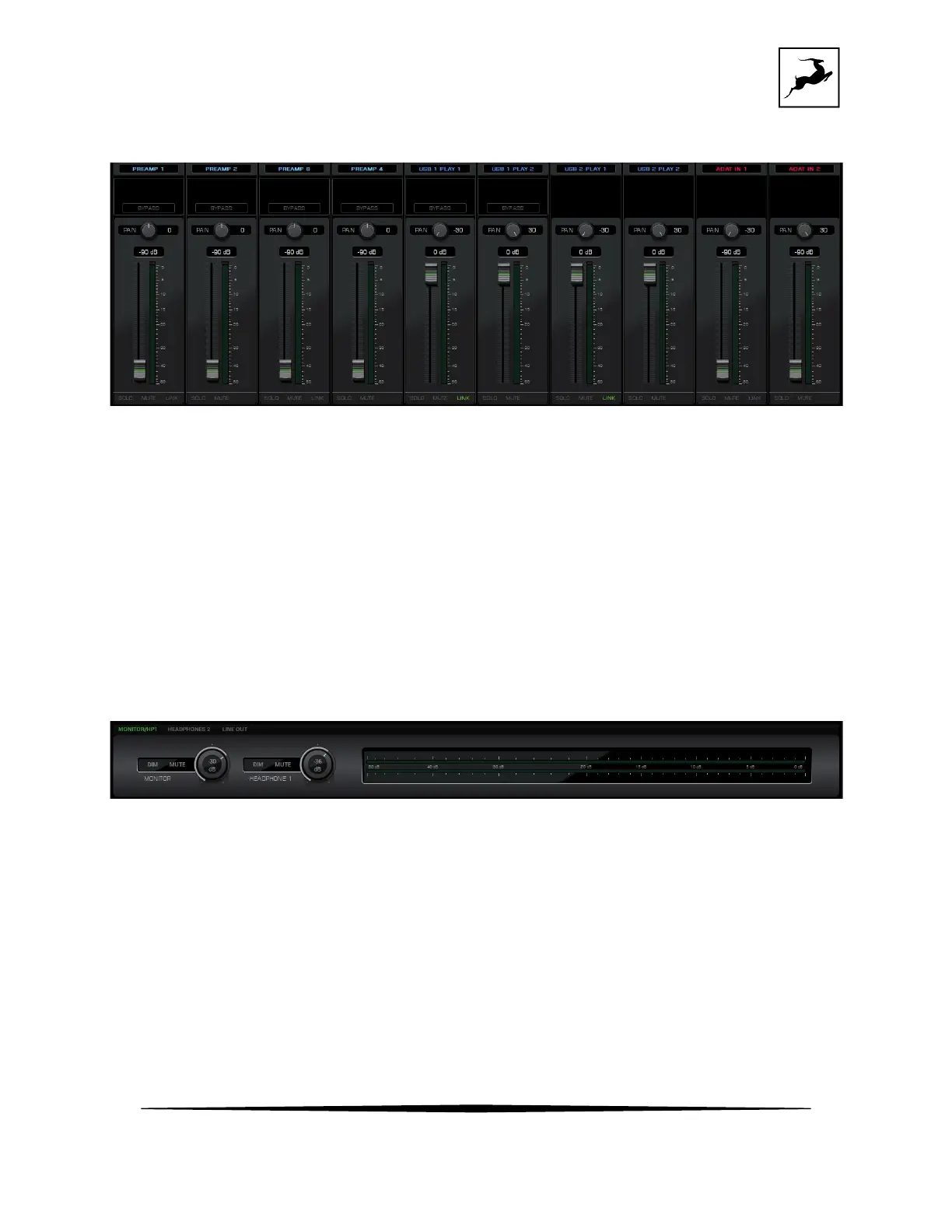
This section contains pan controls, volume faders, and Solo/Mute/Link buttons for each
channel of the three 16-channel virtual mixers titled 'Monitor/HP1', 'Headphone 2', and 'Line
Out'. 8 channels are visible by default and you can scroll to see navigate between all 16
channels. Click between ‘compact’ and ‘default’ mode in Function strip 3 to flip between 8-
channel and 16-channel views.
Output volume and metering
This section contains the following:
• Mixer options “MONITOR/HP1”, “HEADPHONES 2” and “LINE OUT” which allow you to
browse through each mixer.
• Output volume knob with Dim and Mute buttons for the Zen Quadro Synergy Core's
monitor output.



 To Next Page