24
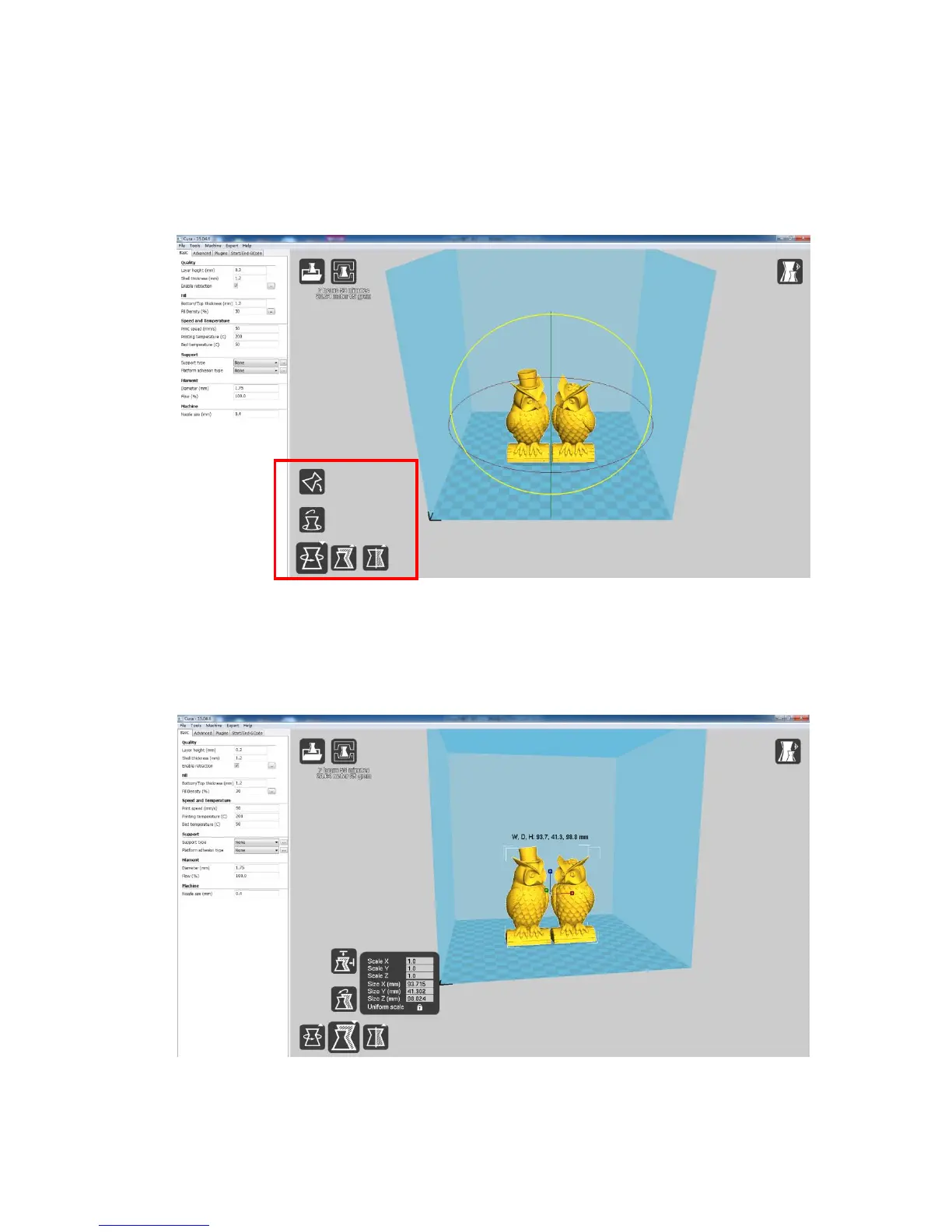
(4.1) Lay flat: it is very impartant to ensure the flat portion of the model is well
attached to the platform. So, please use Lay Flat option everytime after rotating the
model, as it will minimize the adhesion issues during printing. (Fig. 24)
(4.2) Reset: click it to return the model to the original orientation.
(Figure 24)
(5) Scale: to uniformly scale the model along X/Y/Z dimensions. To disable uniform
scaling, click the lock in the lower section of the scaling window. (Fig. 25)
(Figure 25)
(6) View mode (Fig. 26): to view the model in different ways and helps to spotting issues













 To Next Page