8. multiPOS Turbo
This Operating Guide provides everything you need to know about processing debit
and credit Transactions using your ANZ multiPOS Turbo terminal. This terminal is
designed to accept payment using Magnetic Stripe and Chip Cards.
Please take time to read it thoroughly and ensure that your staff read it too.
8.1 Terminal Features
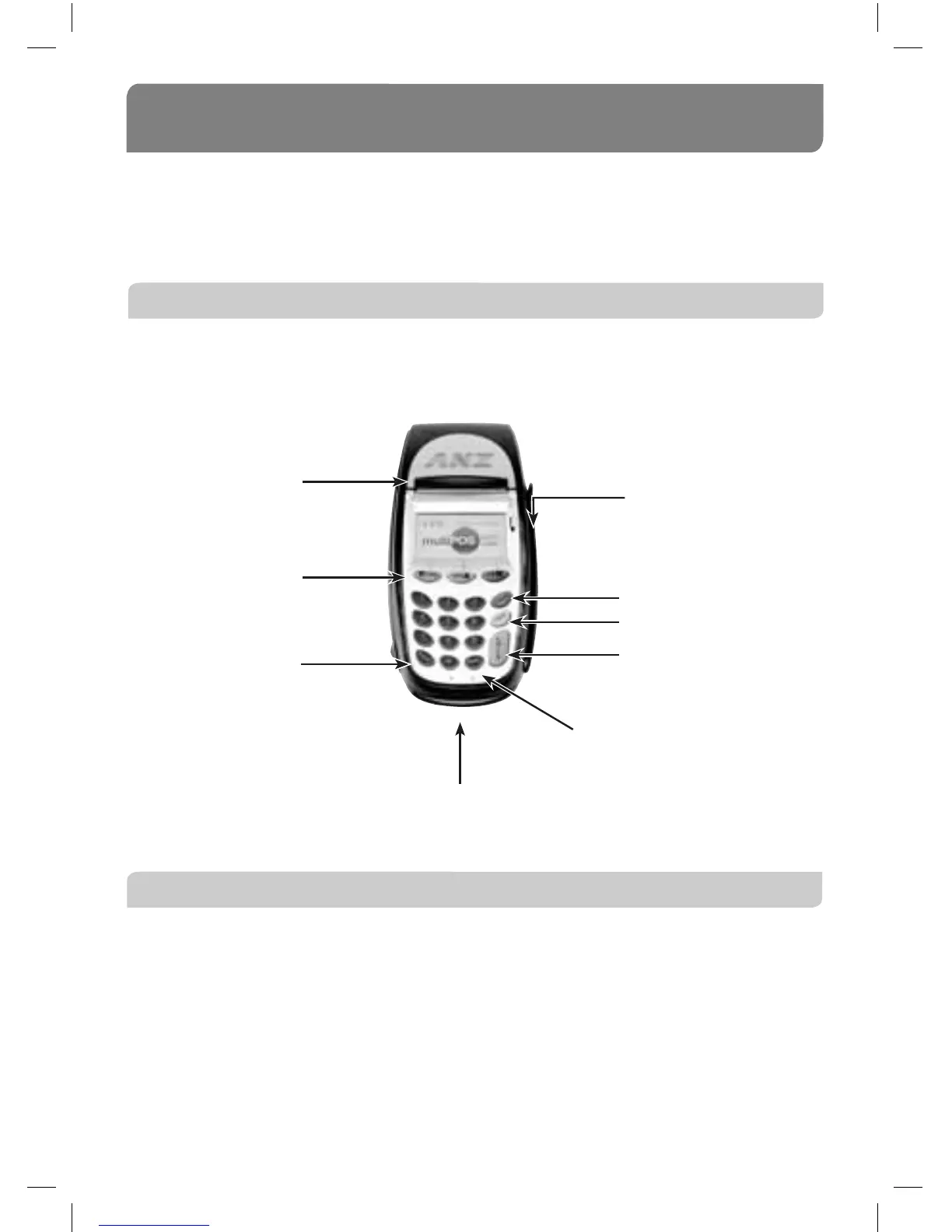
The multiPOS Turbo terminal incorporates a backlit graphic screen with large graphic
display, 18-key backlit keypad and thermal ‘easy loading’ printer.
8.2 Terminal Keypad
‘SOFT-FUNCTION’ KEYS – CHQ (Green), SAV (Green) and CR (Red)
These soft-function keys allow you to access the particular account type required.
They are also used as function keys for special features such as security.
NUMBER KEYS (Black)
Use the number keys to enter in the Transaction amounts, Authorisation Numbers and
when the handkey function is required.
13
Paper FEED key
CHQ, SAV & CR
(soft-function keys)
CANCEL key
CLEAR key
ENTER key
FUNCtion key
Printer
Chip Card Reader
Magnetic Stripe
Card Reader



 To Next Page