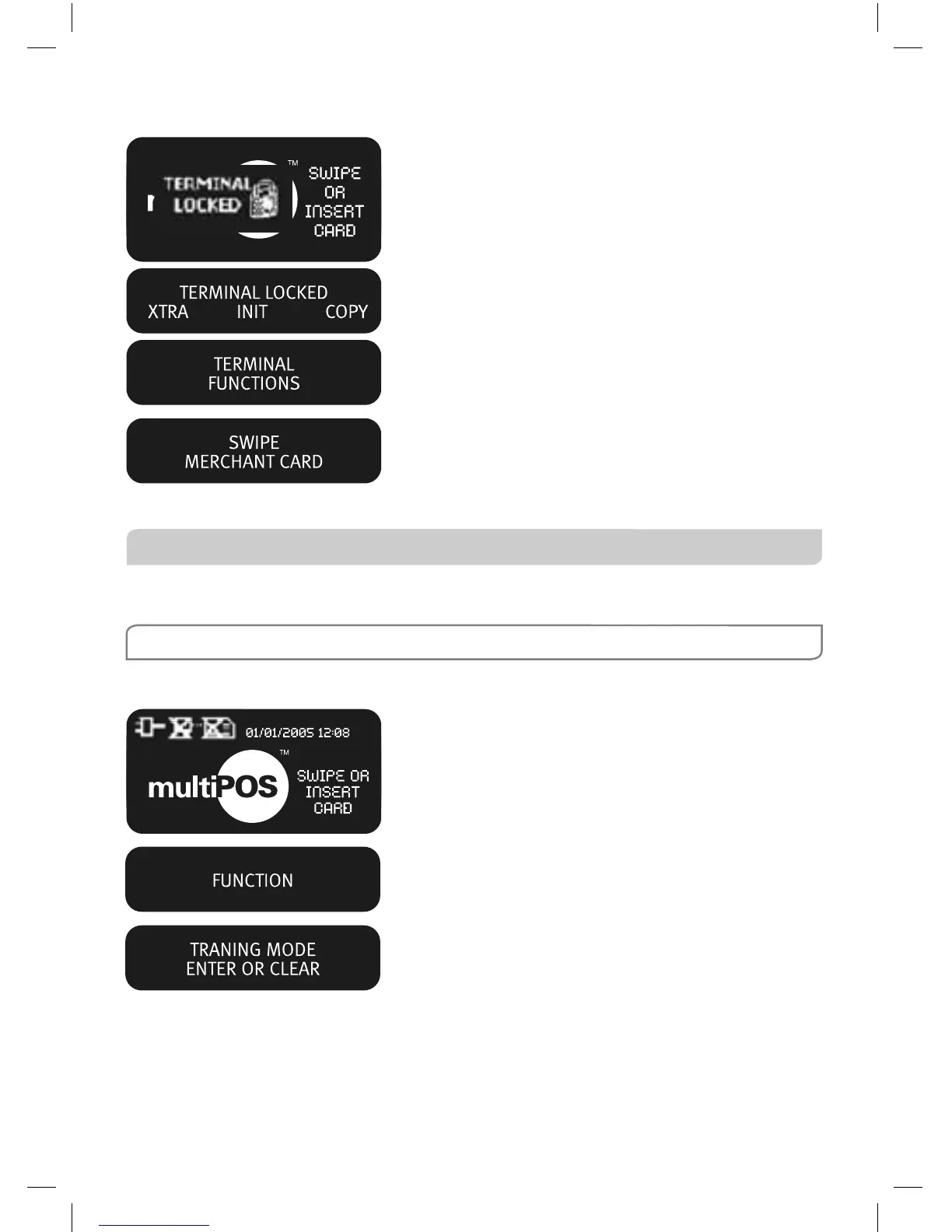
How to Exit Security Mode
Press Enter.
Select XTRA by pressing the CHQ key.
Press 1.
Swipe your multiPOS and EftPOS Merchant
Card. The start screen will be displayed to begin
Transactions.
10.3 Training Mode
Training mode is an ideal tool for familiarising yourself and your staff with basic
multiPOS functions.
NOTE: Only magnetic stripe Transaction training is supported.
How to Enter Training Mode
Press the FUNC key.
Key in 9999 then press ENTER.
Press ENTER.



 To Next Page