16. Mail, Telephone and eCommerce Order
Processing
For merchants authorised by ANZ to process Mail Order, Telephone Order, Electronic
and Recurring payments, the terminal will request that you identify the ‘source’ and
the ‘nature’ of the Transaction.
NOTE: You are liable for any disputed Transactions. The cardholder may dispute Transactions for
any reason. To minimise disputes, you should keep the following records of each mail, telephone or
eCommerce order:
• Cardholder’s name (as it appears on the card)
• Cardholder’s address (not a PO Box)
• Cardholder’s signature (if mail order)
• Type of card (MasterCard and Visa)
• Card number
• Card valid from/to dates
• Authorised dollar amount(s) to be debited
• Period that standing authority is valid
• Contact telephone number
• Details of the goods or services required
• Transaction date
When the Transaction has been processed, promptly dispatch the goods.
NOTE: You must retain information about a Transaction whether processed manually or electronically
for a period of 30 months from the date of the Transaction or such other period required by Law or
notifi ed by ANZ.
16.1 How to Process a Mail Order Transaction (Credit Cards only)
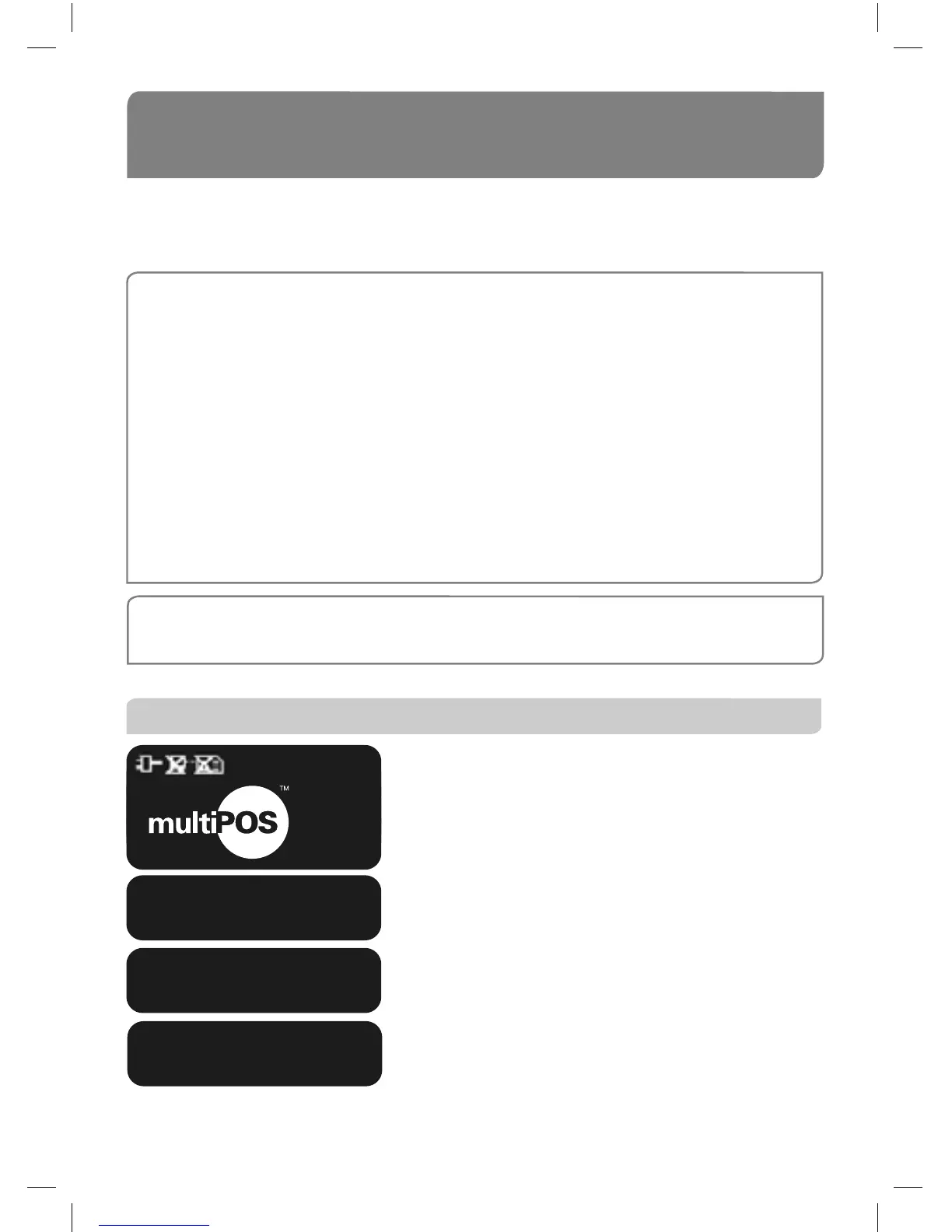
From this screen, keep pressing ENTER until the
ANZ EftPOS screen is displayed.
Select PUR by pressing the CHQ soft-function key.
Key in the purchase amount then press ENTER.
Press ENTER (cash-out is not available from credit
card accounts).
ANZ EftPOS
PUR CASH RFND
01/01/2005 12:08
PURCHASE AMOUNT?
$600.00
CASH OUT AMOUNT?
$0.00



 To Next Page