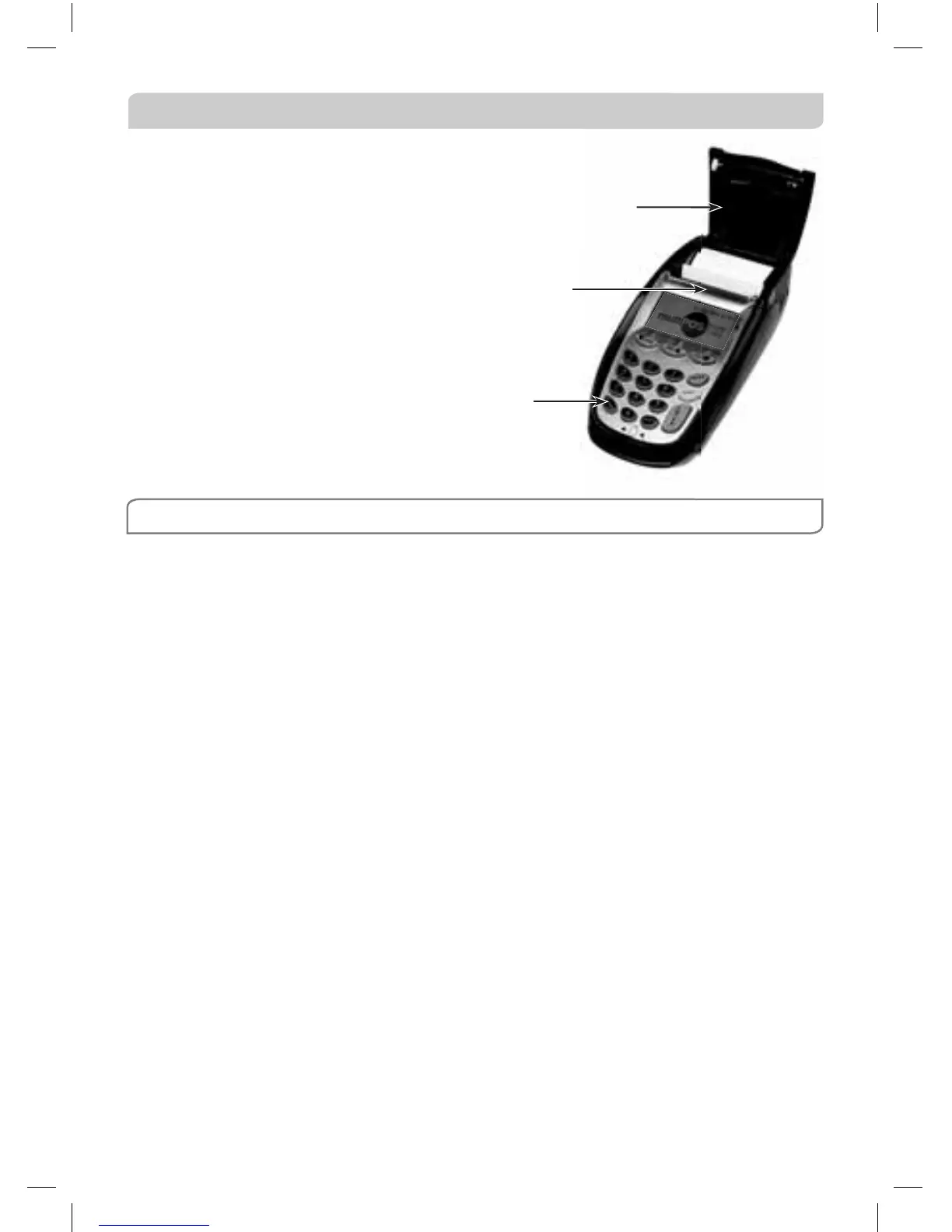
8.4 How to Load Printer Paper
• It is recommended that you switch
off the terminal’s power supply
before loading paper.
• Lift the paper compartment cover.
• Remove the empty paper roll.
• Drop in the new paper roll with the
cut end of the roll protruding from
underneath. No feeding of the
paper through rollers is required.
• Firmly close the cover, turn the
terminal power on and press the
paper FEED button.
NOTE: Do not tamper with or remove the terminal housing
FEED key
Metal blade to
tear off paper
Paper compartment cover



 To Next Page