Clearing Electronic Fallback Transactions
This function can only be used when the terminal is online and should be used to
force through EFB Transactions before:
• The terminal reaches its limit of approximately 100 stored EFB Transactions
• The fi nal online Transactions for that day (which means EFB Transactions will not
automatically trickle through)
• Terminals are swapped to another location in the same store, for example from one
lane to another in a supermarket.
NOTE: Pre-Authorisation, Authorisation Completion and Cancellation of Authorisation Transactions can
only be processed when the terminal is online.
When re-connected, EFB Transactions will trickle through for processing on the back of
other Transactions.
ANZ strongly recommends that you clear all EFB Transactions prior to Settlement.
While the terminal is clearing EFB Transactions, you can press CANCEL and process
normal online Transactions at any time. The remaining or unfi nished EFB Transactions
are then processed on the back of these online Transactions.
NOTE: If the terminal is rendered inoperable and needs to be swapped out, you will be unable to
clear Transactions using the method described below. You MUST call ANZ Merchant Services on
1800 039 025 for advice on how to retrieve and redeem your stored EFB Transactions.
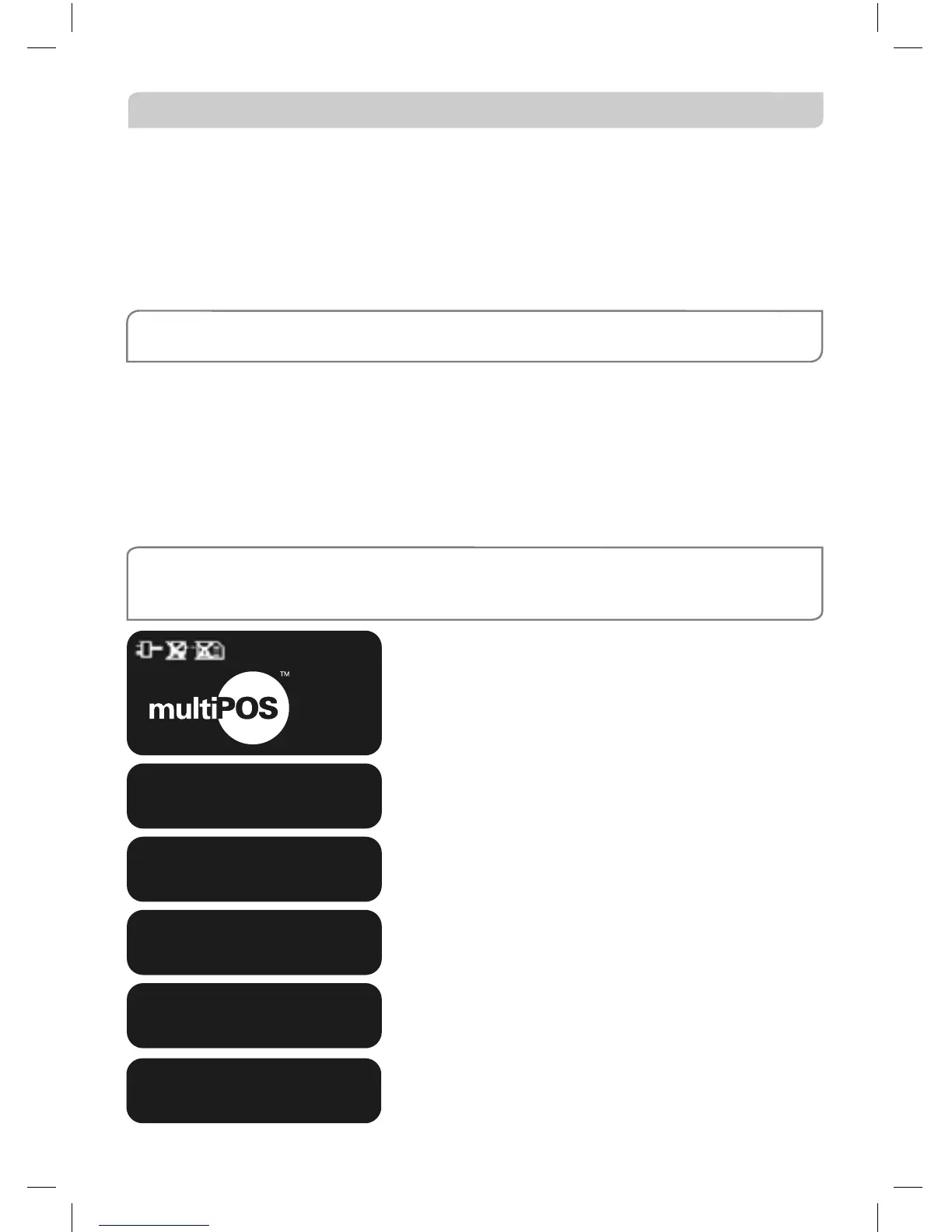
A star on the display screen represents a stored
EFB Transaction.
Press FUNC key.
Key in the number ‘88’.
The terminal displays the number of EFB
Transactions stored in the terminal. Press ENTER.
Press ENTER.
The stored EFB Transactions are being sent to be
processed.
EXTRACT ALL?
ENTER OR CLEAR
EXTRACT 023 EFB
FOR ANZ
FUNCTION
DIALLING
01/01/2005 12:08
*
SWIPE OR
INSERT
CARD
SENDING STORED
TXNS TO ANZ



 To Next Page