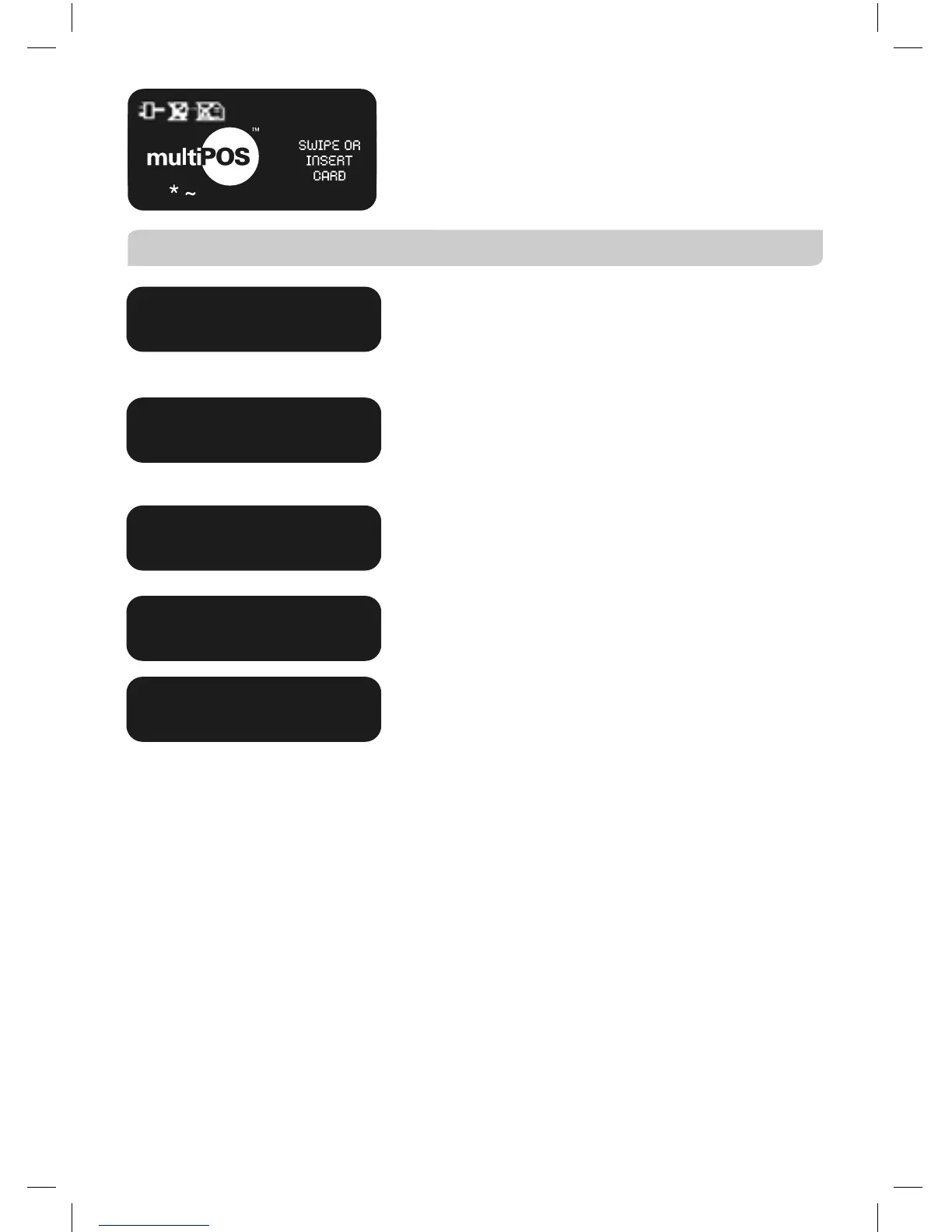
A tilde sign (~) is displayed when the terminal
has stored Tip Transactions. If the terminal also
has stored Electronic Fallback (EFB), a star (*) is
displayed in addition to the tilde sign.
Chip Card Processing
Displayed if the card is removed before the
Transaction is completed. Please ensure that the
card remains in the terminal during the Transaction
process.
Displays when there are no applications on the
chip supported by the terminal. If magnetic stripe
fallback is supported, the terminal will prompt to
swipe the Chip Card, alternatively request another
method of payment.
Displayed if the card has been blocked by the
Issuing Bank. Refer the cardholder to the Issuer
and request an alternative method of payment.
Refer the cardholder to the Issuer and request an
alternative method of payment.
The Transaction has been declined as details
on the chip and card do not match. Refer the
cardholder to the Issuer and request an alternative
method of payment.
TRAN CANCELLED
CARD REMOVED
CHIP CARD NOT SUPPORTED
TRAN CANCELLED
CARD BLOCKED
CHIP APPLICATION NOT
ACCEPTED
TRAN CANCELLED TRACK 2
MISMATCH
15/06/2007 12:08



 To Next Page