35
TC5-2V2SA.rev.05
TC5-2V2SA
2
Activating Minimum Speed Curve
If you have just finished specifying the points on the curve:
n Press the push-button once again. The word OFF flashes on the
display.
n Turn the adjustment knob clockwise by one notch. The word ON
flashes on the display and the Minimum Speed Curve Pilot Light turns
on, indicating that the minimum speed curve is now activated.
If you have previously specified the points on the curve:
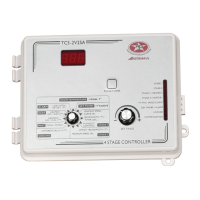
n Set the selection knob to STAGE 1 — MINIMUM SPEED / CURVE.
The current minimum speed flashes on the display.
n Press the push-button to display the points of the curve currently
defined until the word OFF appears (fourteen clicks).
n Turn the adjustment knob clockwise by one notch. The word ON
flashes on the display and the Minimum Speed Curve Pilot Light turns
on, indicating that the minimum speed curve is now activated.
3
Viewing Current Minimum Speed and Day
When the minimum speed curve is activated, the current minimum
speed and day number can be viewed at any time. To modify the day
number, refer to the section on temperature curves.
iii) Certain restrictions apply to reduce the risk of errors:
• decreasing minimum speeds are not allowed.
• the minimum speed variation cannot exceed 10% per day.


 To Next Page