10 Smart-UPS 2200/3000 VA 230 VAC Tower User Manual
Configuration
Configuration
UPS settings
Settings are adjusted through PowerChute software or optional Smart Slot accessory cards.
Function
Factory
Default
User Selectable Choices Description
Automatic
Self-Test
Every 14 days
(336 hours)
• Every 7 days
(168 hours)
• On start up only
•No self-test
Set the interval at which the UPS will execute
a self-test.
UPS ID UPS_IDEN Up to eight characters
(alphanumeric)
Uniquely identify the UPS, (i.e. server name
or location) for network management
purposes.
Date of Last
Battery
Replacement
Manufacture
Date
mm/dd/yy Reset this date when you replace the battery
module.
Minimum Capacity
Before Return from
Shutdown
0 percent • 0%
•15%
•30%
•45%
•50%
•60%
•75%
•90%
Specify the percentage to which batteries will
be charged following a low battery shutdown
before powering connected equipment.
Voltage Sensitivity
The UPS detects
and reacts to line
voltage distortions
by transferring to
battery operation to
protect the
connected
equipment.
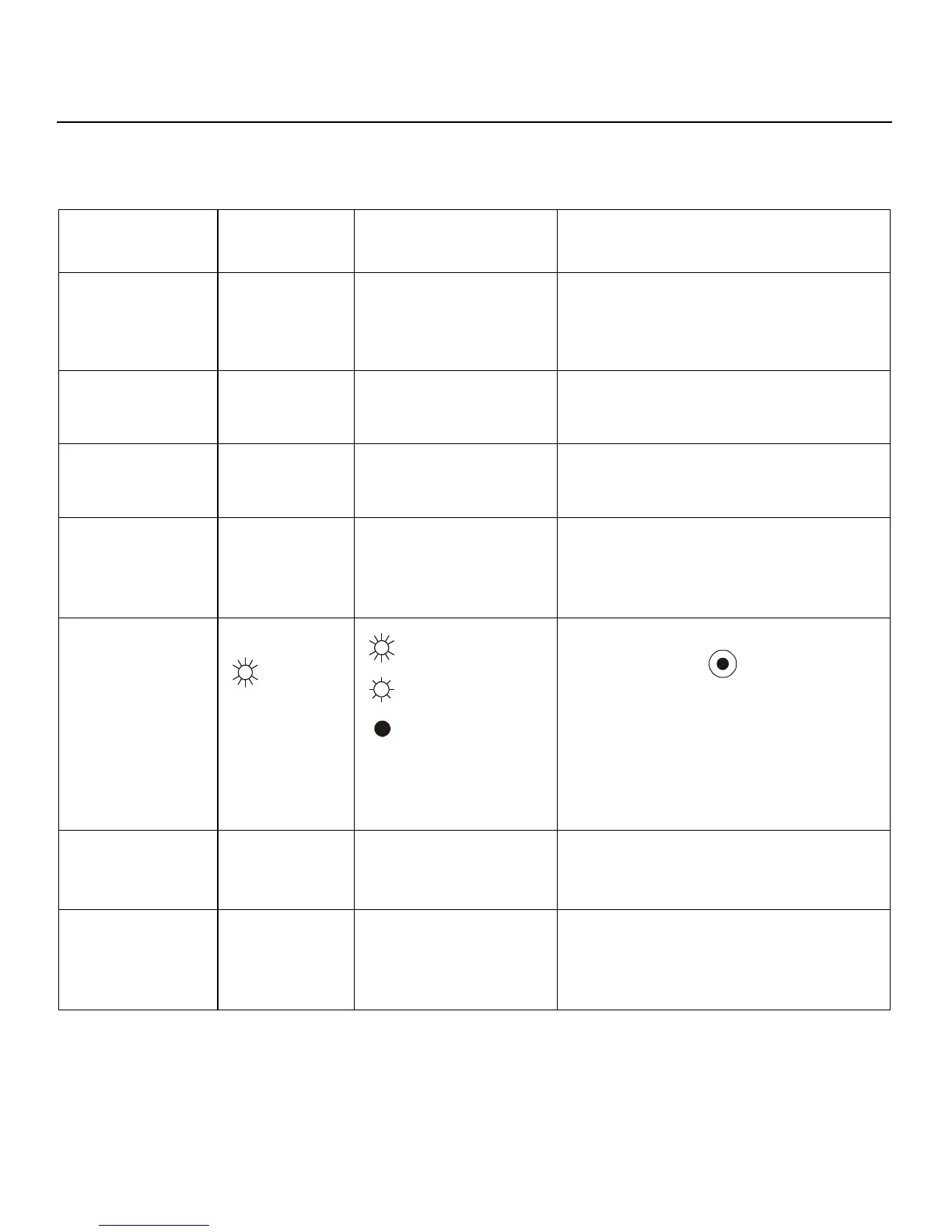
High sensitivity Brightly illuminated:
high sensitivity
Dimly illuminated:
medium sensitivity
No illumination: low
sensitivity
Adjust by pressing the VOLTAGE
SENSITIVIY switch (rear panel). Use a
pointed object, (such as a pen) to do so.
Note: In situations of poor power quality, the
UPS may frequently transfer to battery
operation. If the connected equipment can
operate normally under such conditions,
reduce the sensitivity setting to conserve
battery capacity and service life.
Alarm Delay
Control
Enable • Enable
•Mute
•Disable
Mute ongoing alarms or disable all alarms
permanently.
Shutdown Delay 90 seconds • 0 s
•90 s
• 180 s
• 270 s
• 360 s
• 450 s
• 540 s
• 630 s
Set the interval between the time when the
UPS receives a shutdown command and
actual shutdown.



 To Next Page